
- News · Education
- Estimated reading time:4 min read
How the New Stoify Import Export System Keeps Catalog Work Moving
- By Stoify
Stoify now includes reusable CSV and XLSX import and export controls for products, making it easier to move catalog data in and out without turning day-to-day merchandising into spreadsheet cleanup.
Share this page
Catalog work often slows down for reasons that have nothing to do with product strategy. A team wants to clean up naming, move items from another system, hand off a spreadsheet for review, or update records in bulk, and suddenly the workflow becomes about copying values between tools instead of improving the store.
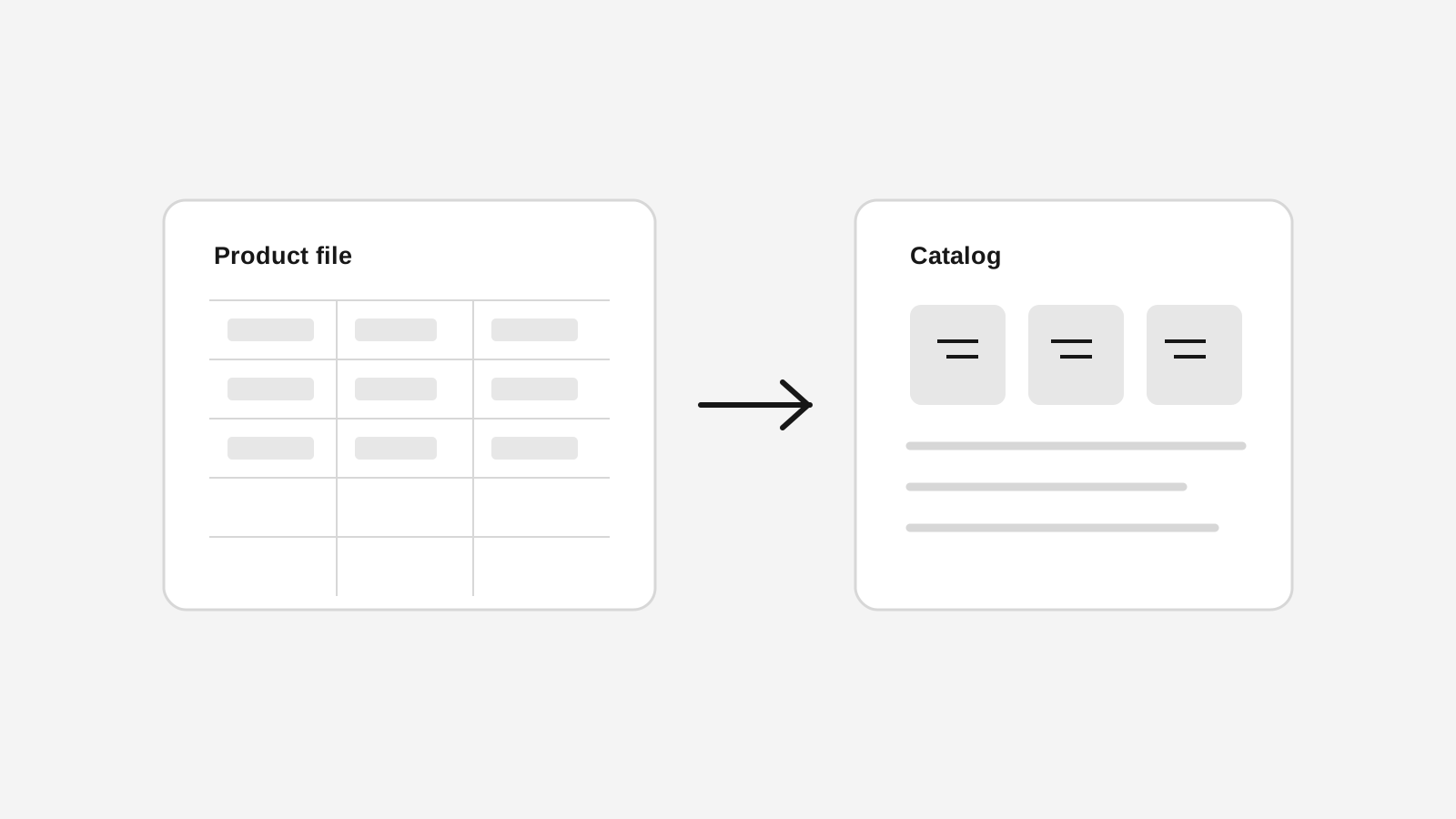
The new Stoify import export system is built to make that process calmer. Products can now be exported and imported from the dashboard with reusable CSV and XLSX controls, a shared column-mapping model, and a review step that helps merchants catch duplicate records before changes are saved.
What is new in the Stoify import export workflow
The new workflow adds import and export controls directly to the products view in the dashboard. That matters because catalog movement should stay close to the same place where merchants already manage products, not disappear into a separate admin utility.
The current release includes:
- Export options for CSV and XLSX.
- An all-catalog export by default, plus an optional site-wide product picker for focused exports.
- Import options for CSV and XLSX.
- Shared column labels and keys so exported files and imported files follow the same structure.
- Brand and ordered image-gallery columns, using pipe-separated image URLs and matching alt text.
- A review step before save.
- Duplicate detection using SKU first and slug second.
- An
Override existing recordsoption for merchants who want matching rows to update existing products instead of being skipped.
For the first version, Stoify keeps the shape intentionally focused on flat product fields, brands, image galleries, and a default variant. Image URLs are downloaded into Stoify-managed product media after safe validation, so the storefront does not depend on the original external host. That gives teams a practical path for everyday product migration and bulk update work without pushing them into a more fragile first release.
Why catalog import and export should not feel separate from product management
Many ecommerce teams still handle catalog changes through a split workflow. The storefront or admin becomes the place where records live, while spreadsheets become the place where bulk work actually happens. That split is understandable, but it creates risk.
Fields drift. Duplicate rows appear. Pricing updates happen in one place and naming changes in another. Teams spend more time checking whether imports are safe than deciding what the catalog should actually look like.
Stoify treats import and export as an extension of product management rather than a disconnected utility. The same system that holds the catalog now provides a clearer way to move data in and out, which keeps bulk edits closer to the operational surface where they matter.
The review step is the important part
File support matters, but the review step is what makes the workflow safer. Before imported rows are saved, Stoify checks them against existing products and shows where duplicates were found.
That gives merchants a much better decision point:
- Import only new rows and skip duplicates.
- Turn on
Override existing recordsand update matches intentionally. - Catch invalid rows before they touch the catalog.
This is especially useful for stores that are cleaning up a catalog over time. A merchant may receive product updates from another team, rerun a sheet with corrections, or gradually migrate products from an older system. In those moments, the question is not only whether a file can be uploaded. The question is whether the platform helps the team trust what will happen next.
Why CSV and XLSX both matter
CSV is still the simplest interchange format for catalog work, but many merchants and collaborators live in spreadsheet tools that naturally produce XLSX files. Supporting both formats removes one more small point of friction from the workflow.
That sounds minor, but minor friction is usually what makes bulk product work feel heavier than it should. If a team has to convert files manually every time they want to share or reimport catalog changes, the process becomes slower and easier to avoid.
By supporting both formats from the same control, Stoify makes the workflow more accommodating without changing the mental model. A merchant does not need to learn two different tools for the same job.
What this means for Stoify merchants
The new import export system gives merchants a more practical way to manage catalog movement when the work is bigger than a single product form but smaller than a full-scale migration project. It supports exports for review, imports for structured updates, and duplicate-aware decisions that reduce avoidable catalog mistakes.
Just as importantly, it fits the broader Stoify direction. The goal is not to add more random admin features. The goal is to keep operational workflows legible enough that teams can move quickly without creating more hidden complexity behind the storefront.
That is why this release pairs naturally with product management. Product editing handles the focused record-by-record work. Import and export handle the moments when catalog operations need more leverage.
A better foundation for bulk catalog work
Catalog systems become more valuable when they help teams move between detailed edits and batch changes without losing confidence. Stoify now gives merchants a cleaner way to do that with native CSV and XLSX support, duplicate review, and a reusable import export model that can grow into more list workflows over time.
For stores that want catalog work to stay fast as the product count rises, that is a much better starting point than relying on disconnected spreadsheets and manual cleanup alone.
Continue exploring
Related Stoify articles and feature pages connected to this topic.
Catalog
Product import and export for calmer catalog operations
Move product data in and out with CSV or XLSX, review duplicates before save, and keep bulk catalog changes close to the Stoify product workflow.

Catalog
Product management that stays fast as your catalog grows
Manage product details, variants, media, digital downloads, categories, collections, pricing, and visibility from one focused workflow.