
- Education
- Estimated reading time:4 min read
Best Ecommerce Platform for Small Teams: Why Operating Clarity Matters
- By Stoify
Small ecommerce teams usually need less platform sprawl and more operating clarity. Compare catalog, inventory, checkout, customer, and SEO workflows before choosing a platform.
Share this page
Small ecommerce teams are often told to choose the platform with the biggest ecosystem, the broadest feature list, or the longest list of add-ons. That advice sounds safe, but it often misses what lean teams actually need.
Smaller teams usually do not fail because the platform lacks edge-case flexibility. They fail because day-to-day store work becomes too fragmented. Product updates take too long. Inventory confidence drops. Search visibility gets neglected. Cart recovery lives somewhere else or becomes another disconnected setup task. The storefront looks fine, but the system behind it becomes harder to run.
That is why the best ecommerce platform for a small team is usually the one that creates the clearest operating model, not the noisiest list of options.
Small teams need leverage, not more surfaces
A lean team does not need five extra tools just because each one solves a narrow problem well. It needs a system that reduces translation work and lets optional capability arrive in a cleaner way.
That means the platform should help the same people move across:
- Product structure
- Storefront updates
- Inventory clarity
- Cart visibility
- SEO improvements
When those workflows live close together, small teams move faster. When those workflows live across separate tools, every task carries hidden coordination cost.
That is one reason Stoify now leans into site modules. Teams can start with a calmer core and enable pieces like Reviews or Analytics when those workflows become worth the extra surface area.
Abandoned cart recovery follows the same model: the optional module is off by default and can be enabled from Settings → Modules when a team is ready for dashboard cart visibility and manual reminder emails.
The same capability matrix includes wishlists, cookie consent, and loyalty points, while the core commerce workflow covers carts, checkout, shipping, invoices, shipments, returns, and digital products. For a small team, the important question is not whether every feature is used on day one; it is whether the surrounding workflow stays understandable when the next need appears.
Storefront quality still matters
Choosing a cleaner operating system does not mean compromising on customer experience.
For small teams, storefront quality is part of efficiency. A clear, responsive storefront reduces support friction, improves conversion, and makes merchandising decisions easier to understand. That is one reason we write so much about storefront UX: better experience and better operations tend to reinforce each other.
Inventory and catalog workflows should stay readable
The best platform for a small team is one that keeps the catalog and inventory model understandable.
That matters because smaller teams are usually wearing multiple hats. The same person may be adjusting product copy, checking stock, updating categories, and monitoring store performance. The platform should support that reality instead of assuming every problem has a dedicated specialist.
Two places where this becomes obvious are product management and multi-location inventory. If those workflows already feel messy early on, the store will not get easier to run later.
Look for enough detail to make the model trustworthy: product variants and digital files, on-hand versus reserved versus available stock, and clear relationships between products, categories, collections, carts, and orders. Those are the details that keep a lean team from making decisions from stale spreadsheets.
SEO has to be practical, not theoretical
Small teams rarely have time for a separate SEO operating system. They need SEO controls to live close to the work they are already doing.
That means:
- Editing metadata should not feel detached from publishing
- Important pages should be crawlable by default
- Content and commerce pages should support each other
- Search visibility improvements should be realistic to maintain over time
This is also why comparison content matters. Pages like Stoify vs Shopify and Stoify vs WooCommerce help teams evaluate platform tradeoffs with a clearer, search-driven frame.
For teams with an integration requirement, check the boundary too. Stoify's current API surface provides named keys, authenticated paginated catalog endpoints, a dashboard reference, and plan-aware rate limits, so a small team can start with a concrete integration contract rather than an undefined promise of unlimited access.
The best platform is the one that keeps momentum
Small teams are often choosing between flexibility and momentum.
The broadest platform can look attractive because it promises optionality. But optionality is only useful if your team has the time and capacity to manage it well. Otherwise, it becomes platform overhead.
Momentum usually comes from:
- Fewer moving parts
- Stronger defaults
- Optional modules instead of disconnected setup layers
- Less setup translation between systems
- Clearer visibility into what the store is doing
- A calmer path from launch to growth
What to prioritize when comparing options
If you are choosing an ecommerce platform for a small team, prioritize:
- Operational clarity over feature sprawl
- Storefront control that is easy to maintain
- Inventory and catalog workflows that stay readable
- SEO tools that fit the everyday workflow
- A system that still feels coherent after launch
The better question for a small team
Do not only ask which platform can do the most.
Ask which platform will let your team do the most without adding more operational drag.
That is usually the better path to growth, especially when the team is still lean.
Continue exploring
Related Stoify articles and feature pages connected to this topic.

Catalog
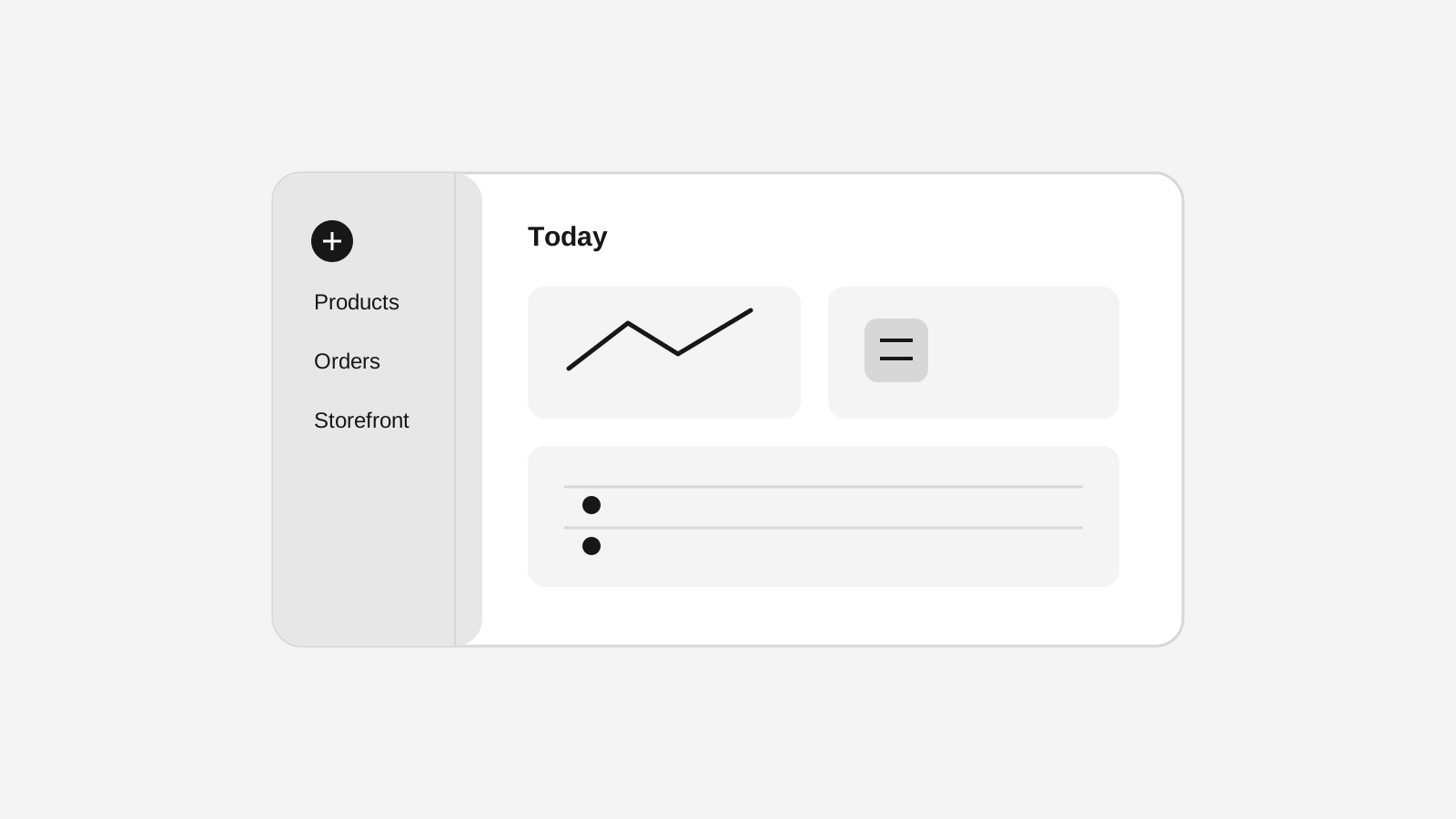
Product management that stays fast as your catalog grows
Manage product details, variants, media, digital downloads, categories, collections, pricing, and visibility from one focused workflow.
Inventory
Multi-location inventory built for calmer operations
Track stock across locations without splitting your team across extra tools. Stoify keeps on-hand, reserved, and available inventory easier to understand from day one.
Conversion
Customer wishlists for storefront demand signals
Let logged-in customers save product variants and give your team a clearer view of purchase intent from the Stoify dashboard.

Visibility
Storefront SEO controls and audits in one workspace
Manage page metadata, canonicals, sitemap coverage, and mobile or desktop PageSpeed audits from the same Stoify workflow that publishes your store.
Growth & retention
Live cart tracking that shows intent before checkout
Monitor active and abandoned carts, understand shopper intent before checkout, and follow up with reminder emails when buying momentum fades.