
- News · Education
- Estimated reading time:2 min read
How Stoify Customer Wishlists Turn Saved Products Into Demand Signals
- By Stoify
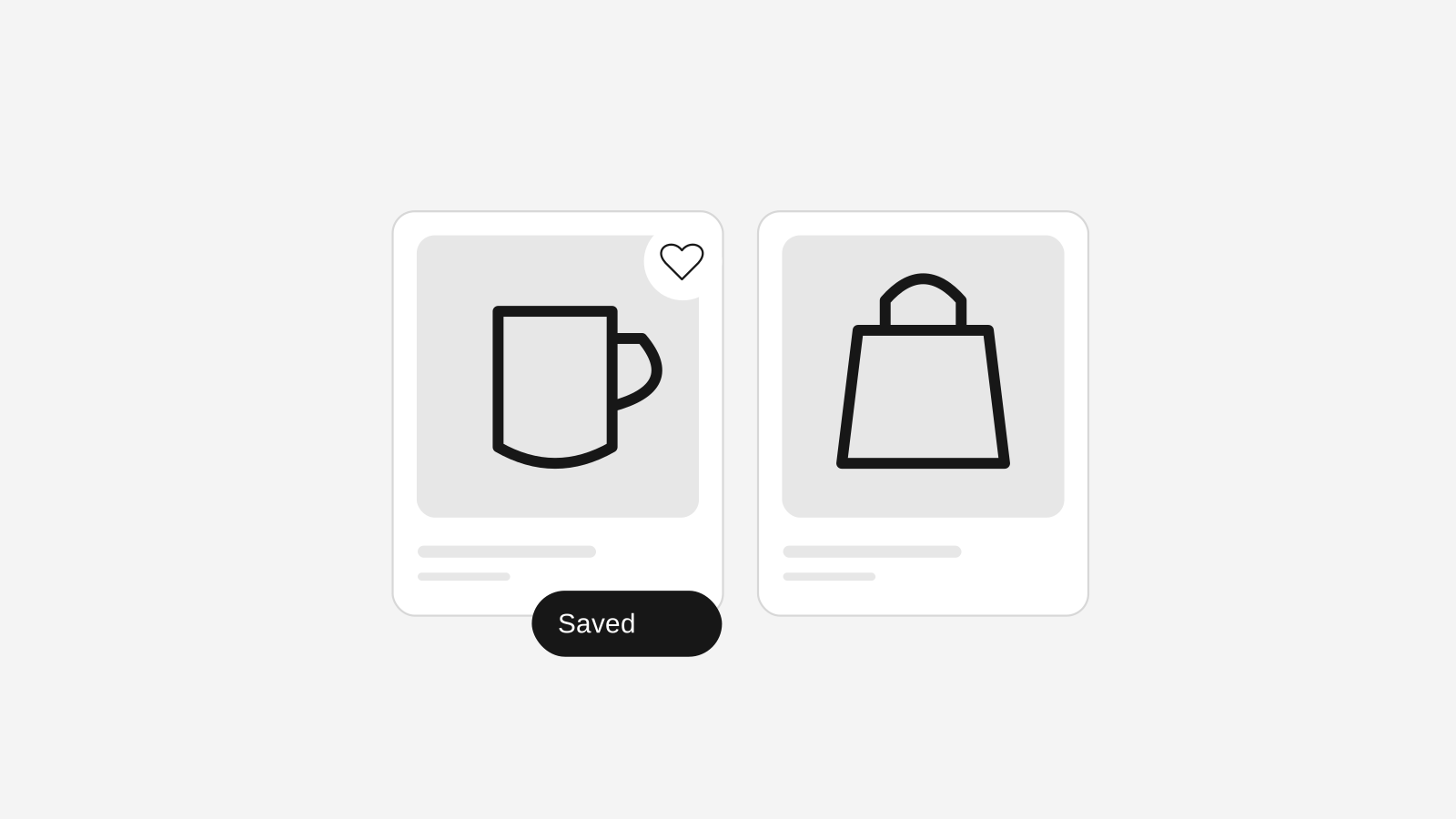
Stoify now supports customer wishlists, giving logged-in shoppers a way to save product variants while merchants track purchase intent from the dashboard.
Share this page
Wishlists are often treated like a small storefront convenience, but they can be much more useful than that. A saved product is a quiet signal that a customer is interested, comparing options, waiting for payday, checking stock, or deciding whether the product is right for them.
The new Stoify wishlist system turns that moment into something merchants can actually work with. Logged-in customers can save product variants from the storefront, and teams can review wishlist activity from the business manager alongside customers, products, carts, and orders.
What is new
Stoify now supports variant-level customer wishlists. That means a customer does not just save a general product. They save the exact variant they are considering, which is especially useful for stores with size, color, bundle, or configuration options.
The storefront product page now includes a save control for logged-in customers. If a shopper is not signed in, Stoify points them toward customer login before saving the item.
From the dashboard, teams get a dedicated Wishlists page with:
- Total wishlist saves
- Unique customers with saved items
- Unique saved products
- Wishlist saves from the last 30 days
- A searchable table of customer, product, variant, price, and saved date
Why wishlist data matters
Orders show what customers bought. Carts show what customers started buying. Wishlists show what customers are still considering.
That middle signal can be incredibly useful. If a product is regularly wishlisted but rarely purchased, the team may want to review pricing, product copy, imagery, delivery expectations, or discount strategy. If a variant is saved often, it may deserve more stock, stronger placement, or a campaign.
Wishlists can also help teams understand demand before it appears in revenue. For small brands, that can make inventory and merchandising decisions feel a little less like guesswork.
Why this belongs inside Stoify
Many commerce stacks push wishlist data into a separate app. That can work, but it often leaves the insight away from the people managing products, customers, and operations.
Stoify keeps wishlist activity inside the same workspace. A team can move from a saved item to the customer profile, from the customer profile to their orders, and from the saved product to catalog and inventory work.
That is the real benefit: less context switching, and a clearer line from shopper intent to operational action.
A stronger customer account foundation
Wishlists also make customer accounts more valuable. A shopper gets a useful reason to sign in beyond checking orders, while the merchant gets a cleaner view of interest over time.
As Stoify grows its account, cart, loyalty, review, and analytics workflows, wishlist saves become another connected signal in the storefront journey.
For merchants, that means saved products are no longer invisible. They become part of how the business learns what customers want next.
Continue exploring
Related Stoify articles and feature pages connected to this topic.
Conversion
Customer wishlists for storefront demand signals
Let logged-in customers save product variants and give your team a clearer view of purchase intent from the Stoify dashboard.

Catalog
Product management that stays fast as your catalog grows
Manage product details, variants, media, digital downloads, categories, collections, pricing, and visibility from one focused workflow.
Growth & retention
Live cart tracking that shows intent before checkout
Monitor active and abandoned carts, understand shopper intent before checkout, and follow up with reminder emails when buying momentum fades.