
- Customer accounts
- Conversion
- Estimated reading time:1 min read
Customer wishlists for storefront demand signals
Let logged-in customers save product variants and give your team a clearer view of purchase intent from the Stoify dashboard.
Share this page
Why wishlists belong near the storefront workflow
Wishlists are more than a nice account feature. They show what customers are considering before they buy, which products are building intent, and which variants may need better merchandising, inventory planning, or follow-up.
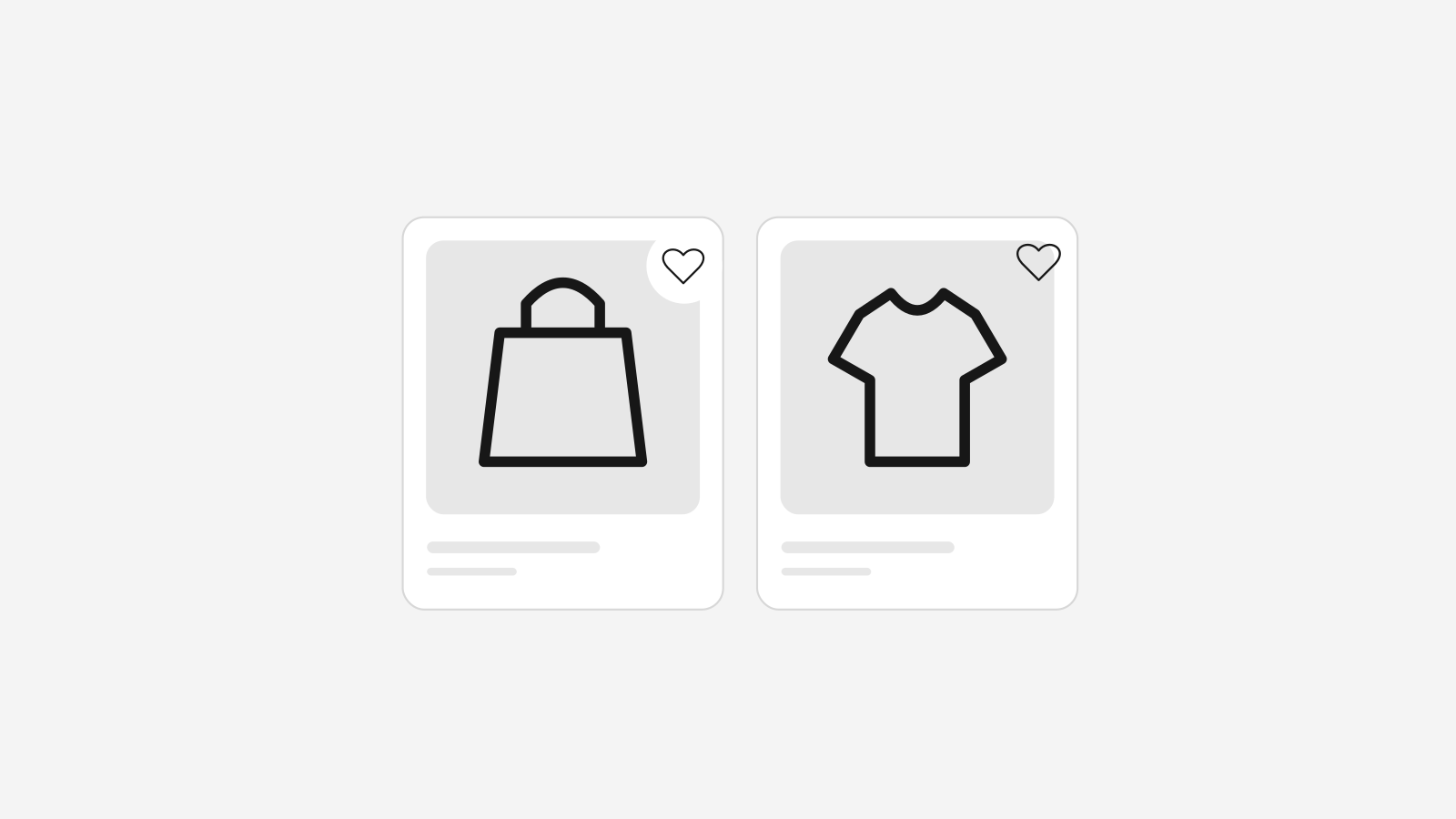
Stoify keeps that signal inside the same operating layer as products, customers, carts, and orders. A logged-in customer can save a product variant from the storefront, and the business manager can see those saves from a dedicated wishlist page.
What the wishlist workflow covers
- Variant-level saves for logged-in storefront customers.
- Product-page save and remove controls.
- Dashboard statistics for total saves, customers, products, and recent activity.
- A searchable wishlist table connected to customer and product records.
- Storefront-safe checks so only currently published products can be saved.
Better intent data without another app
When wishlist data lives away from the rest of commerce operations, it can become another disconnected report. Stoify keeps saved items close to the catalog and customer profile, so teams can move from signal to action faster.
If a product is saved often but not converting, the next step may be clearer pricing, better product imagery, an offer, or stock planning. If a specific variant keeps getting saved, the team can understand demand before it appears in orders.
Designed for modern customer accounts
Wishlist saves require customer sign-in, which keeps the signal attached to a real customer profile. That makes it easier to understand interest across the full journey: saved products, carts, orders, reviews, returns, and loyalty.
For teams already using Stoify customer accounts, wishlists become a simple way to make the account experience more useful while giving the dashboard a stronger view of purchase intent.
Related reading
Deeper Stoify writing connected to this workflow.
- News
- Education
Introducing Stoify Events and ticketing
Stoify now includes an optional Events module for publishing gatherings, selling ticket tiers, registering attendees, and sending timely customer reminders.
- News
- Education
Big Stoify Wishlist Updates Make Saved Products More Useful
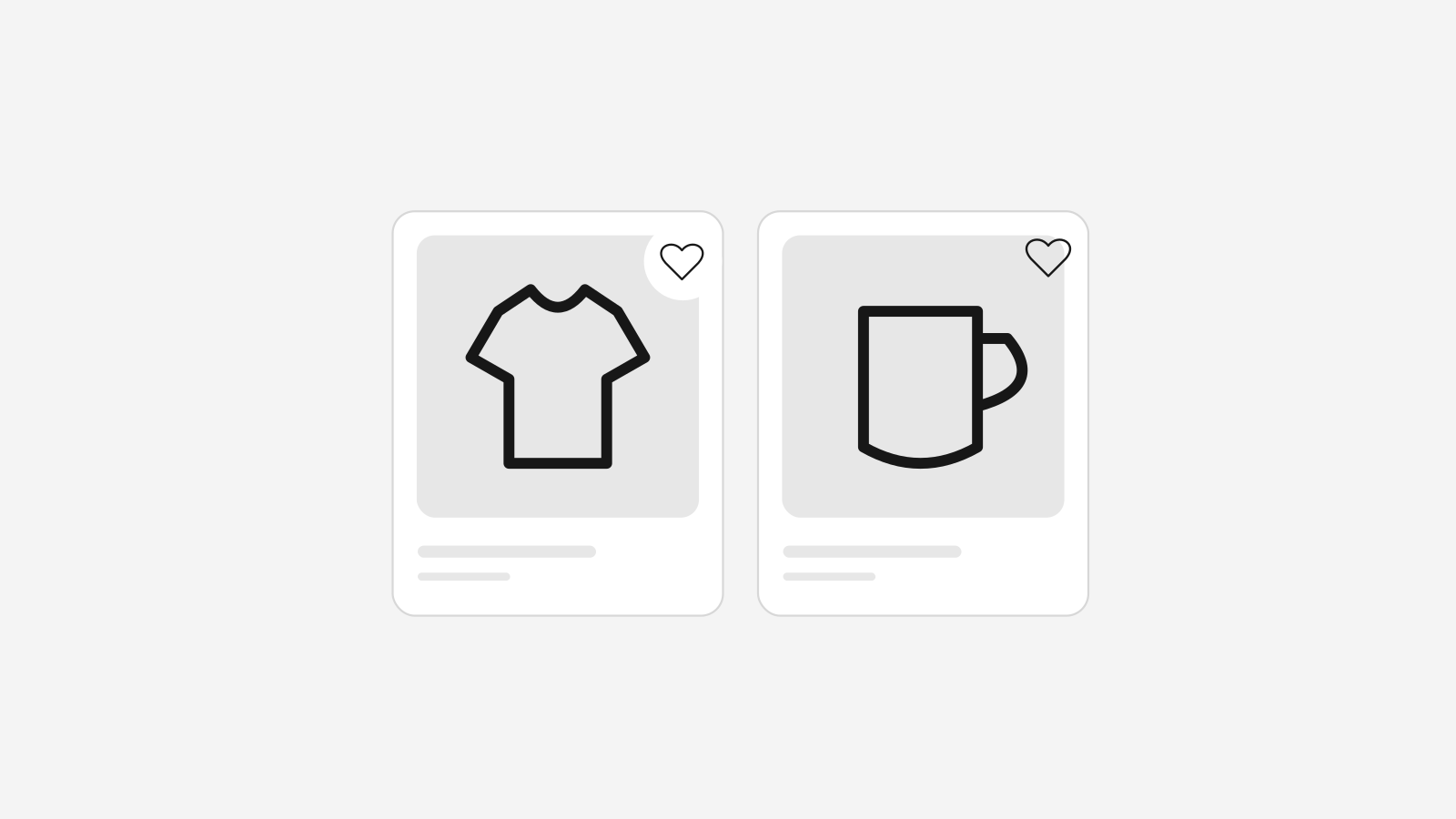
Stoify has expanded its wishlist workflow with a dedicated customer account page, storefront header access, and quick add behavior that respects assigned-location stock.
More features
Explore the rest of the Stoify feature library.
Inventory
Multi-location inventory built for calmer operations
Track stock across locations without splitting your team across extra tools. Stoify keeps on-hand, reserved, and available inventory easier to understand from day one.

Catalog
Product management that stays fast as your catalog grows
Manage product details, variants, media, digital downloads, categories, collections, pricing, and visibility from one focused workflow.