- News · Product
- Estimated reading time:1 min read
Build a better post-purchase moment
- By Stoify
The Stoify storefront builder now lets merchants preview and edit the checkout success state without creating a test order.
Share this page
The end of checkout deserves the same care as the beginning. A shopper needs to know that payment worked, what happens next, and where to find the order details. Merchants need to review that experience without repeatedly creating test records.
Stoify’s Checkout success page builder adds that workflow to the existing visual editor.
A real-looking example with no real purchase
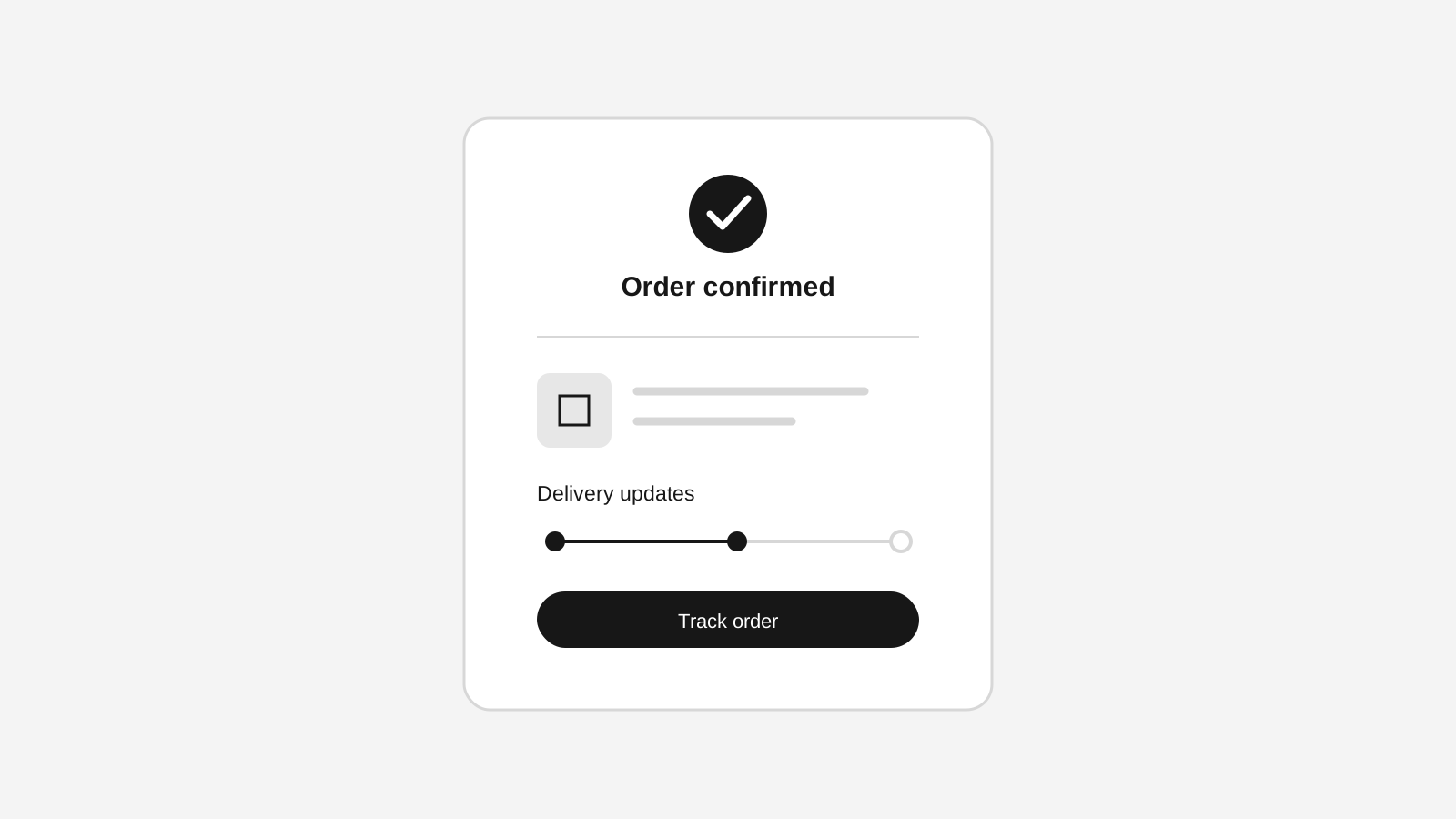
The builder can switch from the checkout form to an order success preview using a deterministic paid-order fixture. It pulls the three newest published storefront products, displays their first available variants, and keeps product links and pricing representative of the active catalogue.
The preview remains safely contained. No order, payment, email, cart mutation, or database record is created, and the existing notice makes that explicit.
Content editing without losing runtime truth
Static copy is editable inline: the main thank-you heading, confirmation message, status badge, item labels, totals, delivery guidance, payment title, and action buttons can all be tuned in context. Runtime values remain live so the editor does not accidentally turn an order number or customer email into hard-coded content.
That distinction also protects the production experience. Completed orders use the saved success configuration while continuing to render their actual date, products, address, payment details, and totals.
Familiar shadcn composition, site-aware styling
The page now uses the storefront’s standard shadcn Card, Badge, Alert, and Separator primitives. Existing checkout surface settings and semantic success or warning colors continue to control the visual system, and merchants can choose the paid-state Lucide success icon from the builder inspector.
The result is a post-purchase page that feels native to the storefront and is safe to review before launch.
Continue exploring
Related Stoify articles and feature pages connected to this topic.