- News · Education
- Estimated reading time:3 min read
Building a storefront theme from a prompt
- By Stoify
How Stoify turns a client brand brief into a reviewable JSON theme package that can be previewed, applied, and reused privately.
Share this page
A client theme should be more than a collection of screenshots and CSS values. It should be possible to review, move, apply, and keep editing the design after the first launch. That is the idea behind Stoify's prompt-driven theme package workflow.
Start with the brand brief
For a client such as MOTORVELLUM, the useful prompt is not just “make an automotive theme.” It describes the audience, the brand’s point of view, the desired pace of the shopping journey, colors, typography, responsive behavior, media constraints, and the content that needs to be editable.
The theme package contract in docs/themes/theme-package-format.md turns those
decisions into a predictable request for Codex: return one stoify.theme JSON
document with metadata, normalized storefront payload sections, and media
references. The contract deliberately excludes products, orders, customers,
users, credentials, and payments.
Keep the output reviewable
The package is a versioned JSON artifact. Stoify validates its handle, semantic version, size, required sections, and media URL safety, then runs the payload through the existing builder normalizers. That means a missing radius, a partial footer, or an older style-only library can fall back safely without creating a second theme implementation.
The result is easy to inspect in a pull request. Reviewers can see the heading and body font roles, surface colors, section spacing, hero slides, navigation, footer links, product card behavior, and responsive values in one portable file.
Preview before publishing
Importing a package creates a local preset on the site. The dashboard can apply that preset to the current storefront, while draft marketplace packages can be opened in the builder for desktop and mobile review. Preview and runtime use the same normalized theme variables and section renderer, so approval is based on the configuration that will actually publish.
When the package references public media, Stoify tries to copy it into the target site’s builder media storage. A failed copy does not discard the design: the safe original URL remains in place and the dashboard reports a warning for follow-up.
Treat the builder as the editor, not the package as the product
After importing, open the package in the storefront builder. Use the editor for the details that need a human eye: section order, responsive spacing, type scale, navigation labels, footer links, product-card behavior, and the balance between storytelling and shopping. The normalized package gives the editor a complete starting point, while the site remains free to evolve normally.
When the changes are worth reusing, export the current theme again. That creates a portable handoff for another site, a version-controlled review, or the next client iteration. The local preset stays available for the current site, so experimentation does not erase the source package.
Build a library of repeatable ideas
Reusable themes do not have to be identical storefronts. Keep focused packages for a brand’s typography and color language, an editorial home-page rhythm, a campaign landing page, a product-card treatment, or a footer pattern. A team can combine those ideas in the builder, save the result as a new package, and publish only the approved versions to the private marketplace.
This creates a practical loop: import a brief, edit visually, preview at desktop and mobile widths, export the improved configuration, and reuse the result when the next site needs the same foundation. Read the feature overview for the full import, export, preset, and marketplace workflow.
Reuse approved client systems
Super admins can publish an approved package as a private marketplace version. Owners and Admins can then install it through the existing theme workflow. A later version creates a new version record, preserving the history of what was approved and avoiding silent overwrites.
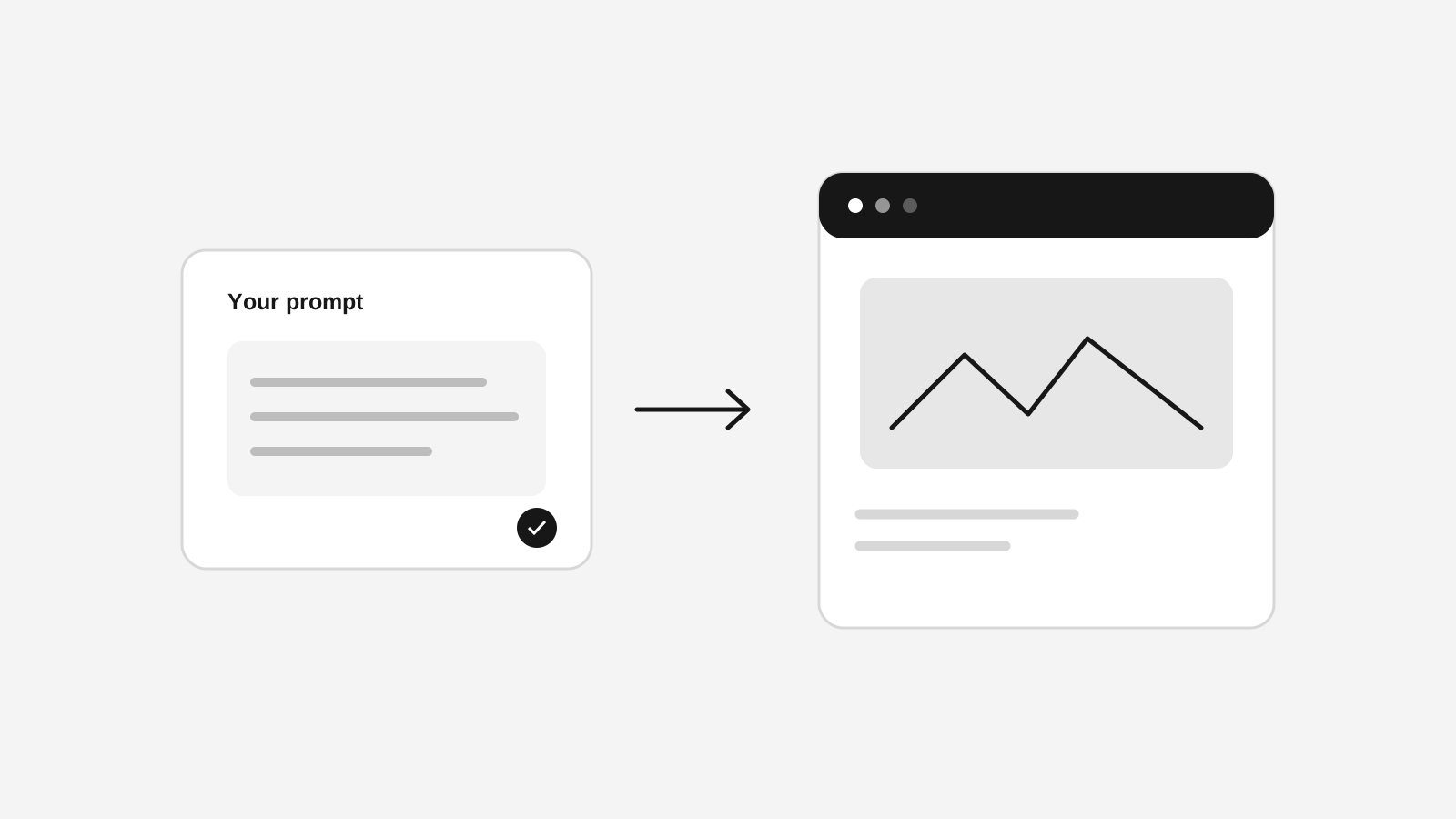
That gives teams a practical path from a prompt to a client-ready storefront: brief the brand, generate the JSON, review the normalized result, apply it to a site, and publish it privately when the design is ready to reuse. See the feature overview for the dashboard workflow.
Continue exploring
Related Stoify articles and feature pages connected to this topic.