- Product · Guides
- Estimated reading time:1 min read
How Stoify custom media storage limits work
- By Stoify
Understand what counts toward custom media storage, how plan quotas scale, and what happens when a site reaches its limit.
Share this page
Every storefront collects files: a hero image, a custom font, a product video, a PDF, or a downloadable archive. Stoify now makes the storage behind those custom assets visible and predictable.
Storage that scales with the plan
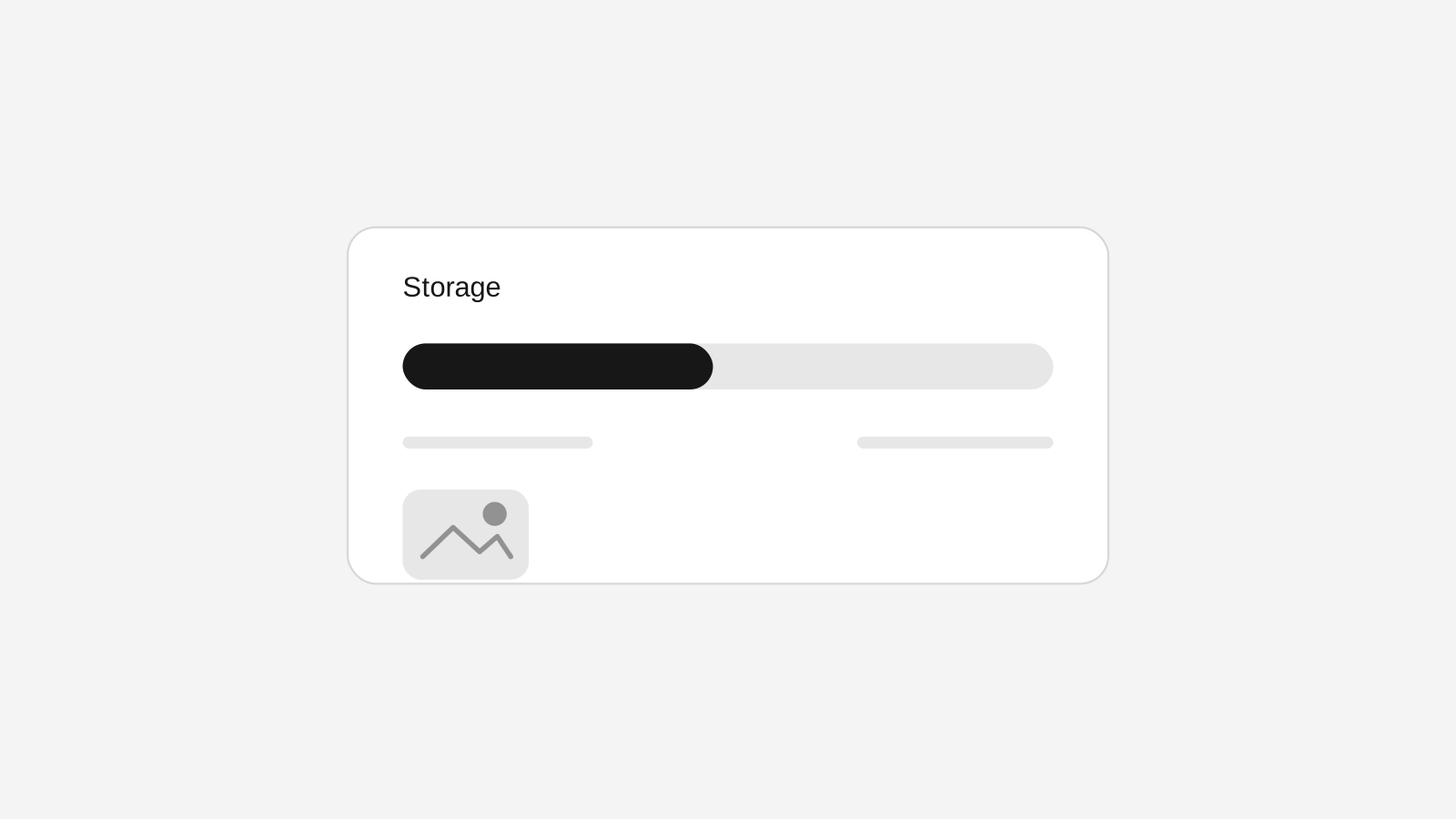
Custom media storage is measured per site. Free includes 500 MB, Pro includes 5 GB, Business includes 25 GB, and Enterprise includes 100 GB. The Usage page at /dashboard/usages shows the active site's current plan, used capacity, remaining capacity, and the next action when more room is needed.
What counts—and what does not
Files uploaded through the shared Media library, media picker, and builder media fields count toward custom media storage. Dedicated workflows stay separate: product images, product downloads, site logos, favicons, Open Graph images, event covers, and other domain-specific uploads do not consume the custom media quota.
Safe behavior at the limit
Stoify validates the complete upload before sending any file to storage. If a site is at its limit, new custom uploads are blocked until files are removed or the plan is upgraded. Existing files remain available, including when a plan is downgraded, so a plan change never deletes storefront content automatically.
The media library feature explains the broader workflow, while the Usage page gives the operational view needed before adding the next asset.
Continue exploring
Related Stoify articles and feature pages connected to this topic.