- News
- Estimated reading time:1 min read
Introducing portfolio blocks for the Stoify page builder
- By Stoify
Create a personal introduction, skills section, contact links, photo timeline, and project case studies with five new portfolio layouts.
Share this page
Your storefront can also tell people who you are and what you make. Five new portfolio layouts bring personal introductions, biographies, contact links, photo timelines, and project case studies into the page builder.
Start with your introduction
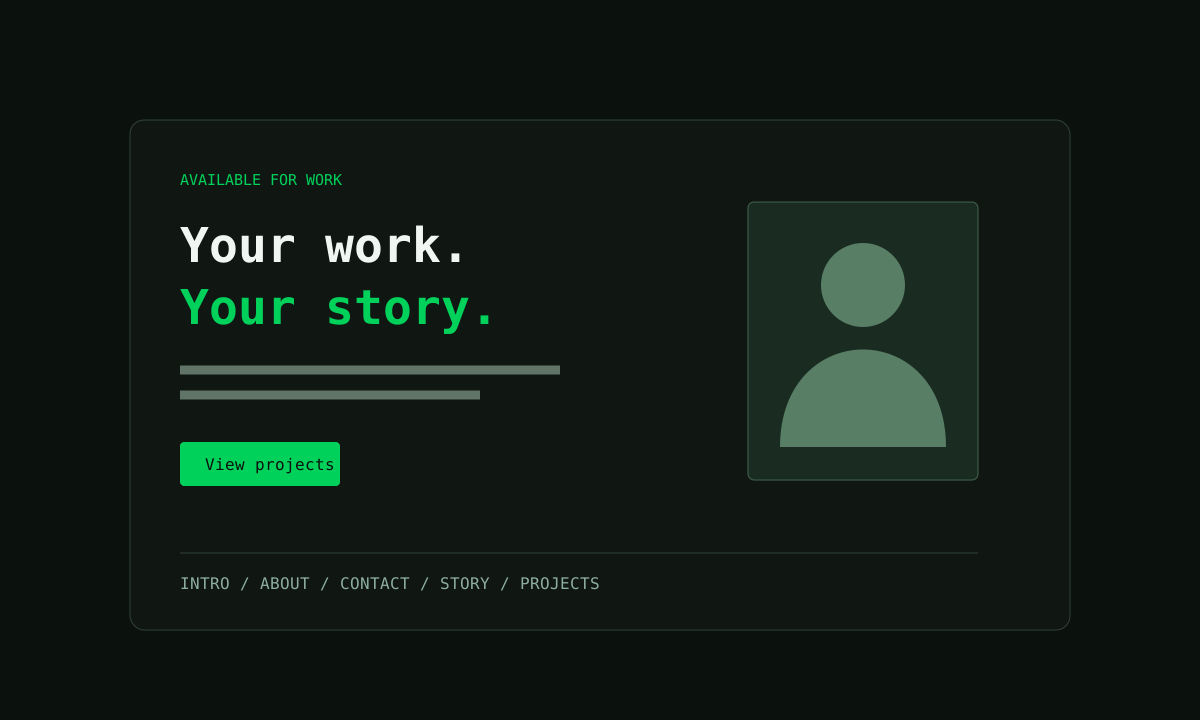
Add Portfolio Intro from the Content section catalog. Replace the starter name and description, upload a portrait, and point the buttons to your projects and contact section. Social links sit below the introduction.
Use Portfolio About & Skills for a longer biography and a compact list of profile facts. Comma-separated skills become individual tags. Portfolio Contact gives visitors labelled links to reach you.
Show the journey and the work
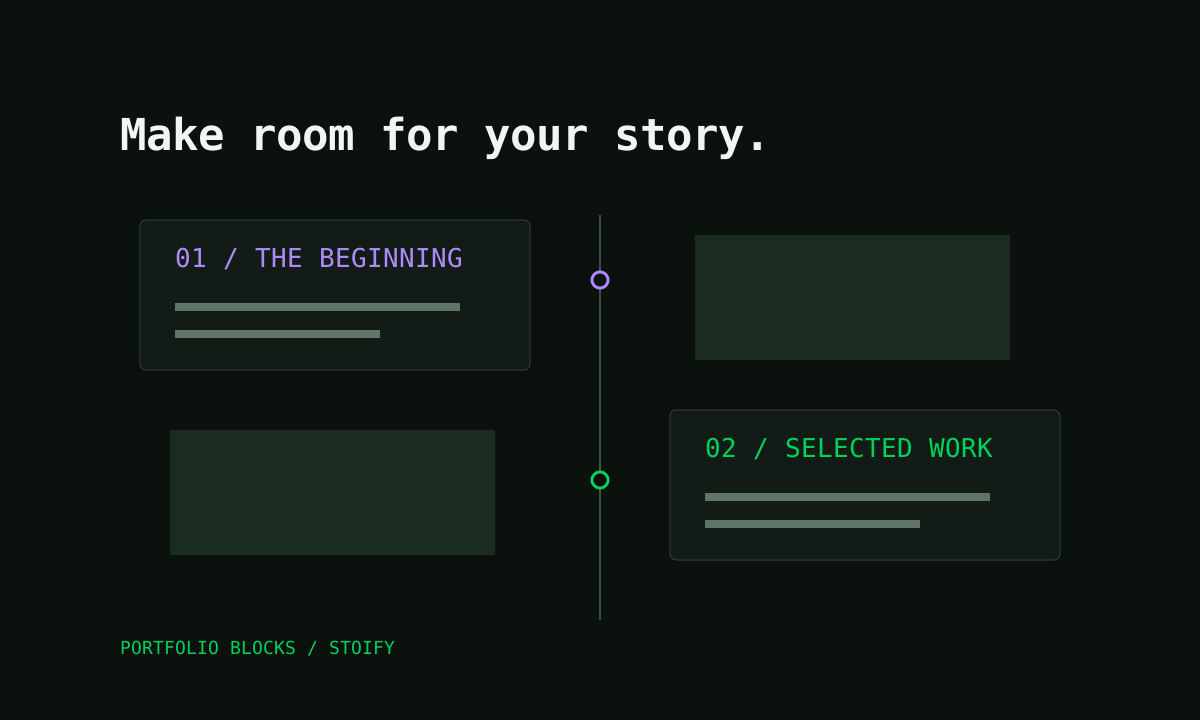
The Story Timeline layout pairs milestones with optional photos, dates, and tags. Reorder entries in the inspector to tell the story in your chosen sequence. On small screens, each milestone and its photo stay together.
Add Project Detail for each case study. Give it a cover image, technology tags, and numbered explanations of the problem, approach, and result. Each detail can include an image and a link to the project.
All five layouts use the existing preview, save, and custom-page workflow. Read the portfolio page builder feature guide for setup and editing details.
Continue exploring
Related Stoify articles and feature pages connected to this topic.