
- News · Education
- Estimated reading time:3 min read
Introducing Stoify Forms and submission workflows
- By Stoify
Stoify now includes an optional Forms module for building storefront forms, reviewing submissions, and drawing visual email follow-up workflows.
Share this page
A storefront form should be more than a generic inbox. It should ask the right questions, keep the response attached to the right site, and make the next action obvious.
Today we are introducing Stoify Forms, an optional module for building custom storefront forms, managing their submissions, and drawing what should happen after a visitor presses submit.
Fields stay flexible and structured
The editor supports ten field types, from text and email through dates, checkboxes, and selects. Every field has both a display name and a machine-friendly submit key, so a merchant can write clear labels for shoppers while keeping workflow tokens predictable.
Fields can be dragged into order or moved with explicit arrow buttons. That makes the editor useful with a pointer and dependable from the keyboard.
Password inputs are supported for workflows that genuinely need an ephemeral secret, but their values are never persisted, displayed in the submission viewer, or exposed to email nodes.
Each form gets a clear storefront home
A published form has a dedicated /form/{slug} route. Merchants can also add the same form to a custom storefront page through the page builder, then tune its heading, intro, width, alignment, submit label, and success copy.
The Forms module is off by default. Until it is enabled from Settings → Modules, its dashboard routes, public forms, builder catalog item, and form-specific theme controls remain unavailable.
Submissions are visible, searchable, and redacted
The dashboard starts with form, publication, submission, and workflow-failure statistics. Each form has its own searchable submission table and a detailed response viewer.
The viewer is intentionally explicit about sensitive data. A password field says that its value was not stored rather than leaving the merchant to guess why it is missing.
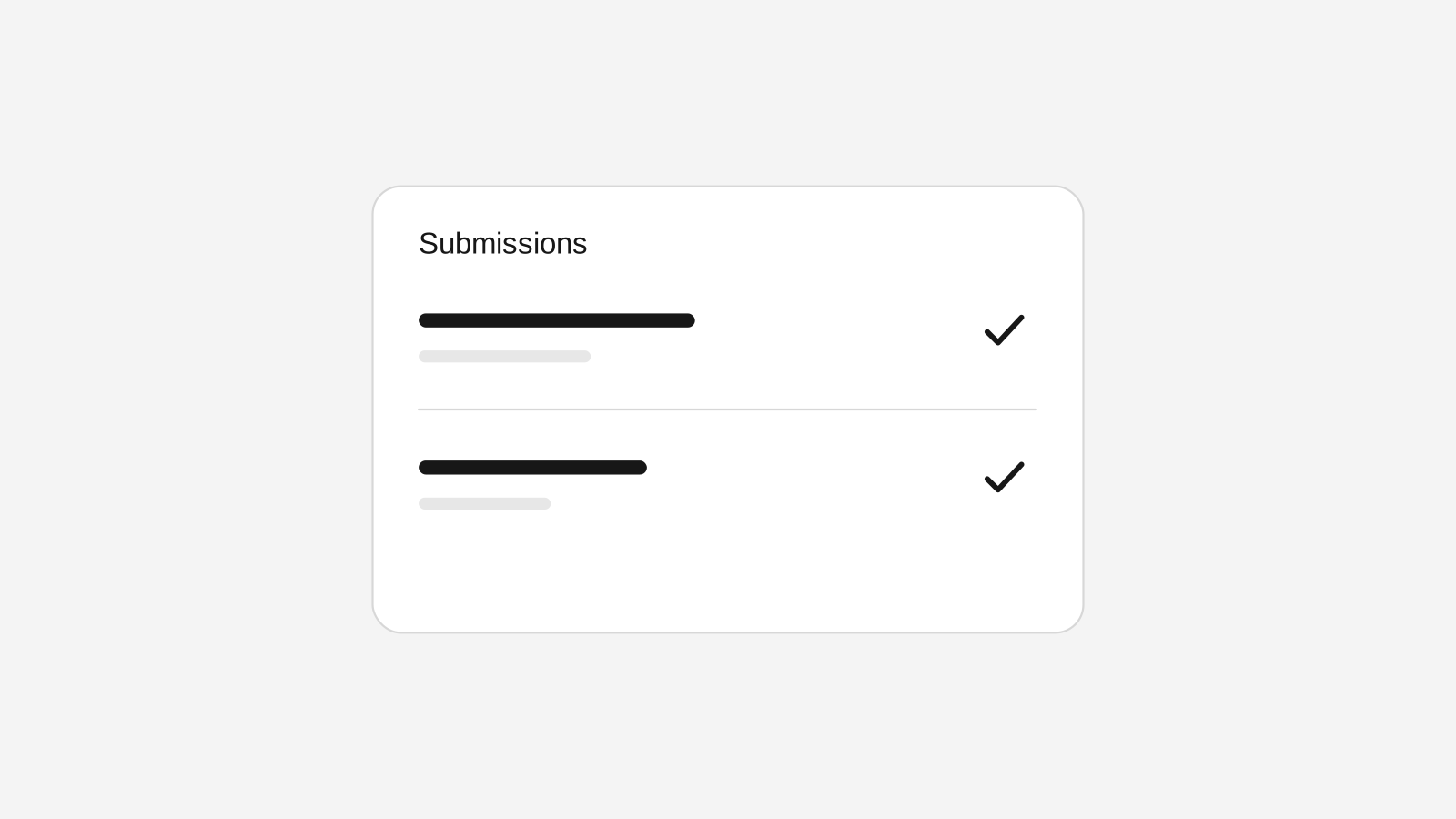
For faster day-to-day work, the form editor now has a dedicated Submissions tab beside fields and workflow settings. Merchants can search responses, move through paginated results, review workflow status, remove records when needed, and open the full detail view without first returning to the Forms list.
Follow-up becomes a graph
The first workflow node catalog is deliberately focused. A Start cap represents the completed submission, Email nodes handle follow-up, and an End cap marks the finished path.
Nodes can move anywhere on the board. Connections have visible arrows and explicit connect, disconnect, and remove controls. Before saving, Stoify checks that the graph has one start and one end, contains no cycles, has no disconnected nodes, and gives every node a route to the finish.
The canvas is also built for larger workflows. Nodes remain snapped to the grid, the empty board can be dragged to pan, and zoom controls with keyboard shortcuts make it easier to move between the overall graph and detailed connection edits. Live arrows, endpoint handles, and bend controls follow the graph as it is edited.
The submission is stored before the workflow runs. If an email provider fails, the response remains available, later reachable nodes continue, and the dashboard marks the workflow for attention without showing an internal provider error to the shopper.
On the storefront, fields render through accessible shadcn controls and are validated with React Hook Form and Zod before the submission action runs. That keeps field-specific rules close to the customer interaction while preserving the server-side validation boundary.
Read the full Custom forms and visual submission workflows feature guide, then enable Forms when your storefront needs a workflow that starts with better questions.
Continue exploring
Related Stoify articles and feature pages connected to this topic.

Optional module
Custom forms and visual submission workflows
Build site-specific forms, publish them at a clean storefront URL, inspect every submission, and automate follow-up with a visual email workflow.

Visibility
Storefront SEO controls and audits in one workspace
Manage page metadata, canonicals, sitemap coverage, and mobile or desktop PageSpeed audits from the same Stoify workflow that publishes your store.