
- News · Product
- Estimated reading time:1 min read
Introducing the Google tag add-on
- By Stoify
Google tag tracking now has a dedicated site-scoped add-on in Stoify, with an optional Cookie Consent gate.
Share this page
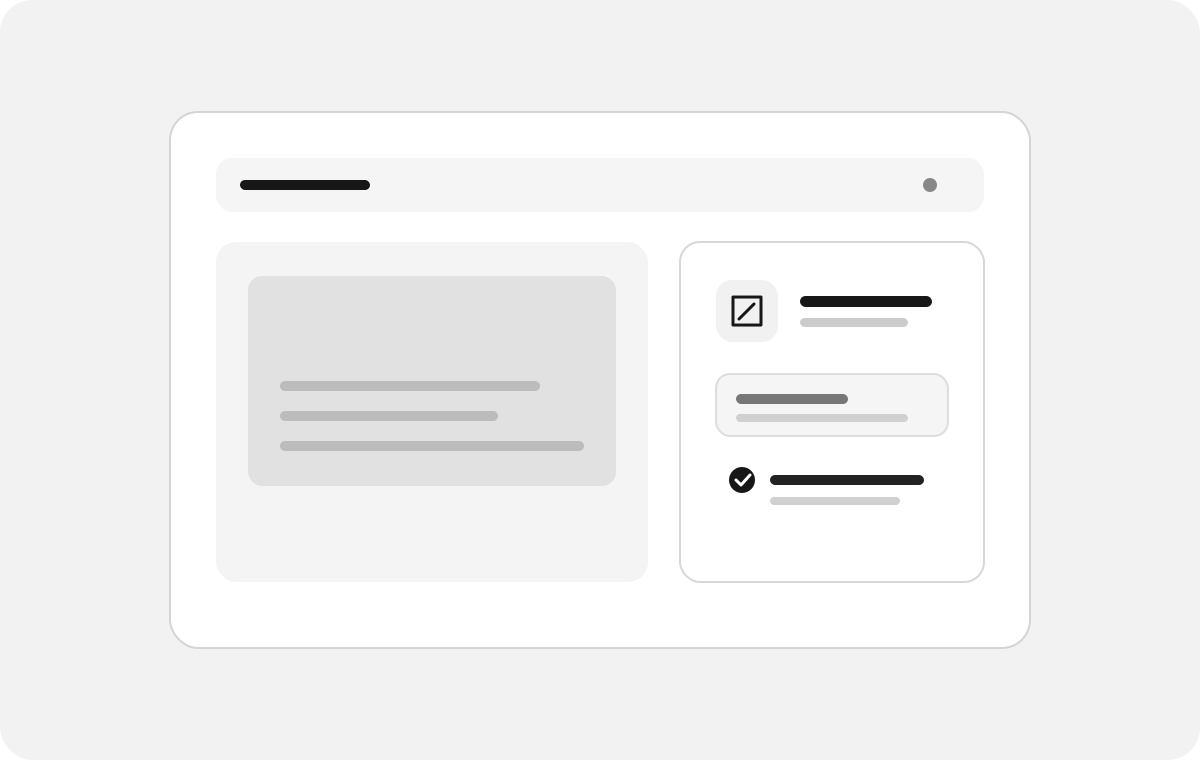
Google tag configuration now lives in Stoify's add-ons area. Merchants can connect a Google Analytics or Ads tag to a specific storefront and control when it loads.
The new configuration keeps the setup direct: enter a Google tag ID, enable the add-on, and optionally require visitors to accept the Cookie Consent banner before tracking starts. A declined choice keeps the tag unloaded. If Cookie Consent is disabled, tracking loads without waiting for a banner.
This gives merchants a clear connection point for external tracking while keeping consent behavior visible beside the tag settings.
Read the Google tag add-on feature guide for configuration details.
Continue exploring
Related Stoify articles and feature pages connected to this topic.
Add-ons
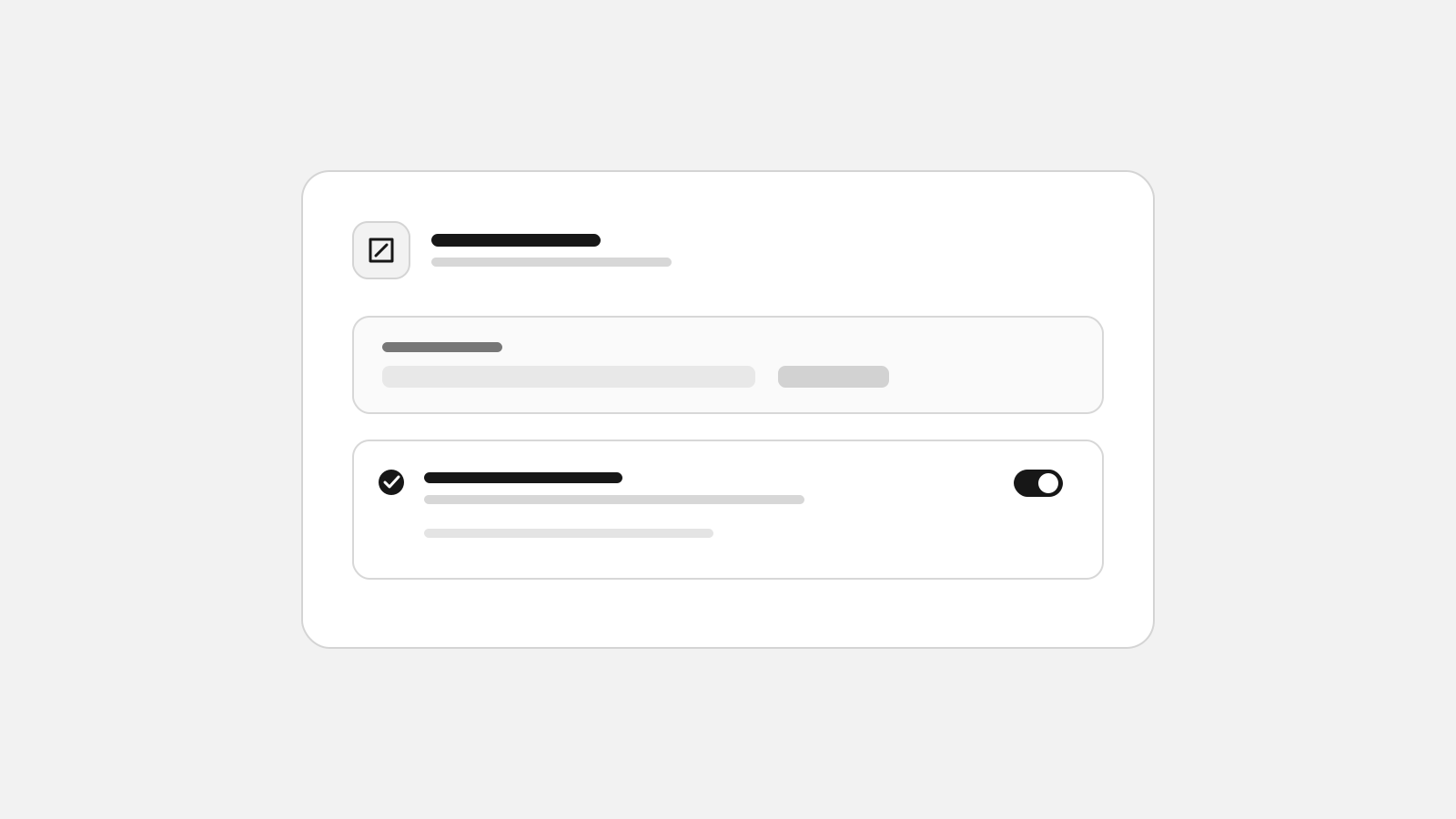
Google tag add-on for storefront tracking
Connect a Google tag ID to a Stoify storefront and control whether tracking waits for Cookie Consent acceptance.
Compliance
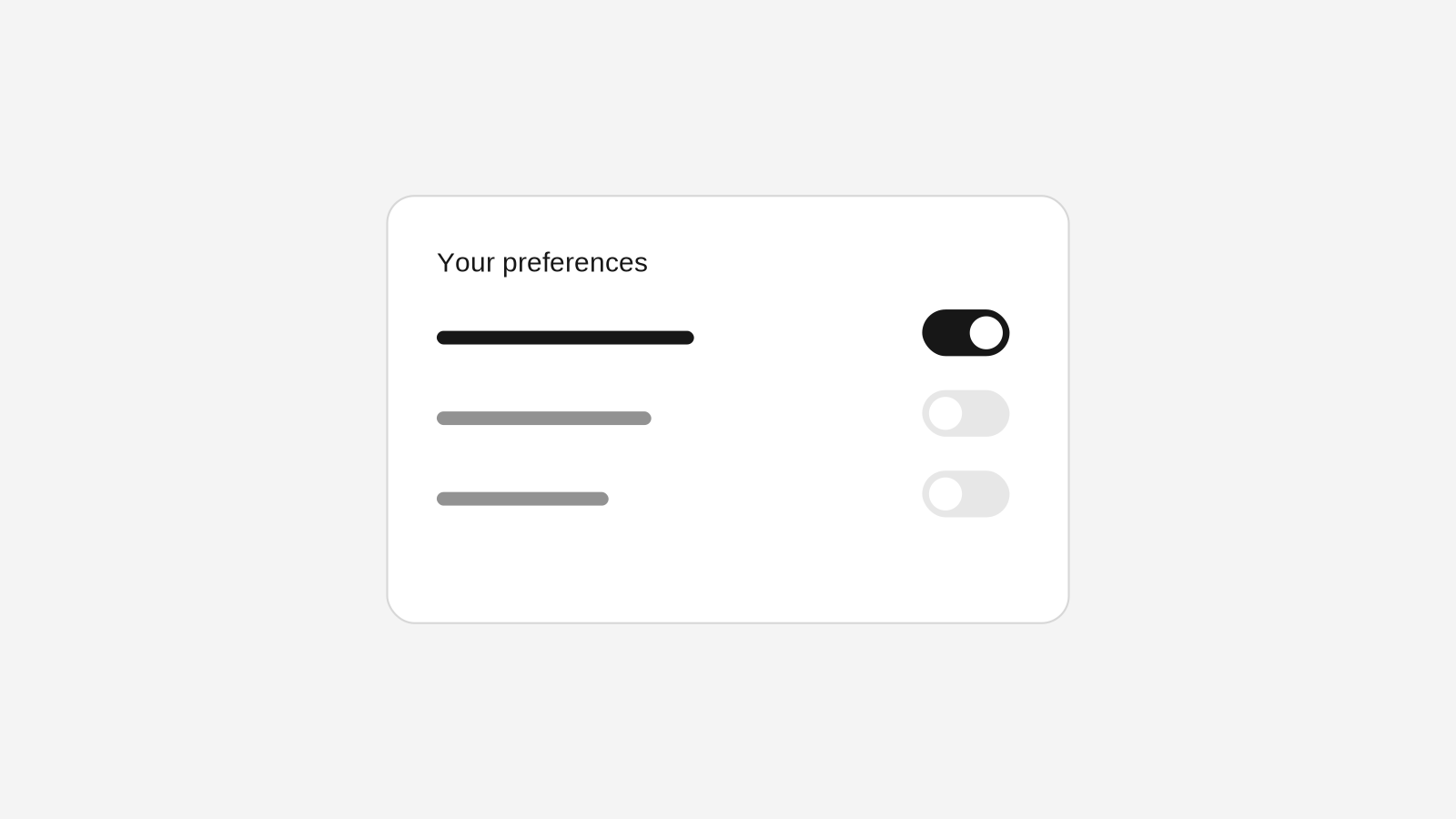
GDPR cookie consent for GA4-ready storefront analytics
Add a native cookie consent banner to Stoify storefronts, customise the message per site, and support clearer GDPR-friendly analytics setup alongside Google tag tracking.