
- Education
- Estimated reading time:4 min read
Make a demo storefront with Stoify Free
- By Stoify
Use one Stoify Free site to present a sample catalog, test the shopping journey, and collect useful feedback before a real store launch.
Share this page
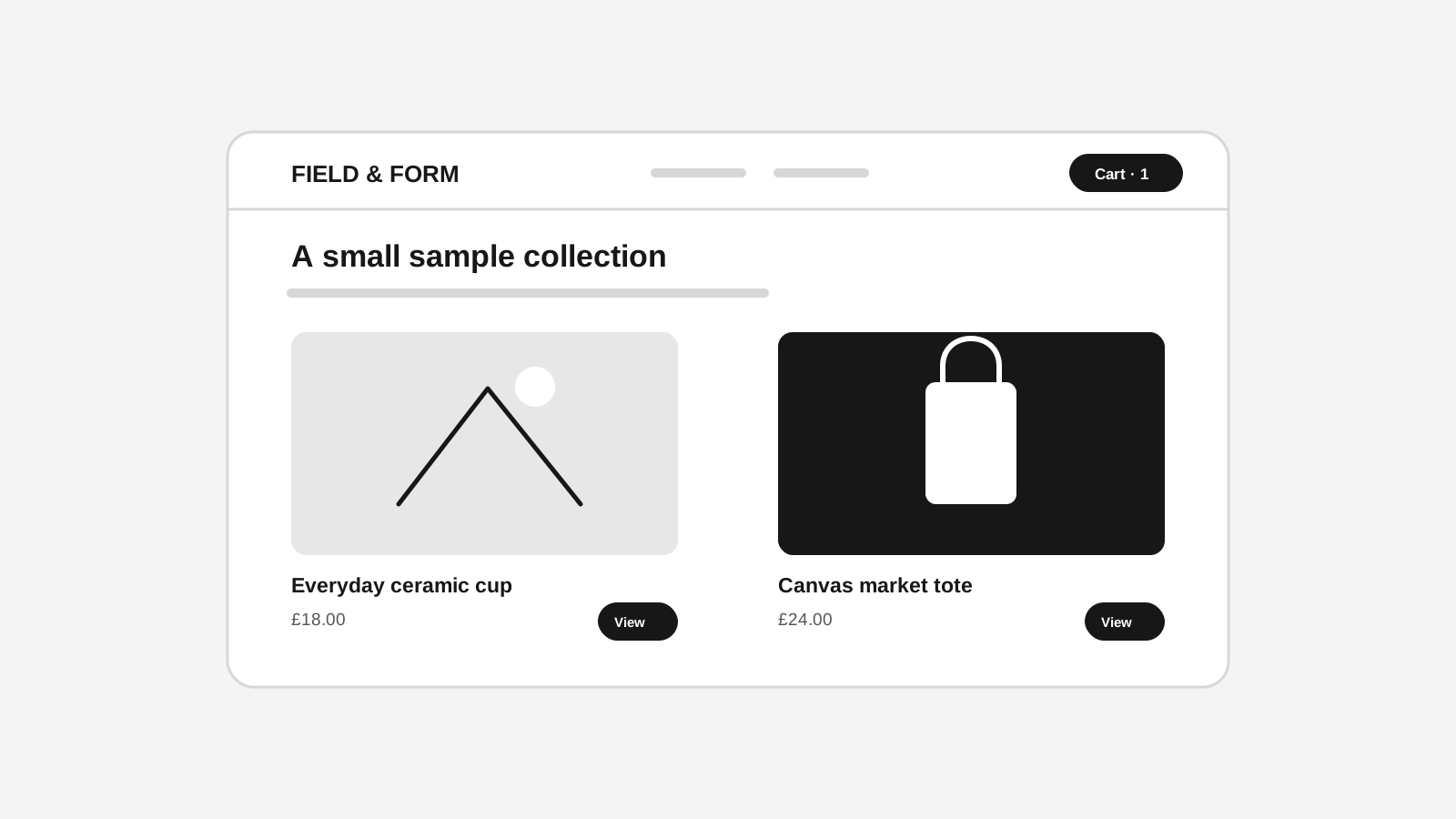
A demo storefront gives an idea somewhere real to live. Instead of describing a future shopping experience in a slide deck, you can show a homepage, a few products, and the route from product discovery to cart. That makes feedback more concrete: people can react to the offer, the layout, and the words in context.
Stoify Free includes one site, which makes it a useful sandbox for a single demo or early store concept. You can create a small catalog, shape the storefront in the visual builder, and share the Stoify address with reviewers. Keep the project clearly marked as a demo, and use sample products and content that you have permission to publish.
Decide what the demo should prove
A demo works best when it answers a focused question. For example:
- Can a customer understand what makes this product different?
- Does the proposed collection structure help people find the right item?
- Does the brand direction feel credible to the intended audience?
- Can a shopper move from a product page to the cart without confusion?
Choose one primary question and make the sample experience support it. If the goal is to review visual direction, you may need only a homepage and a few representative products. If the goal is to review the buying journey, include the product options, cart, and checkout preview as well. A narrow demo is faster to improve and easier for reviewers to understand.
Add a representative catalog
Create a handful of products that show the range of the concept. A sample catalog might include a core product, a lower-priced entry item, and a product with options. Give each item a clear name, useful description, price, and one strong image. Stoify's product management workflow keeps product details, variants, media, categories, and collections connected to the storefront.
Avoid adding dozens of placeholder products just to make the store look busy. Three believable examples are more useful than a large catalog with generic copy. Use realistic option names and product information, but label invented claims and testimonials as sample content. If your concept depends on a particular collection, build that collection and make it easy to find from the navigation.
The Free plan currently allows one image per product and one inventory location. Plan the demo around those limits: choose the image that best explains each product and keep stock assumptions simple. See pricing for current plan details.
Shape the storefront around the concept
Use the visual builder to establish the first impression and the route through the catalog. A practical demo homepage might include:
- A short opening statement that explains the offer.
- A featured collection or a few selected products.
- A compact section explaining what makes the concept useful.
- A clear route to browse, ask a question, or continue shopping.
Keep navigation labels familiar, product cards consistent, and calls to action specific. Review the page at desktop and mobile widths. On a phone, check that the first screen says what the store is, product images remain legible, and the main route is easy to tap.
Review the journey, not only the homepage
Ask someone unfamiliar with the idea to complete a short task: find a product, understand its options, add it to the cart, and explain what they expect to happen next. Watch where they pause. Their hesitation is more useful than a general “looks good” because it points to a particular label, missing detail, or unclear action.
Stoify's customer preview workflow helps review customer-facing routes and temporary cart states in the builder. Use it to inspect product pages, the cart, and checkout presentation. The builder preview is for reviewing the experience; payment and order finalization are disabled there. If you need to test a real payment or take orders, configure the appropriate production setup and confirm those details before inviting customers.
Share the demo with a useful prompt
The Free plan uses a Stoify address rather than a custom domain. Send reviewers the link with one or two questions instead of asking for broad feedback. For example: “What would you expect to find under this collection?” or “At what point would you feel ready to add this to your cart?” Make it clear which details are final and which are placeholders.
After each review, note the observation, the page or step where it happened, and the change you plan to try. This keeps the demo connected to decisions rather than becoming a presentation that is polished once and forgotten.
Know when the demo has done its job
A demo is useful when it reduces uncertainty. It may help a team agree on a brand direction, give a client something to review, or reveal that product information needs work before launch. It does not prove demand by itself, and positive reactions to a prototype are not the same as completed purchases.
Start with one concept, make the key experience tangible, and use what you learn to choose the next step. Stoify Free gives that early work a published place to begin; the pricing page explains the options if the project grows beyond a single demo site.
Continue exploring
Related Stoify articles and feature pages connected to this topic.

Catalog
Product management that stays fast as your catalog grows
Manage product details, variants, media, digital downloads, categories, collections, pricing, and visibility from one focused workflow.
Storefront builder
Storefront builder customer preview and temporary cart
Preview customer account journeys, build a temporary cart, and review checkout safely inside the storefront builder without changing production customer or order data.