
- Education
- Estimated reading time:4 min read
Use Stoify Free to test an ecommerce proof of concept
- By Stoify
A practical way to test an ecommerce idea with one small storefront, a focused hypothesis, and a clear review plan before investing in a full launch.
Share this page
A proof of concept should reduce a specific uncertainty. It is not a miniature version of every feature you might eventually want. For an ecommerce idea, the important question could be whether people understand the product, whether a small catalog is easy to browse, or whether the proposed offer feels worth exploring.
Stoify Free gives you one site to make that idea tangible. You can arrange sample products, build a storefront, and invite people to react to a published experience at a Stoify address. Keep the scope small enough to change quickly, and be clear about what the prototype can and cannot demonstrate.
Write down the assumption first
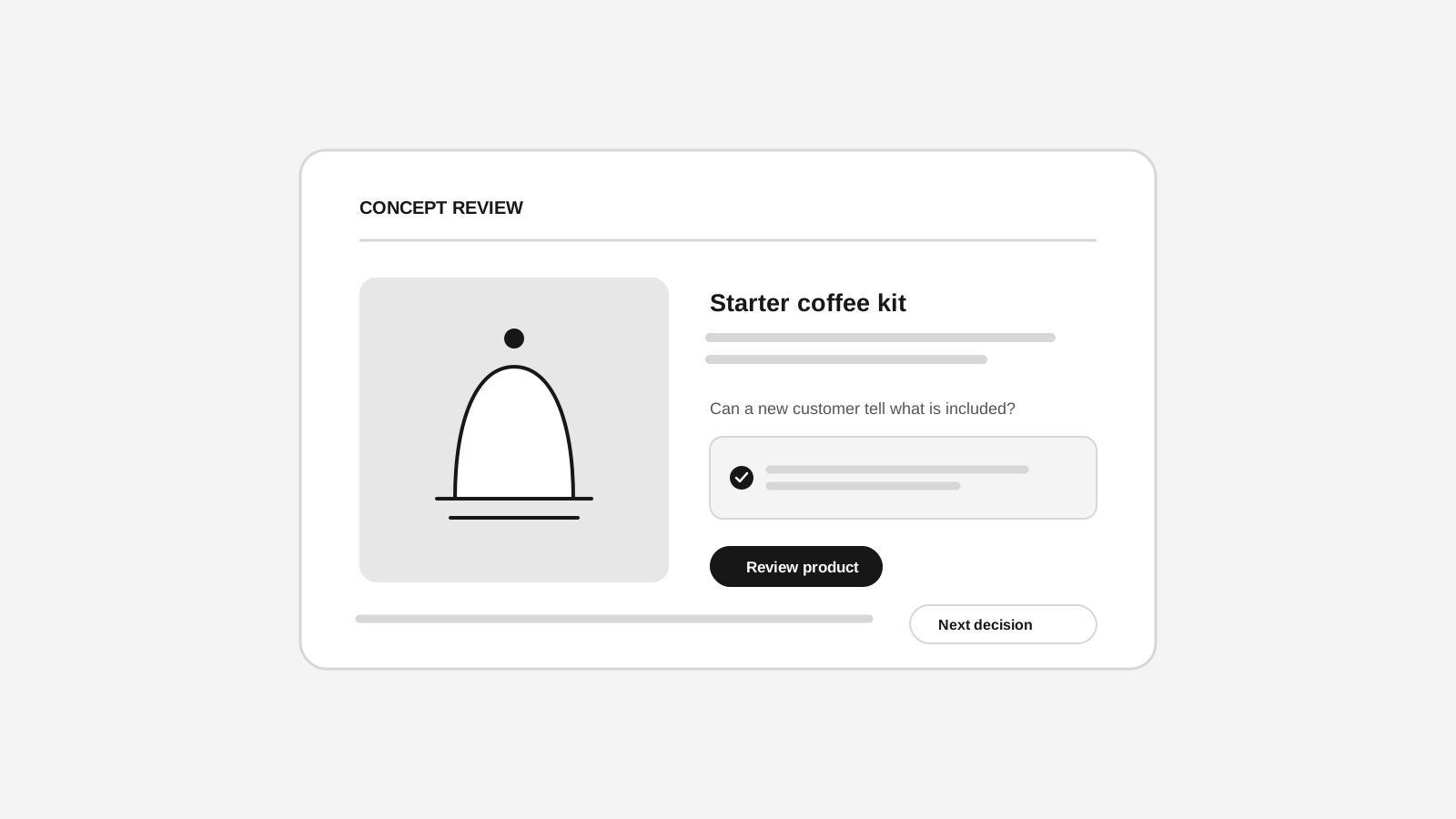
Start with a sentence that can be checked. For example: “People buying a first home coffee kit need a simple way to compare starter bundles,” or “Local cyclists will understand the value of this repair service from a focused product page.” The assumption should describe a customer and a decision, not just a feature you would like to build.
Then decide what evidence would make you revise the idea. You might look for whether someone can explain the offer after seeing the homepage, whether they choose the intended product, or what information they ask for before adding it to a cart. A good POC has a learning goal before it has a design system.
Build only the parts that answer the question
Create a representative catalog with a few products. Include the option or variant that matters to the hypothesis, and write descriptions that explain the real choice a customer would make. Use accurate information where it is available. Mark any sample price, stock status, testimonial, or delivery claim that is invented for the prototype.
Use the storefront builder to add just enough context around those products. A short homepage, a relevant collection, and a clear product page may be enough. Keep the navigation simple and make the next step easy to find. The product management guide describes how the catalog details connect to the storefront.
The Free plan currently includes one site, one inventory location, one image per product, and owner-only access. Those boundaries can help keep a POC focused, though they may not fit a test that depends on multiple collaborators, locations, or product photography variations. Review current plan details before you design a test around a capability.
Test a real task with a real person
Avoid asking, “Do you like it?” Instead, give someone a small task and let them think aloud. You could ask them to find the right product for a specific need, compare two options, or explain what they think happens after selecting an action. Do not guide them through the page unless they are stuck; the point is to see what the page communicates on its own.
Record observations in plain language:
- What did the person expect to find?
- Where did they pause or choose a different route?
- Which words or details did they repeat back correctly?
- What information did they need before they felt comfortable continuing?
Look for repeated confusion across people, not a single preference about color or wording. A handful of structured conversations can reveal where the idea needs clarification. They cannot establish broad market demand or predict conversion rates, so treat the findings as direction for the next test.
Review the storefront journey safely
Preview the storefront at both desktop and mobile widths. Check the homepage, collection, product page, cart, and checkout presentation that your POC needs. Stoify's customer preview workflow can help you inspect a realistic customer journey with temporary cart state. Payment and order finalization are disabled in builder preview, so use it to review presentation and flow rather than to claim a live purchase has been validated.
If the experiment requires real orders, payment, delivery, or customer data, define that setup separately and communicate the test clearly to participants. Do not imply a product is available or a purchase is real when the storefront is only a concept. The test should be honest about the stage of the idea and the action being requested.
Turn findings into a next decision
At the end of the test, summarize what you learned against the original assumption. Decide whether to refine the page, test a different offer, gather more evidence, or stop. Keep screenshots and notes alongside the version of the storefront people reviewed so the feedback remains attached to its context.
Stoify Free is useful here because the prototype can be edited and shared as one small site. You can try a different product story, replace placeholder copy, or reorder sections without first committing to a complex launch. If the POC becomes a real store, compare the current plans and make a separate launch checklist for domain, payments, policies, fulfilment, and customer support.
The aim is not to make the prototype look finished. It is to make the next decision easier. A focused storefront gives people something concrete to respond to and gives you a clearer view of what is worth building next.
Continue exploring
Related Stoify articles and feature pages connected to this topic.

Catalog
Product management that stays fast as your catalog grows
Manage product details, variants, media, digital downloads, categories, collections, pricing, and visibility from one focused workflow.
Storefront builder
Storefront builder customer preview and temporary cart
Preview customer account journeys, build a temporary cart, and review checkout safely inside the storefront builder without changing production customer or order data.