
- Products
- Merchandising
- Estimated reading time:1 min read
Bundle products with flexible pricing and inventory
Sell curated kits and mix-and-match bundles using existing Stoify products, while keeping component inventory and order history accurate.
Share this page
Make more valuable offers from the products you already sell
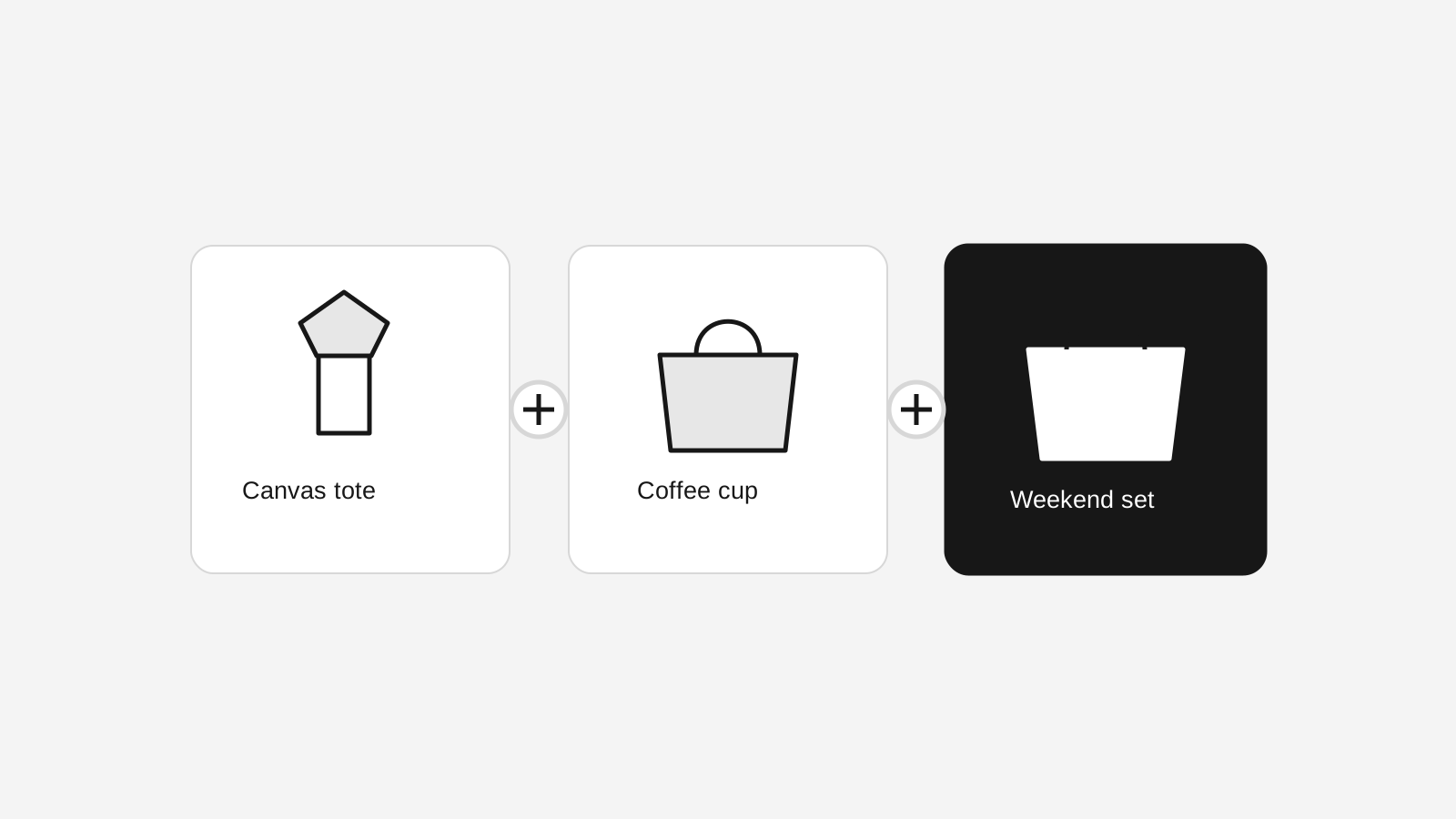
Bundle products turn existing catalog items into a single storefront offer. Create a fixed kit, a gift set, or a mix-and-match experience without duplicating product records or losing the detail your operations team needs.
Two simple ways to build a bundle
Add existing products to one or more sections. A fixed section always includes its items. A choose section lets shoppers select within the minimum and maximum you define, which works well for cases, colours, flavours, sizes, or refill combinations.
Products can still be added when they are inactive or hidden from the storefront. That makes bundles useful for internal tracking, legacy stock, and carefully controlled offers while keeping the normal product visibility rules intact.
Pricing that matches the offer
Set the bundle variant price when the kit has one clear promotional price. Or total the selected component prices when the bundle should follow the underlying catalog. Individual components can also use a custom unit price, and Stoify snapshots those values at cart and order time for reliable reporting.
Inventory stays component-aware
Bundles behave as physical products. When a shopper adds a bundle, Stoify checks the selected component variants and reserves their inventory. The order keeps one customer-facing bundle line while retaining child component lines for picking, shipment status, returns, and inventory release.
That means a bundle cannot quietly oversell a component just because the parent offer is still available.
Built into the normal product workflow
Bundles use the same product URL, slug, publishing controls, images, categories, cart, checkout, and order surfaces as other products. Open product management for the broader catalog workflow, or read the bundle launch post for examples.
Related reading
Deeper Stoify writing connected to this workflow.
More features
Explore the rest of the Stoify feature library.
Inventory
Multi-location inventory built for calmer operations
Track stock across locations without splitting your team across extra tools. Stoify keeps on-hand, reserved, and available inventory easier to understand from day one.

Catalog
Product management that stays fast as your catalog grows
Manage product details, variants, media, digital downloads, categories, collections, pricing, and visibility from one focused workflow.