
- Shipping & fulfilment
- Add-ons
- Estimated reading time:1 min read
InPost pickup points and shipping
Let shoppers choose an InPost pickup point at checkout, then create shipments and labels from the order workflow.
Share this page
Offer pickup-point delivery from checkout
Connect an InPost account as an optional add-on in Settings → Add-ons. Configure sandbox and production credentials independently, test the connection, and enable the environment your store is ready to use.
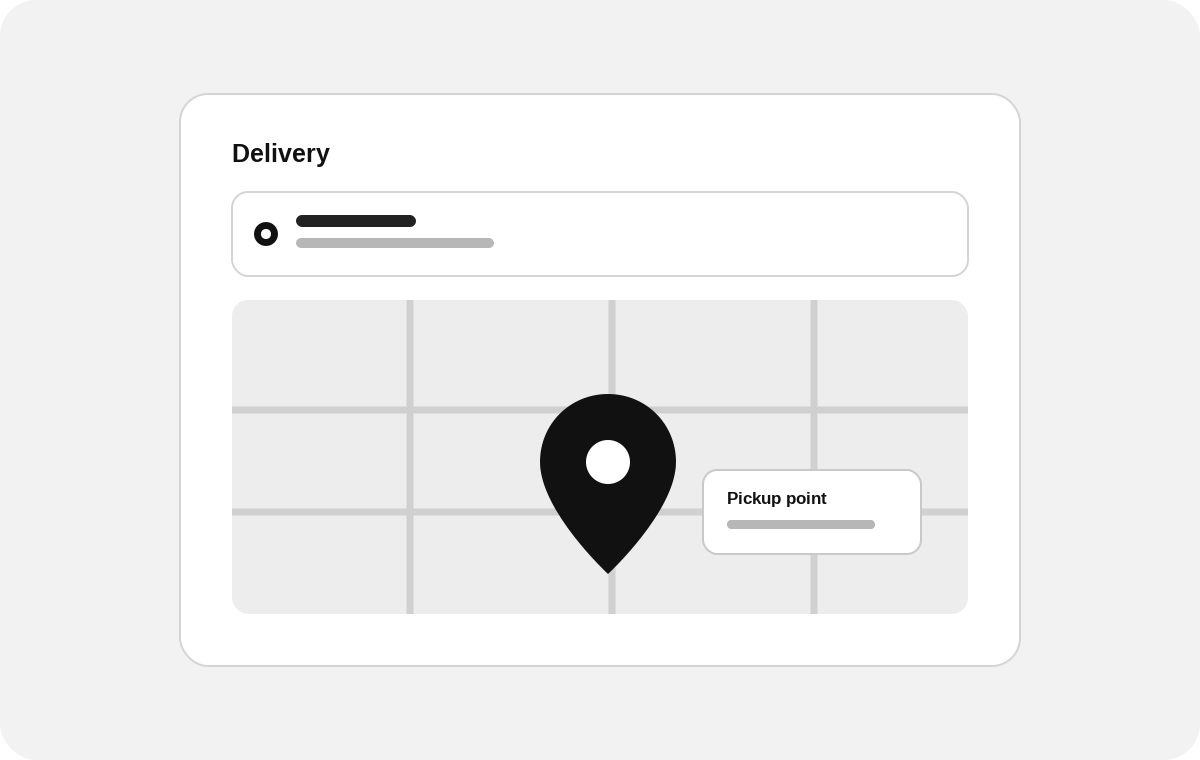
When shoppers select an InPost delivery method, checkout shows the GeoWidget in the storefront language. The selected point is checked against the connected InPost account and saved as an order snapshot, so later changes to the provider listing do not rewrite the order's delivery choice.
Create carrier shipments from orders
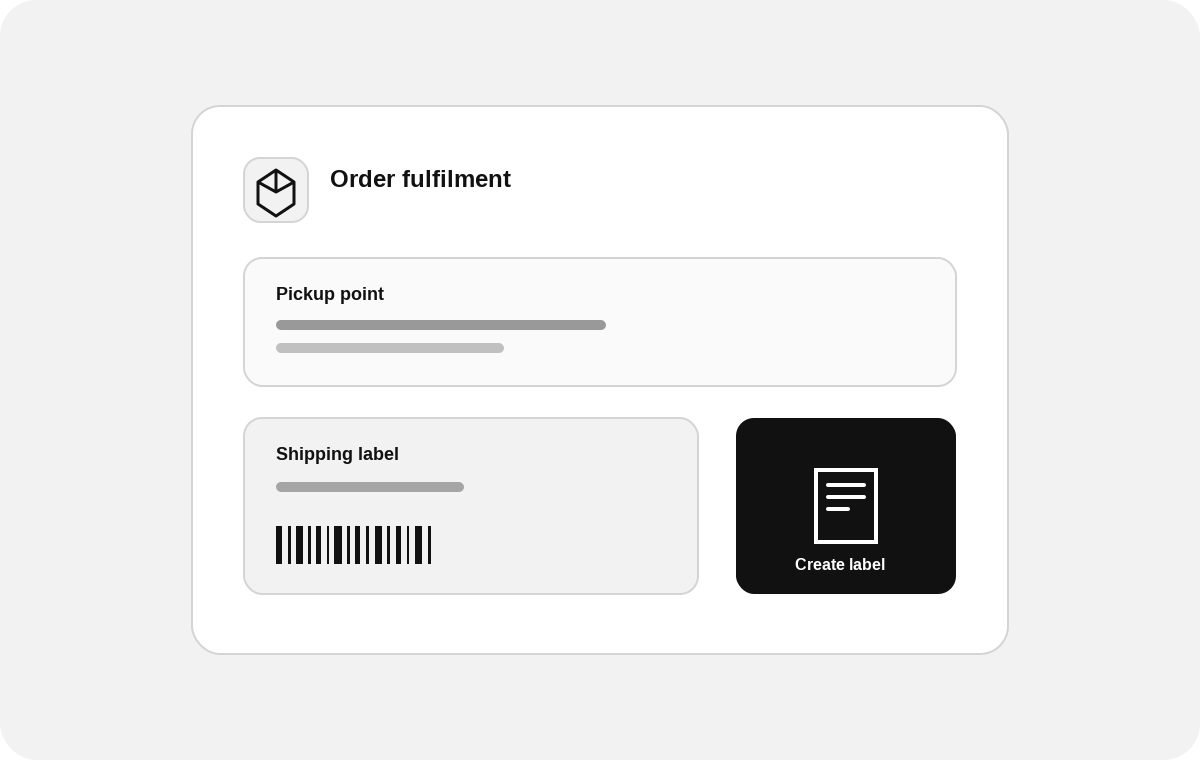
The order keeps its pickup point with the shipping address and existing shipment history. From order management, create the InPost shipment and label; its tracking reference is saved on the Stoify shipment record for the fulfilment team.
InPost credentials are stored encrypted and are never sent to the storefront. The GeoWidget token is intended for browser use and must be domain-bound in InPost. See Introducing InPost pickup and shipping for the launch notes.
Related reading
Deeper Stoify writing connected to this workflow.
More features
Explore the rest of the Stoify feature library.
Add-ons
Google tag add-on for storefront tracking
Connect a Google tag ID to a Stoify storefront and control whether tracking waits for Cookie Consent acceptance.
Inventory
Multi-location inventory built for calmer operations
Track stock across locations without splitting your team across extra tools. Stoify keeps on-hand, reserved, and available inventory easier to understand from day one.