
- News · Education
- Estimated reading time:2 min read
Announcing Stoify selective product duplication
- By Stoify
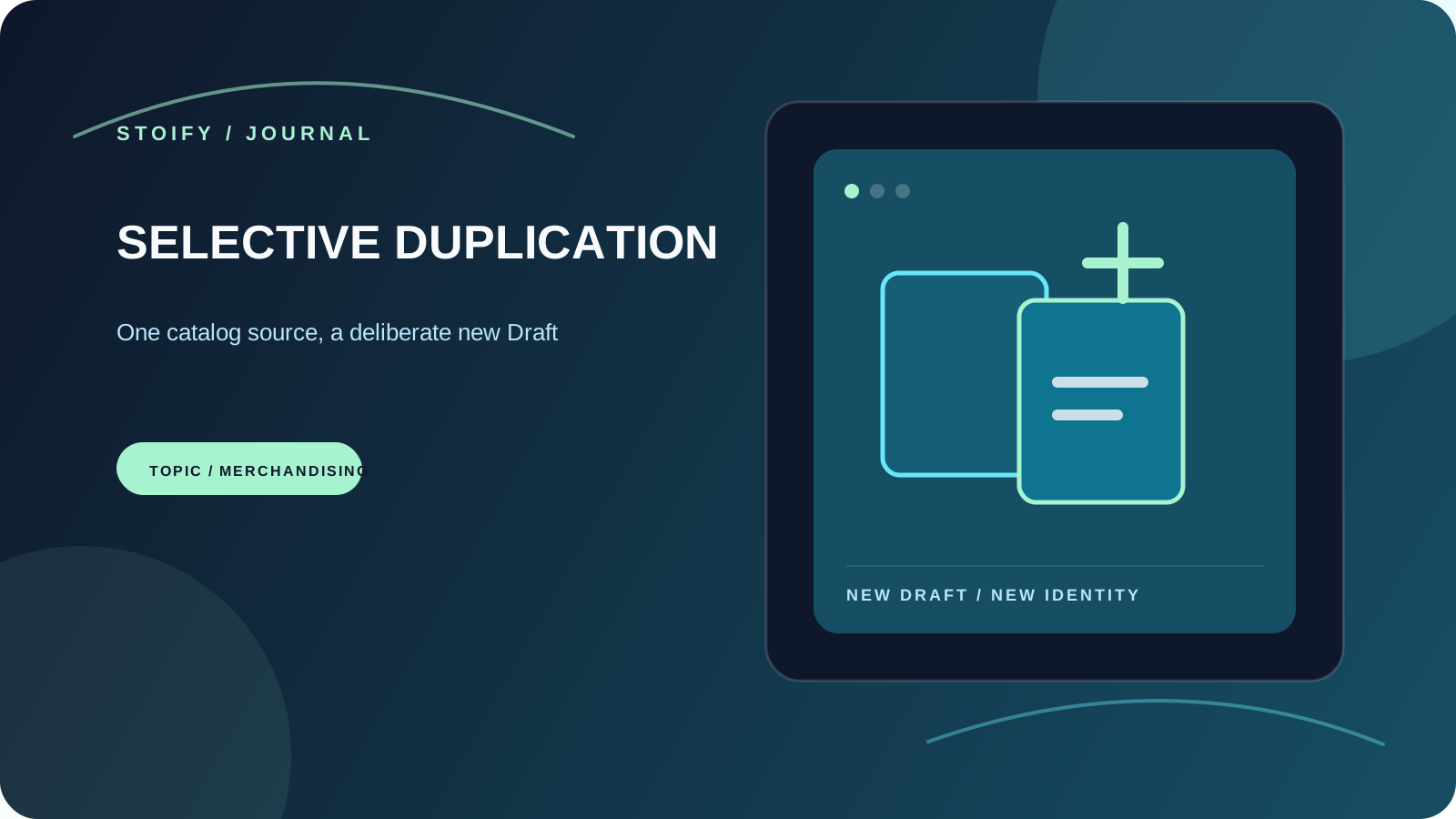
Stoify now lets merchants create Draft product copies with selectable catalog data, direct collection references, and independent digital downloads.
Share this page
Merchandising teams often know the shape of a new product before every detail is ready. A new edition may need the same variants and pricing structure as an existing record. A campaign product may need one collection but not another. Starting from an empty form makes those decisions slower than they need to be.
Today we’re introducing selective product duplication in Stoify. It creates a new Draft from an existing product, makes the reusable catalog data explicit, and leaves customer history and inventory behind.
Make the copy boundary clear
The new Copy action lives beside each product in the dashboard. It opens a focused dialog where merchants can select the data that belongs on the new record:
- Images.
- Digital downloads.
- Categories and brands.
- Individual direct collection memberships.
- Bundle setup.
- Storefront page and theme customizations.
Variants, pricing, and option combinations form the required catalog base. The new product always receives a unique name, SKU, and URL, while the original product remains unchanged.
Digital downloads get their own files
Digital products need a little more care than ordinary catalog data. A copied download is uploaded as an independent blob and attached to the new product’s new variant records. That means the duplicate can be edited or replaced later without changing the source product’s file record.
If a copy operation cannot complete its file work, Stoify cleans up the new files and product record rather than leaving a half-created Draft behind.
Collection rules stay predictable
The dialog lists direct collection memberships individually. Dynamic collection matches are not converted into manual assignments; they continue to be calculated from the copied categories and brands.
That distinction keeps collection logic predictable. Merchants can choose the manual references they want while existing dynamic rules continue to behave as rules.
History does not travel with the copy
The new product starts as a Draft with no stock levels or publication date. Orders, reviews, carts, discounts, wishlists, and back-in-stock alerts are not copied either. This gives teams a faster starting point without mixing the source product’s operational history into a new listing.
Product duplication is an optional site module and remains off by default. An owner or admin can enable it from Settings → Modules when the workflow fits the team’s catalog process.
Explore the product duplication feature page or read about the broader product management workflow.
Continue exploring
Related Stoify articles and feature pages connected to this topic.
Catalog
Selective product duplication for faster catalog work
Create Draft product copies with selectable catalog data, direct collection references, and independent digital downloads when a new listing should start from an existing one.

Catalog
Product management that stays fast as your catalog grows
Manage product details, variants, media, digital downloads, categories, collections, pricing, and visibility from one focused workflow.