
- Operations
- Catalog
- Estimated reading time:2 min read
Selective product duplication for faster catalog work
Create Draft product copies with selectable catalog data, direct collection references, and independent digital downloads when a new listing should start from an existing one.
Share this page
Start from the product you already understand
Creating a new product does not always mean starting with an empty form. A seasonal edition, a new colorway, or a regional listing often shares useful catalog structure with something already in the store.
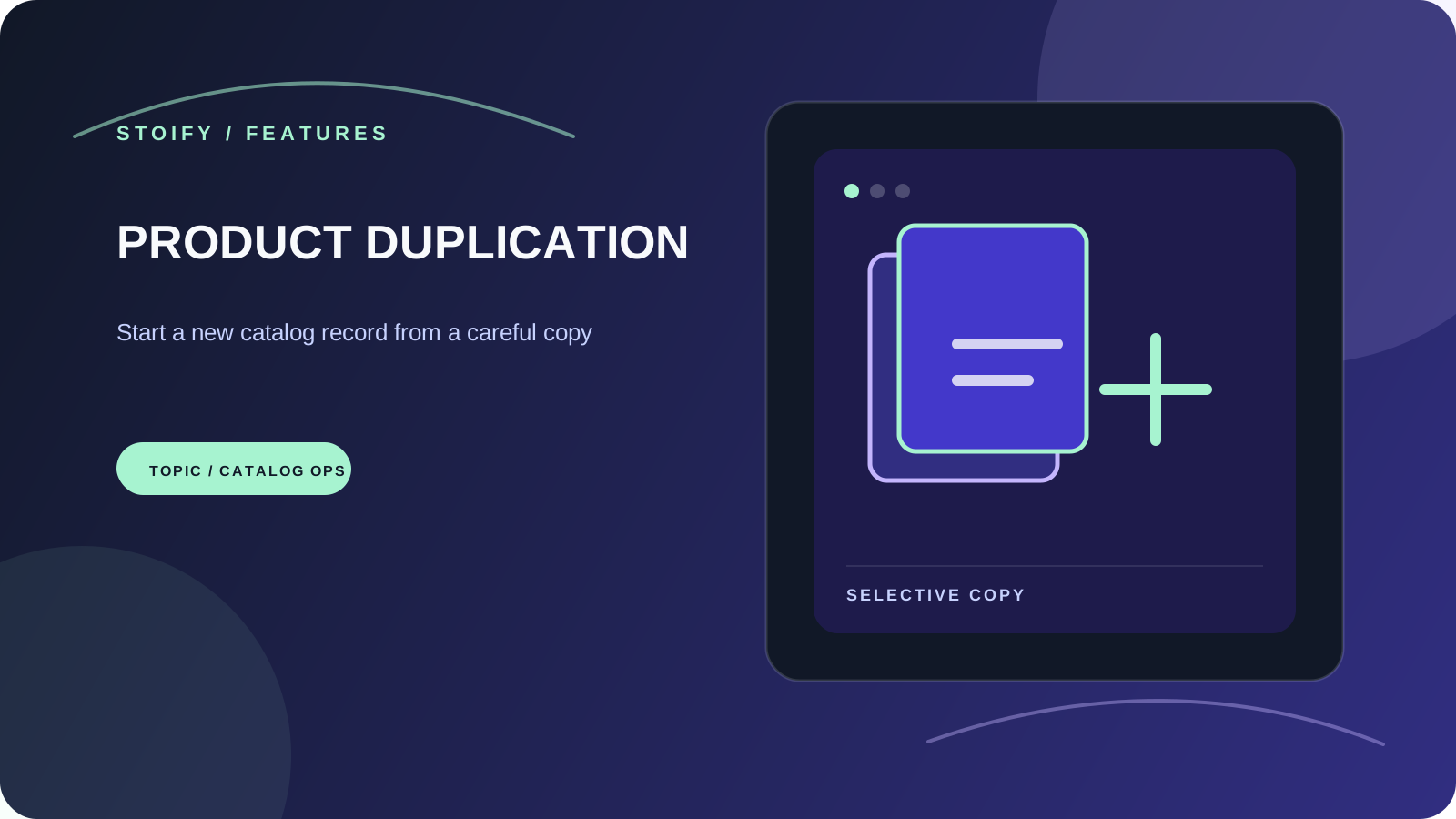
Product duplication gives merchants a deliberate starting point. Open Copy from the product list, choose the catalog data that belongs on the new record, and continue editing a fresh Draft with a unique identity.
Choose what comes across
The Copy dialog makes the boundary visible before anything is created. Product details, variants, pricing, and option combinations remain the foundation, and the merchant can choose the surrounding data:
- Product images.
- Digital downloads, copied to independent files.
- Categories and brands.
- Individual direct collection memberships.
- Bundle sections and component selections.
- Product-page and theme customizations.
Dynamic collection matches continue to come from the copied categories and brands. That keeps collection rules as the source of truth instead of turning derived matches into unexpected manual assignments.
A safe new identity
Every copy starts as a Draft and receives a unique name, SKU, and product URL. The name follows the simple pattern “Original name Copy”, then adds a number when another copy already exists. Publication dates and inventory are not carried over, so a copied product cannot accidentally publish or reuse the source product’s stock position.
Keep customer history separate
Orders, reviews, carts, wishlists, discounts, stock levels, and back-in-stock alerts belong to the original product’s history. They are never copied. The new product can therefore be shaped, priced, assigned, and published as its own catalog record without rewriting what happened before.
Available when your team enables it
Product duplication is an optional site module and is off by default. An owner or admin can enable it from Settings → Modules when the team is ready to introduce the workflow. Once enabled, the Copy action appears beside products in the dashboard.
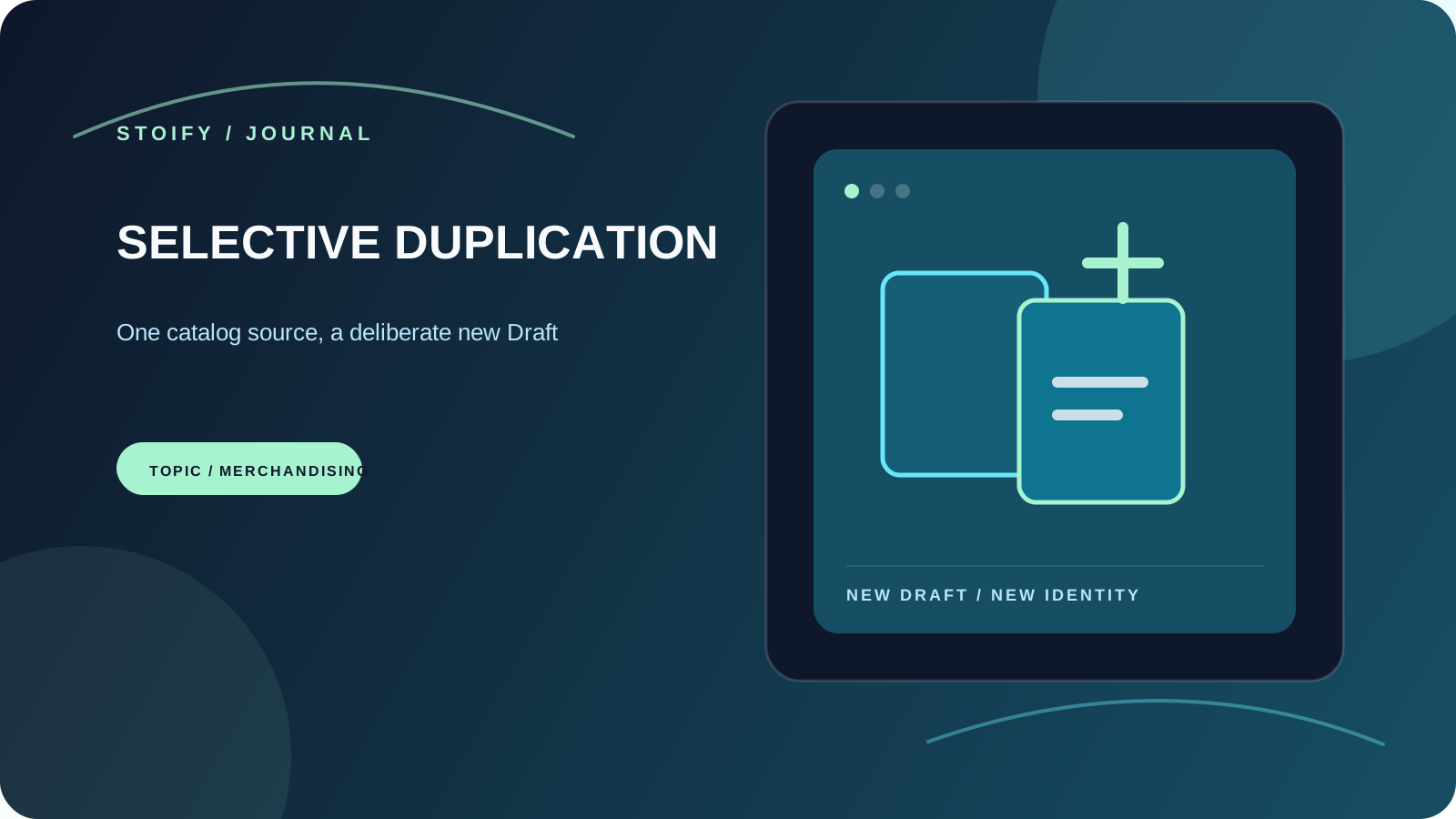
Read the launch story for selective product duplication, or explore product management for the wider catalog workflow.
Related reading
Deeper Stoify writing connected to this workflow.
More features
Explore the rest of the Stoify feature library.
Inventory
Multi-location inventory built for calmer operations
Track stock across locations without splitting your team across extra tools. Stoify keeps on-hand, reserved, and available inventory easier to understand from day one.
Storefront experience
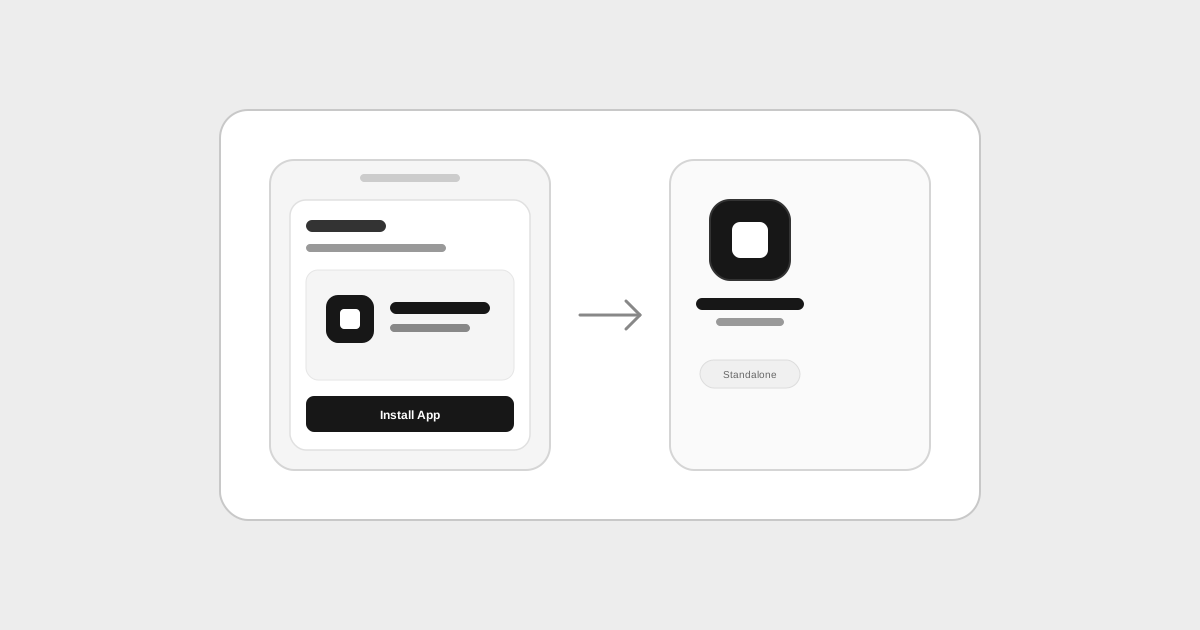
Storefront Progressive Web Apps with offline caching
Turn your storefront into an installable mobile app with automatic metadata inference from store settings, home-screen installation, and offline fallback caching.