
- Storefront experience
- Storefront experience
- Estimated reading time:2 min read
Storefront Progressive Web Apps with offline caching
Turn your storefront into an installable mobile app with automatic metadata inference from store settings, home-screen installation, and offline fallback caching.
Share this page
Turn your storefront into an installable mobile app
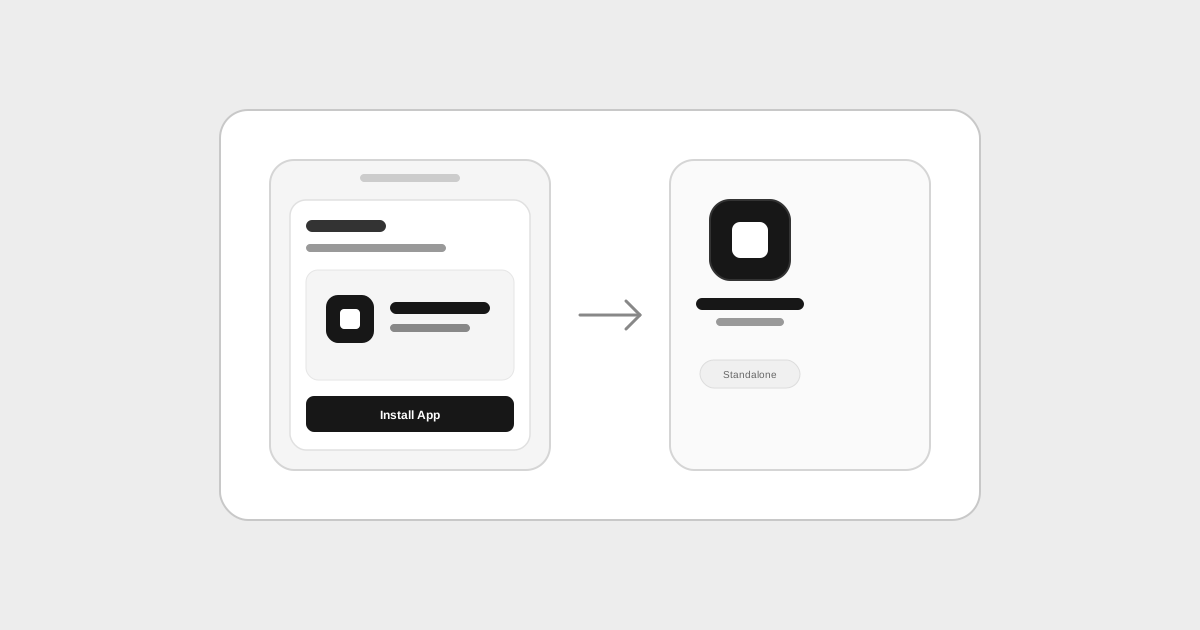
Progressive Web Apps combine the reach of the web with the feel of a native mobile app. With the Stoify PWA module, merchants can let customers install their store directly to their phone or desktop home screen without requiring an app store download or third-party wrapper.
Once enabled in Settings, the storefront automatically delivers the necessary web manifest and service worker infrastructure to trigger browser install prompts and render a dedicated standalone app window.
Zero configuration with intelligent inference
Most PWA tools require merchants to manually duplicate their store name, upload resized splash images, pick display modes, and configure manifest files. Stoify eliminates that friction by inferring all essential app metadata directly from your existing store configuration:
- App Name: Automatically derived from your store name in General Settings.
- Short Name: Inferred from the store name, perfectly sized for home screen icon labels.
- Description: Sourced directly from your Home SEO description or store description.
- App Icons: Inherited directly from your uploaded store logo and favicon, alongside standard high-resolution app assets.
- Display Mode: Configured as standalone by default to provide an immersive app experience without browser navigation bars.
If you ever update your store name, logo, or SEO settings, the storefront PWA manifest updates automatically.
Built-in service worker and offline resiliency
Mobile connections drop frequently on subways, rural roads, and crowded networks. The PWA module registers a dedicated storefront service worker that runs in the background.
The worker caches critical storefront shell assets, scripts, stylesheets, and images as customers browse. If a customer attempts to navigate while completely disconnected, the service worker intercepts the request and displays the branded offline page rather than a generic browser connection error.
One-click toggle in Modules
The PWA module lives alongside Stoify's other storefront experience modules. Turn on the switch in Settings > Modules, and your storefront immediately gains full Progressive Web App capabilities without having to manage separate settings forms or complicated deployment pipelines.
Read the launch story in Introducing Stoify Storefront PWA.
Related reading
Deeper Stoify writing connected to this workflow.
More features
Explore the rest of the Stoify feature library.
Inventory
Multi-location inventory built for calmer operations
Track stock across locations without splitting your team across extra tools. Stoify keeps on-hand, reserved, and available inventory easier to understand from day one.

Catalog
Product management that stays fast as your catalog grows
Manage product details, variants, media, digital downloads, categories, collections, pricing, and visibility from one focused workflow.