- News · Product
- Estimated reading time:2 min read
Introducing Stoify Storefront PWA
- By Stoify
Transform your storefront into an installable mobile and desktop application with zero manual configuration, automatic settings inference, and offline caching.
Share this page
Mobile commerce accounts for the majority of online shopping traffic, yet native mobile apps remain out of reach or impractical for most independent merchants. App store review queues, separate native codebases, and customer download hesitation often stand between a store and a permanent home on a shopper's phone.
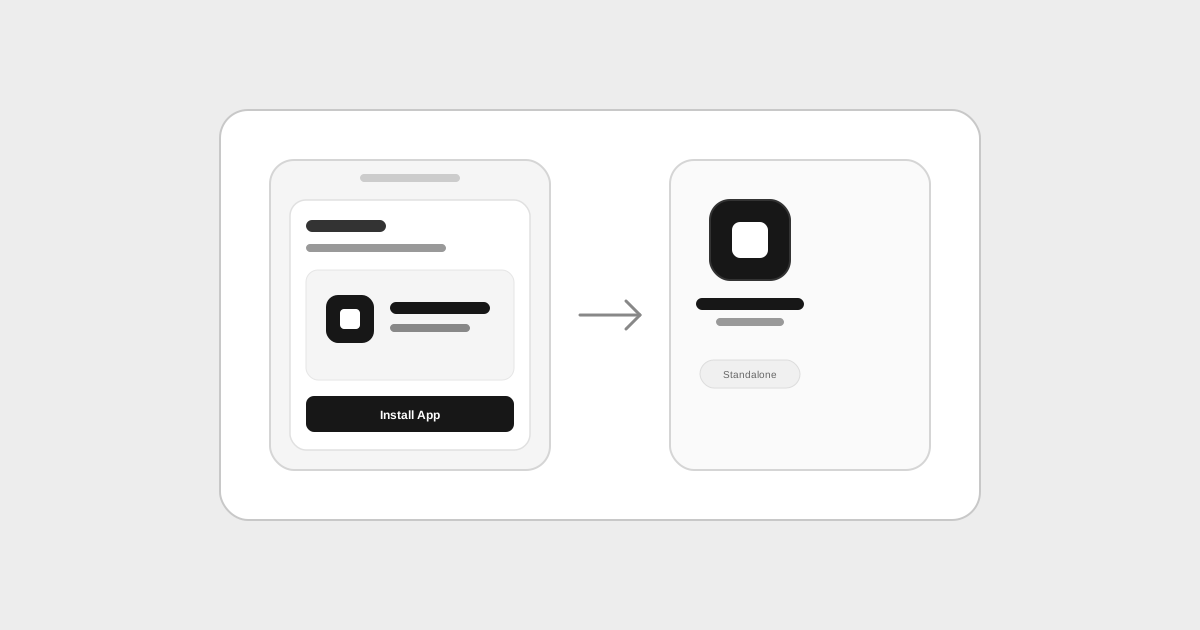
Today we are releasing Stoify Storefront PWA. With a single switch in your dashboard, your Stoify storefront becomes a Progressive Web App that shoppers can install directly to their iOS, Android, or desktop home screen.
Mobile app presence without the app store friction
When shoppers visit your storefront in a mobile or desktop browser, supported browsers can present an install prompt or option to add the store to the device home screen. Once installed, your store launches in a dedicated, standalone window without browser URL bars or navigation clutter.
Shoppers get the fast, focused feel of an app, while you maintain a single unified web codebase that updates instantly whenever you make changes in Stoify.
Zero configuration: intelligent inference from existing settings
Configuring a Progressive Web App usually demands technical manifest setup: defining display modes, orientation, start URLs, background colors, theme colors, and generating icon sizes across multiple resolutions.
We designed the Stoify PWA module to require zero extra configuration. Instead of asking you to fill out duplicate forms, Stoify automatically infers your PWA metadata directly from your existing store settings:
- Application Name: Sourced directly from your store name in General Settings.
- Short Name: Formatted for home screen app icon labels and dock titles.
- Description: Inferred from your Home SEO description or store description.
- App Icons: Automatically extracted from your uploaded store logo and favicon, complemented by high-resolution default icons.
- Display and Theme: Preconfigured for immersive standalone display matching your storefront's visual styling.
Whenever you update your branding, store name, or SEO descriptions, your web app manifest reflects those changes immediately with no extra manual maintenance.
Resilient background caching and offline fallbacks
Spotty mobile connectivity shouldn't mean a broken customer experience. When the PWA module is enabled, your storefront registers a lightweight service worker that runs in the background.
The service worker pre-caches essential storefront shell assets, stylesheets, scripts, and visual media as shoppers navigate. If a customer temporarily loses internet connection—whether walking into an elevator, boarding a train, or encountering mobile network drops—the storefront displays a branded offline view rather than a generic browser failure page. Once connectivity resumes, shoppers can seamlessly continue browsing and checkout.
Ready with a single toggle
The PWA module is available right now in Stoify. To turn your storefront into an installable Progressive Web App, visit Settings > Modules in your store dashboard and activate the PWA toggle.
Explore the complete details in our Storefront Progressive Web Apps feature guide.
Continue exploring
Related Stoify articles and feature pages connected to this topic.