
- Education
- Estimated reading time:2 min read
From Cart to Fulfillment With Fewer Gaps
- By Stoify
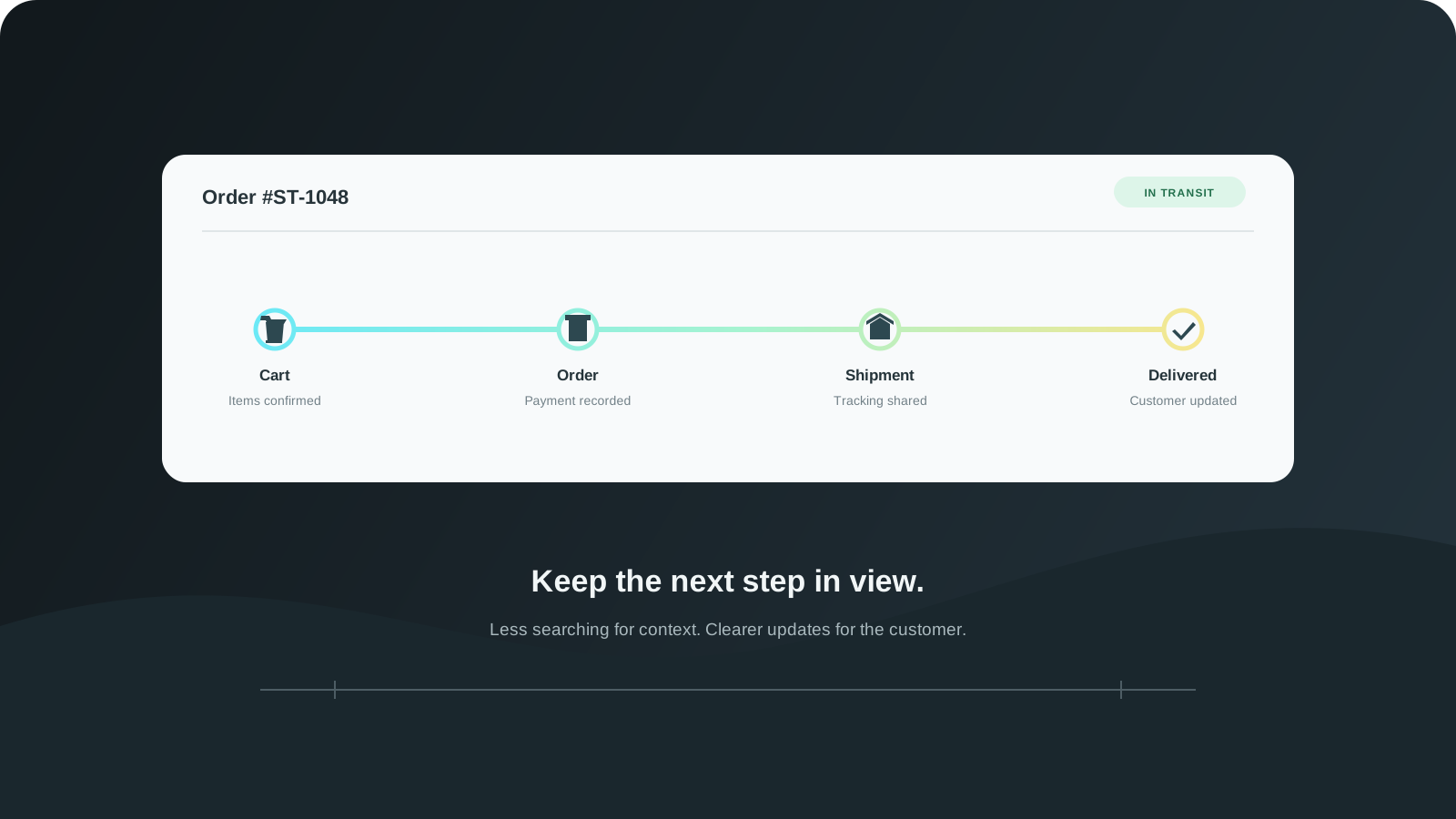
The customer journey does not stop at checkout. Connect cart visibility, order handling, shipment updates, and returns so teams can follow what happens next.
Share this page
Checkout is not the end of the customer journey. After a purchase, shoppers still need clear confirmation and useful updates. The team needs to know what was ordered, what is ready to fulfill, and where a return or support question belongs.
Those steps become harder when cart activity, order records, shipment details, and returns are handled in separate places. Staff spend time piecing together context, while customers repeat information to get a simple answer.
Keep useful context close to the order
The first step is making the order easy to understand. Product, variant, quantity, and payment details should be visible alongside the status and next action. Historical order details should remain accurate even if the catalog changes later.
Stoify keeps order management connected to the storefront and fulfillment workflow. Teams can move from an order to its shipment and customer details without reconstructing the purchase from disconnected notes.
Improve the moments before checkout, too
The path from cart to order starts before the customer pays. A slow or confusing cart can create hesitation; a clear, responsive cart gives the shopper a better chance to resolve questions and continue.
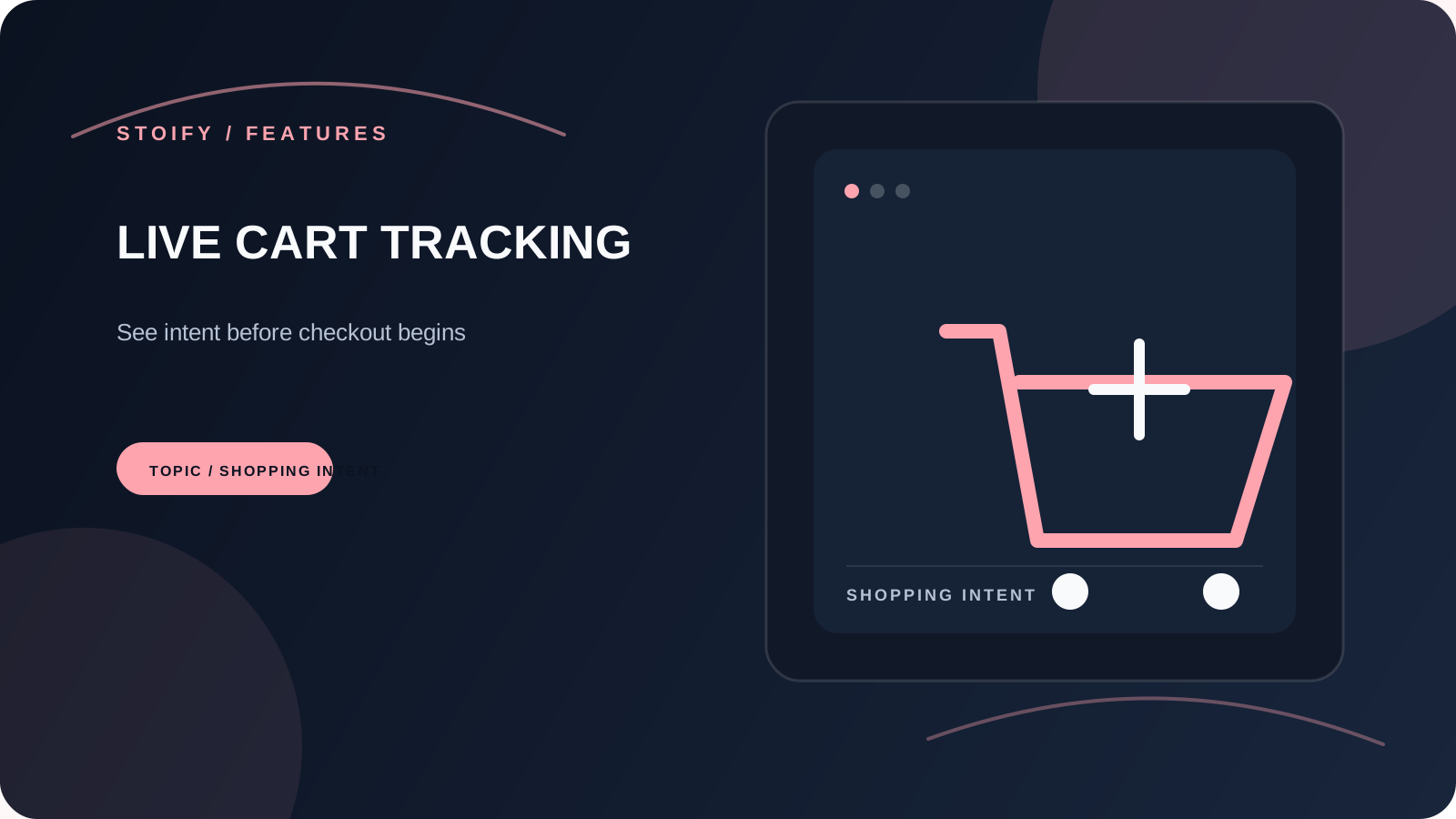
The optional live cart tracking module gives teams visibility into active carts and, when enabled, abandoned carts. It can support manual follow-up while keeping the customer’s cart context close to the rest of the store workflow.
Make “what happens next?” easy to answer
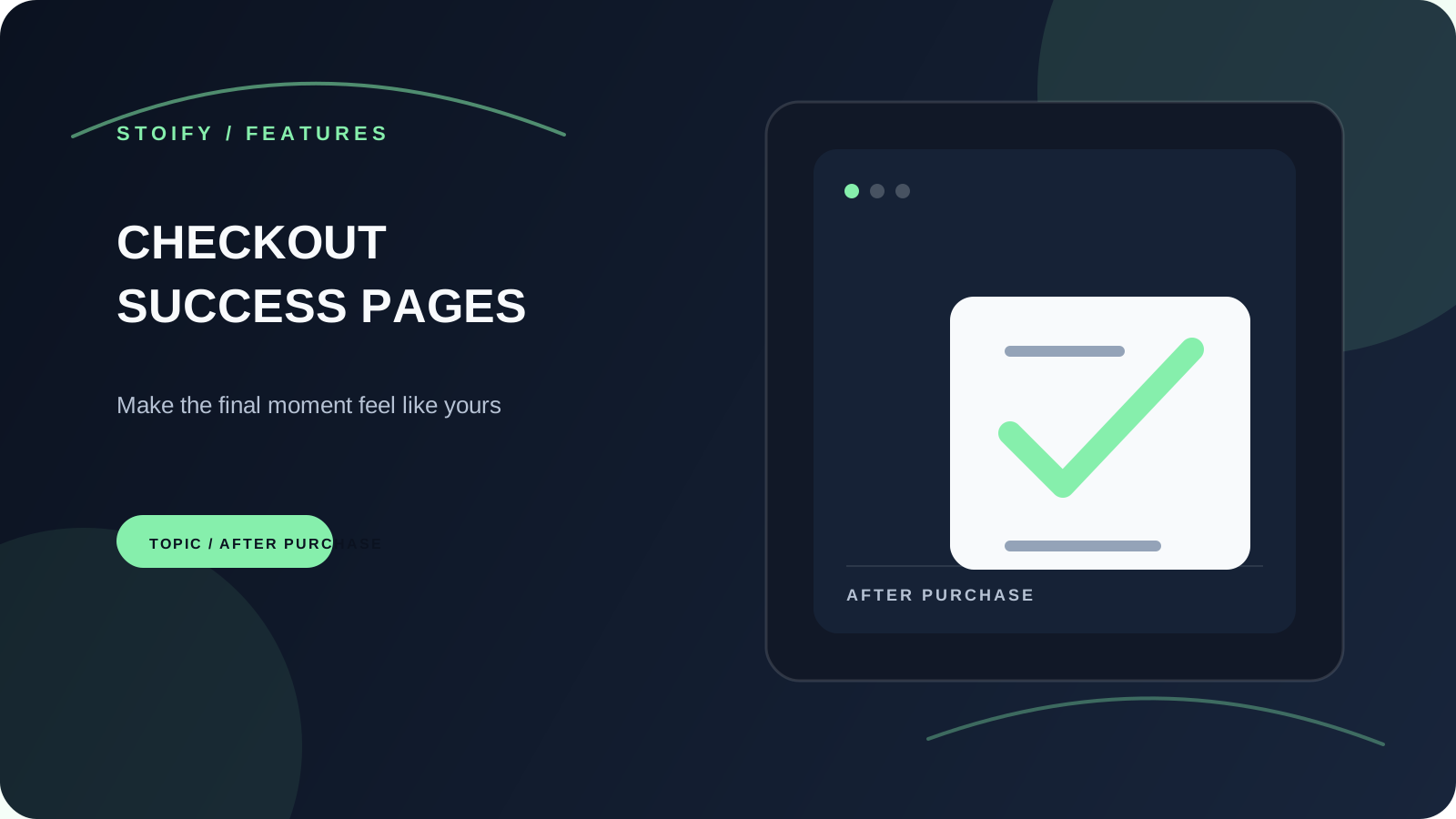
After checkout, confirmation should set expectations. Customers should know that an order was received and what will happen next. The checkout success page builder lets merchants review that message and layout without creating a real test order.
As fulfillment progresses, shipment details give both the customer and support team a clearer reference point. If an order needs to change, a consistent returns and refunds workflow helps the team handle the request against the original order.
Give each stage a clear next step
A connected workflow does not mean every order follows the same path. It means the team can see the current state and take the next appropriate action: confirm, fulfill, update, or resolve.
When that context stays together, fewer conversations start from scratch. Customers get clearer updates and the team spends less time searching for the history behind a simple question.
Continue exploring
Related Stoify articles and feature pages connected to this topic.
Growth & retention
Live cart tracking that shows intent before checkout
Monitor active and abandoned carts, understand shopper intent before checkout, and follow up with reminder emails when buying momentum fades.
Checkout builder
Checkout success page builder
Preview and tailor the order success experience with editable copy, site-aware styling, and a safe example order—without placing a test purchase.

Order operations
Shopify-style returns, refunds, and cancellations
Handle returns, order cancellations, and partial refunds from one accountable order workflow with Stripe-aware status tracking.