
- News
- Estimated reading time:1 min read
Introducing custom domains for Stoify storefronts
- By Stoify
Give your store its own address with custom domains on Stoify Pro and above, dashboard DNS instructions, connection checks, and a working Stoify fallback.
Share this page
Your storefront can now use a domain you own. Custom domains are included on Stoify Pro, Business, and Enterprise, with one primary domain per store and support for its apex/www counterpart.
One place to connect and check
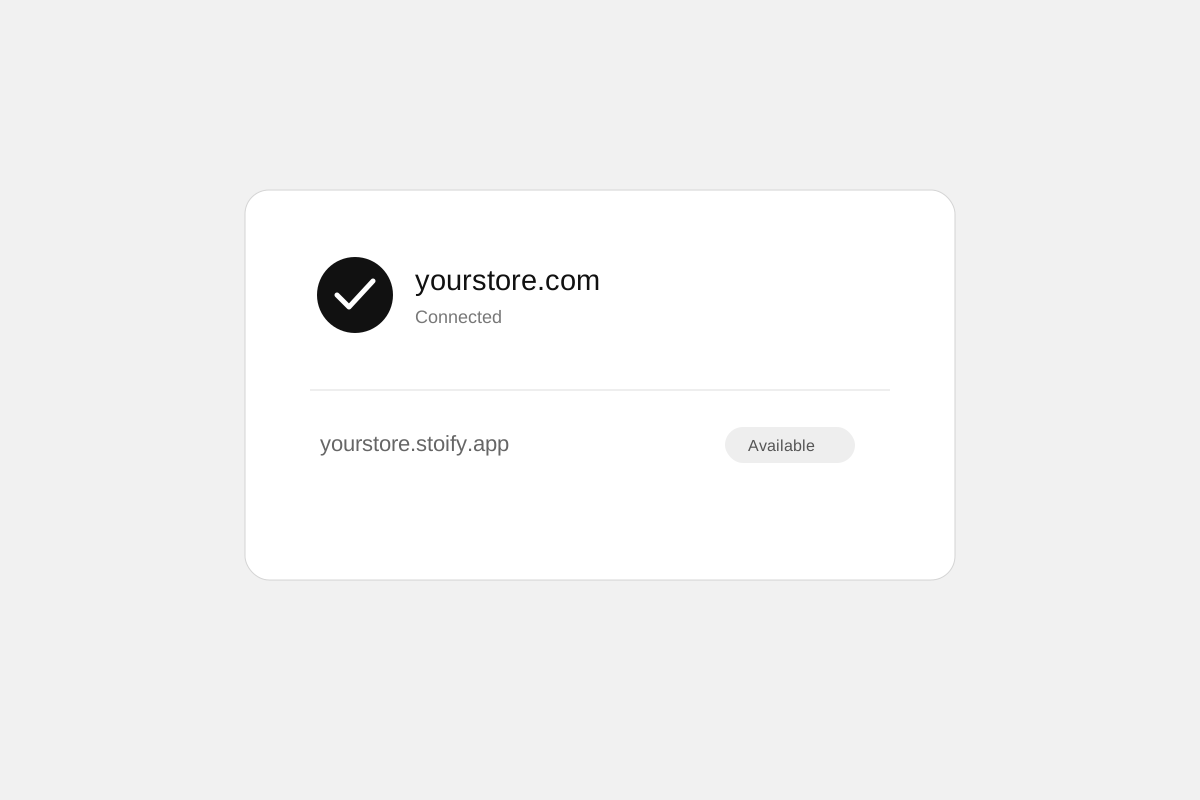
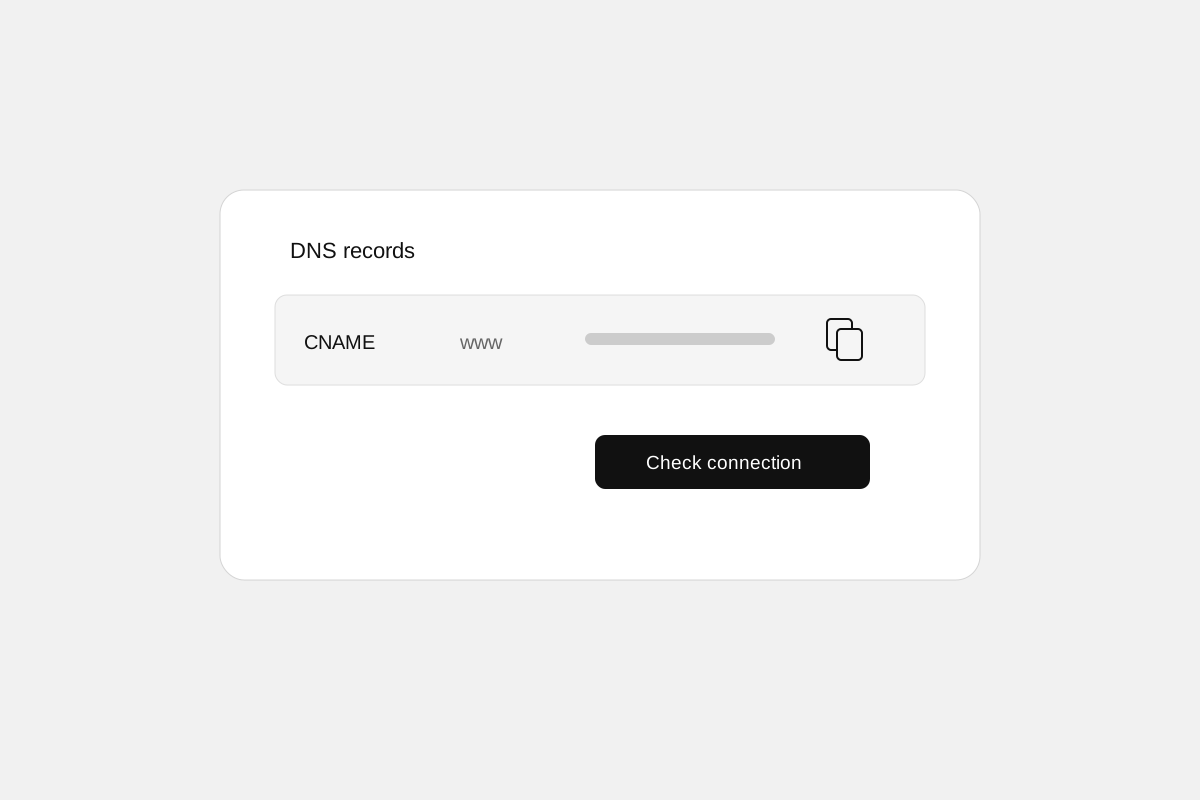
The new Settings → Domains page brings your Stoify address and custom domain together. Add a hostname, copy its DNS records, and use Check connection to check ownership, routing, and HTTPS. Connection checks continue automatically while DNS changes propagate, for up to 48 hours.
The domain becomes your default only when the connection is ready. Store links, SEO URLs, and links in existing customer emails then use the connected address. The email sender remains Stoify’s verified sender.
Your Stoify address stays available
You can continue to open your store through its Stoify address. Both addresses serve the same catalog, pages, and orders. Browser sessions belong to the address where they started, so visiting the other address can require signing in again.
If you disable the custom domain or lose paid plan access, Stoify returns to its own address as the default. Preparing a replacement keeps the current connection active until the new domain is ready.
Bring a domain you already own
Domain registration is separate from your Stoify plan. You manage DNS at your provider and follow the records shown in the dashboard. Setup instructions and connection status are available on the Domains page. Owners also receive DNS setup instructions and connection updates by email, with Stoify administrators privately copied.
Explore the custom domains feature, follow the step-by-step connection guide, or view plan availability.
Continue exploring
Related Stoify articles and feature pages connected to this topic.
Your store address
Custom domains for your storefront
Connect a domain you own to your Stoify storefront, follow clear DNS instructions, and check connection status from your dashboard. Included on Pro and above.
- Education
How to connect your domain to a Stoify store
Connect an existing domain to Stoify: choose your primary hostname, add the displayed DNS records, verify HTTPS, and keep your Stoify address available.