
- News · Education
- Estimated reading time:1 min read
A more practical SEO workflow for your Stoify storefront
- By Stoify
Bring page metadata, search readiness, and storefront checks into the everyday work of running your store.
Share this page
Search visibility is easier to maintain when it fits into the work of running your store. Stoify brings page details and storefront checks together, so you can review the pages customers find while you manage the rest of your business.
Keep important page details close to publishing
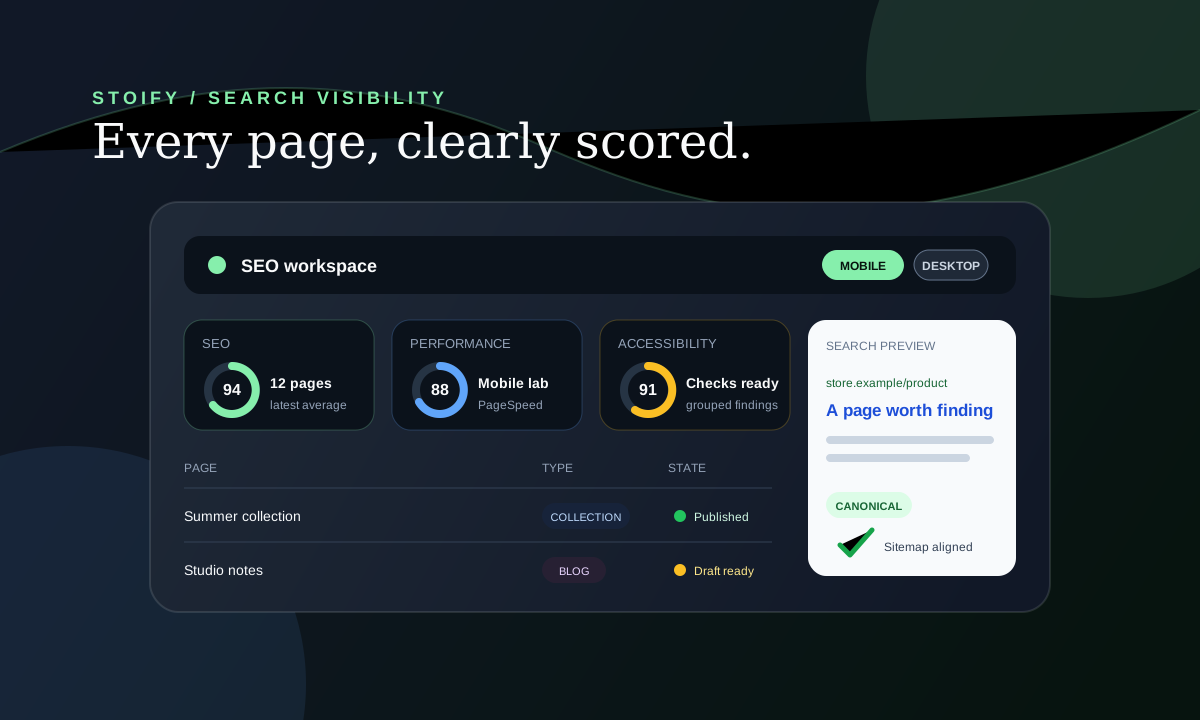
From the SEO workspace, review the pages in your storefront and make sure each important product, collection, and story has a clear title and description. Use a page's own details when they matter, or leave them blank and let Stoify keep its existing defaults.
You can also set a canonical URL when a page should point search engines to a different version. Stoify keeps sitemap output aligned with that choice.
Review the customer experience as well as page details
Run mobile or desktop PageSpeed checks for published pages and review the results alongside your page information. These checks help you spot places where the storefront experience could be improved before more shoppers arrive.
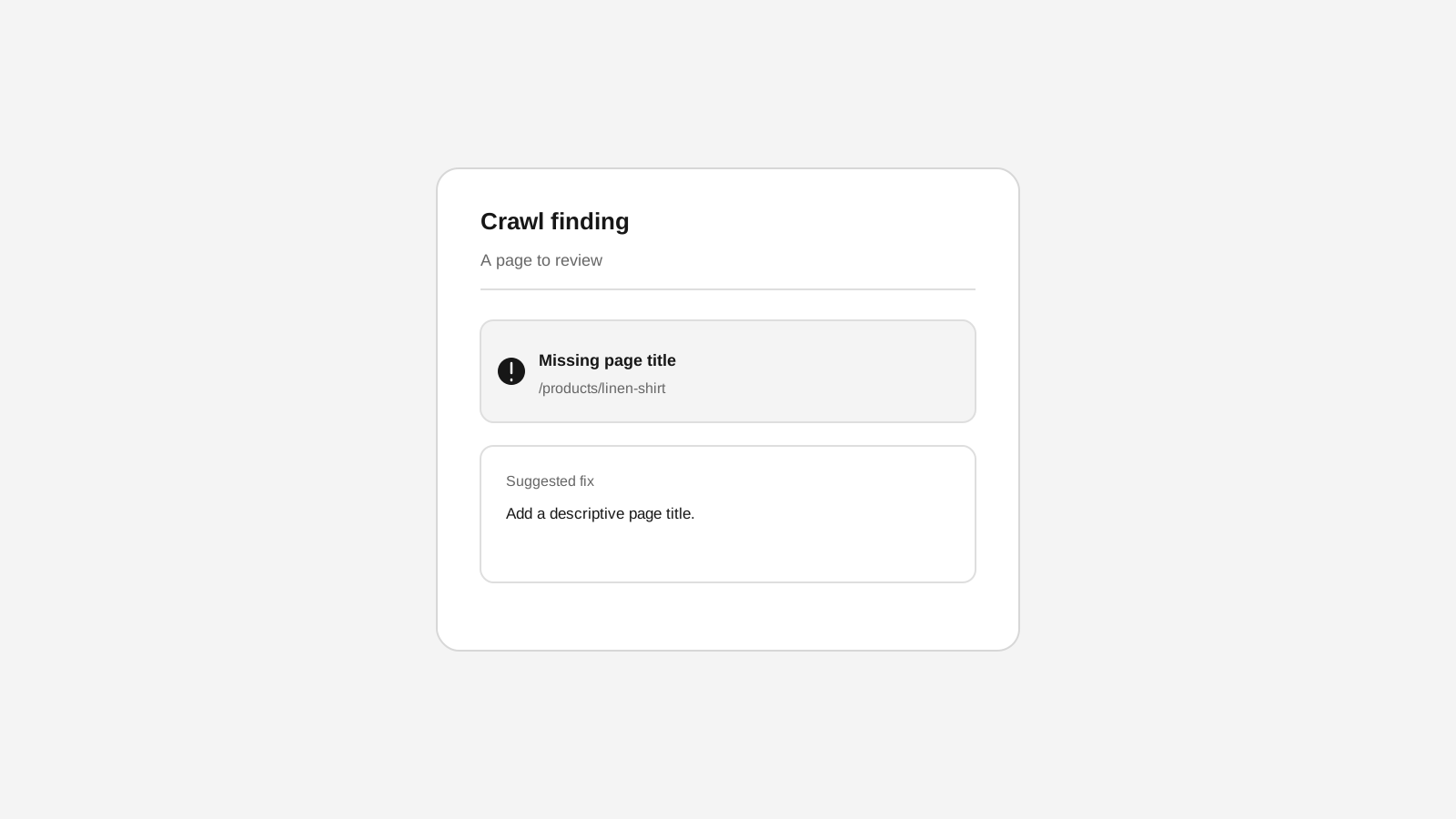
The workspace also includes a site check that points to public pages that may need attention. Open SEO → Technical audits to review the latest results and suggested next steps. Stoify does not make changes to your pages for you; you stay in control of what gets edited and published.
Make improvements one page at a time
When a check identifies a page to review, open its editor, make the change that makes sense for your store, and publish when you are ready. Then return to the SEO workspace to see the page's updated state.
Read the SEO workspace overview for the full workflow, or explore Stoify's storefront SEO controls to see how page metadata and search settings fit together.
Continue exploring
Related Stoify articles and feature pages connected to this topic.

Visibility
Storefront SEO controls and audits in one workspace
Manage page metadata, canonicals, sitemap coverage, and mobile or desktop PageSpeed audits from the same Stoify workflow that publishes your store.
- News
- Education
Introducing the Stoify SEO workspace
Stoify now brings page-level metadata, canonical control, sitemap readiness, and Google PageSpeed audits into one module-aware storefront workflow.