
- Education
- Estimated reading time:4 min read
Use Stoify Free to build a portfolio site
- By Stoify
Turn one Stoify site into a clear home for your introduction, selected work, project stories, and contact details without starting with a custom domain.
Share this page
A portfolio does not need a complicated stack to do its job. It needs to help someone understand who you are, see a few examples of your work, and know what to do next. If you are a designer, developer, photographer, maker, or independent consultant, Stoify Free can give you a place to assemble that story and share it while you are still shaping your direction.
The Free plan includes one site and uses a Stoify address. That is enough to build and publish a focused portfolio without first buying a domain or planning a larger website project. Your portfolio can use Stoify's existing page builder, including its dedicated portfolio layouts.
Start with the visitor's next question
Before adding sections, decide what a visitor should understand after a quick scan. A useful first version answers four questions:
- Who made this work?
- What kind of work do they take on?
- What did they contribute to the examples shown?
- How can someone get in touch?
Those answers can fit on one well-ordered page. A short introduction sets the context. A small set of case studies provides evidence. A contact section offers a clear next step. You can add more detail when a real need appears, rather than filling the page because a portfolio template has empty space.
Build the page from a few useful sections
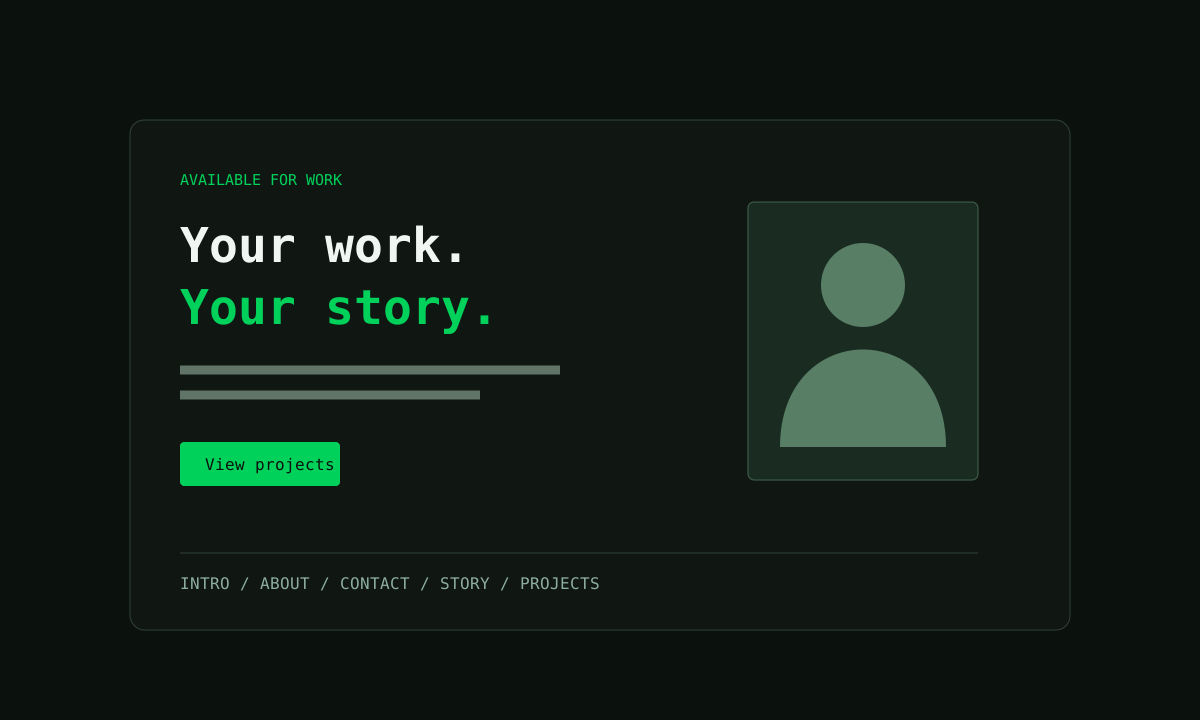
In the storefront builder, choose Add section and look under Content for the portfolio layouts. Start with Portfolio Intro: add your name, role, a short description, a portrait if it helps, and one or two action buttons. Point the buttons to your work and contact sections so visitors can move without guessing.
Add Portfolio About & Skills when background or tools help explain your work. Keep the biography specific. “I design clear product experiences for small teams” tells a visitor more than a long list of broad adjectives. Use profile facts for details people may scan, such as location, availability, or the kind of projects you take on.
Then add a Project Detail section for each example you want to feature. Give each one a cover image, a concise summary, relevant tags, and a sequence that explains the project. A useful case study can follow a simple structure:
- The context: What was the project, and who was it for?
- The challenge: What needed to change or become easier?
- Your contribution: Which decisions and deliverables were yours?
- The result: What changed, what did you learn, or what would you measure next?
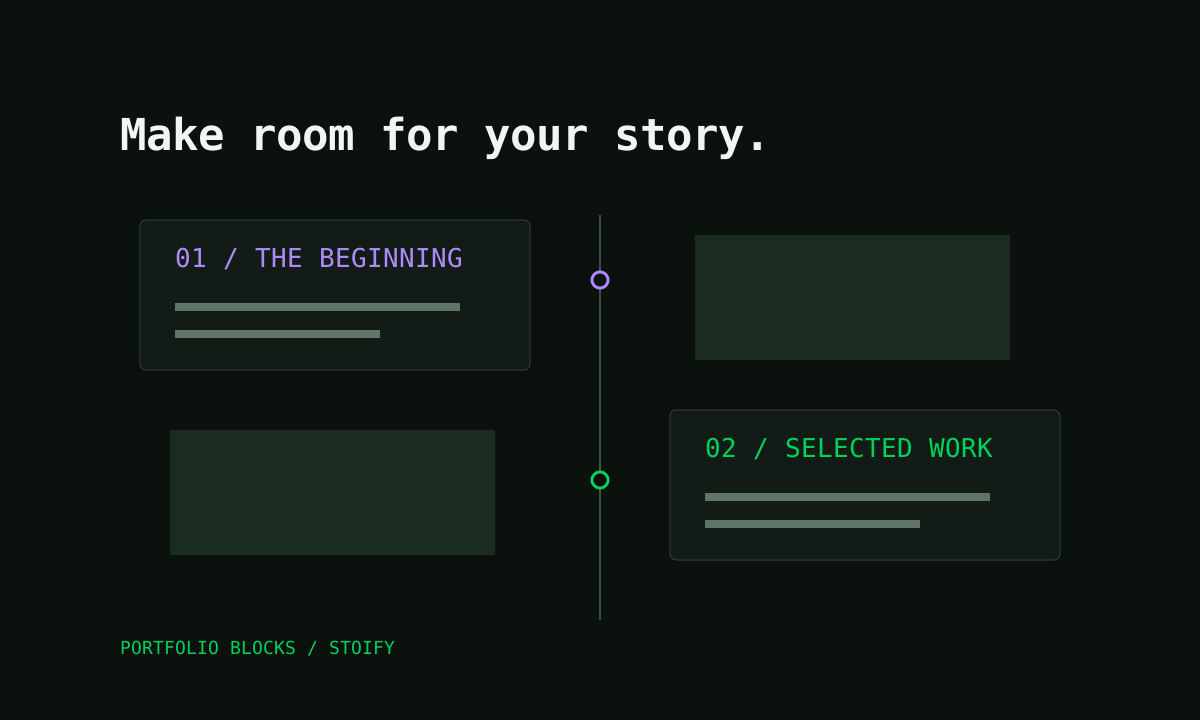
If your work has a meaningful timeline, add Story Timeline to show how your practice developed. Finish with Portfolio Contact and labelled links to the channels you actually check. The five layouts are editable in the existing builder, so you can add, remove, and reorder details as the page takes shape. See the portfolio page builder guide for the section controls.
Make a small portfolio feel considered
The sections inherit your storefront's theme, so set a simple visual direction before polishing every card. Choose readable type, a restrained color palette, and consistent image crops. Give each project enough space to be understood. If a screenshot needs context, explain what the visitor is seeing instead of shrinking the image until the detail disappears.
Use the mobile preview as you edit. Check that the introduction remains clear when it stacks, project images still make sense at a narrow width, and buttons are easy to tap. Try the page as someone who has not heard your explanation of the work. If the first case study depends on information that only exists in your head, add one sentence of context.
Publish a useful first version
The Free plan gives you one site, owner-only access, one product image per product, and the Stoify store address. A portfolio does not need a product catalog to make use of its page-building workflow, but the address is visible when you share the site. You can work with that address while testing the content and presentation. If a custom domain becomes important for a client handoff or public launch, compare the current plans and domain options.
Before sharing the link, open the published page in a private browser window and check every button. Confirm that the work is yours to show, that credits are clear, and that the contact links work. Keep a short list of the feedback you want: perhaps whether the services are clear, which project people remember, or whether they can find your email.
Let the portfolio grow with the work
Treat the first version as a working portfolio, not a permanent verdict on your career. Replace a project when you have a stronger example. Rewrite your introduction when your focus changes. Add a new milestone when it helps explain why your approach is different.
Stoify Free can be a practical starting point for that process: one place to arrange your story, present selected work, and share a live page while you decide what the next version needs. For a closer look at the layouts, read Introducing portfolio blocks.
Continue exploring
Related Stoify articles and feature pages connected to this topic.
Your work and your story
Portfolio page builder
Build a personal site with editable introductions, skills, contact links, story timelines, and project details in the Stoify page builder.
- News
Introducing portfolio blocks for the Stoify page builder
Create a personal introduction, skills section, contact links, photo timeline, and project case studies with five new portfolio layouts.