
- Education
- Estimated reading time:2 min read
When Your Product Catalog Outgrows Spreadsheets
- By Stoify
A growing product catalog needs more than a shared sheet. Learn how connected product, variant, media, and import workflows keep updates easier to manage.
Share this page
A spreadsheet can be a useful place to start a catalog. The trouble comes when it quietly becomes the place where the catalog lives. Product names, pricing, variant details, images, and publication status begin to drift between a file and the storefront.
That drift costs more than time. A wrong variant price or an outdated image can confuse a customer. A missed stock or visibility update can create work for the team after the product is already live.
Keep product decisions beside the product
The first improvement is to make the product record the source of truth. A product should hold its description, options, variants, media, categories, collections, and visibility together. Then a teammate can understand what is being sold without searching across files and messages.
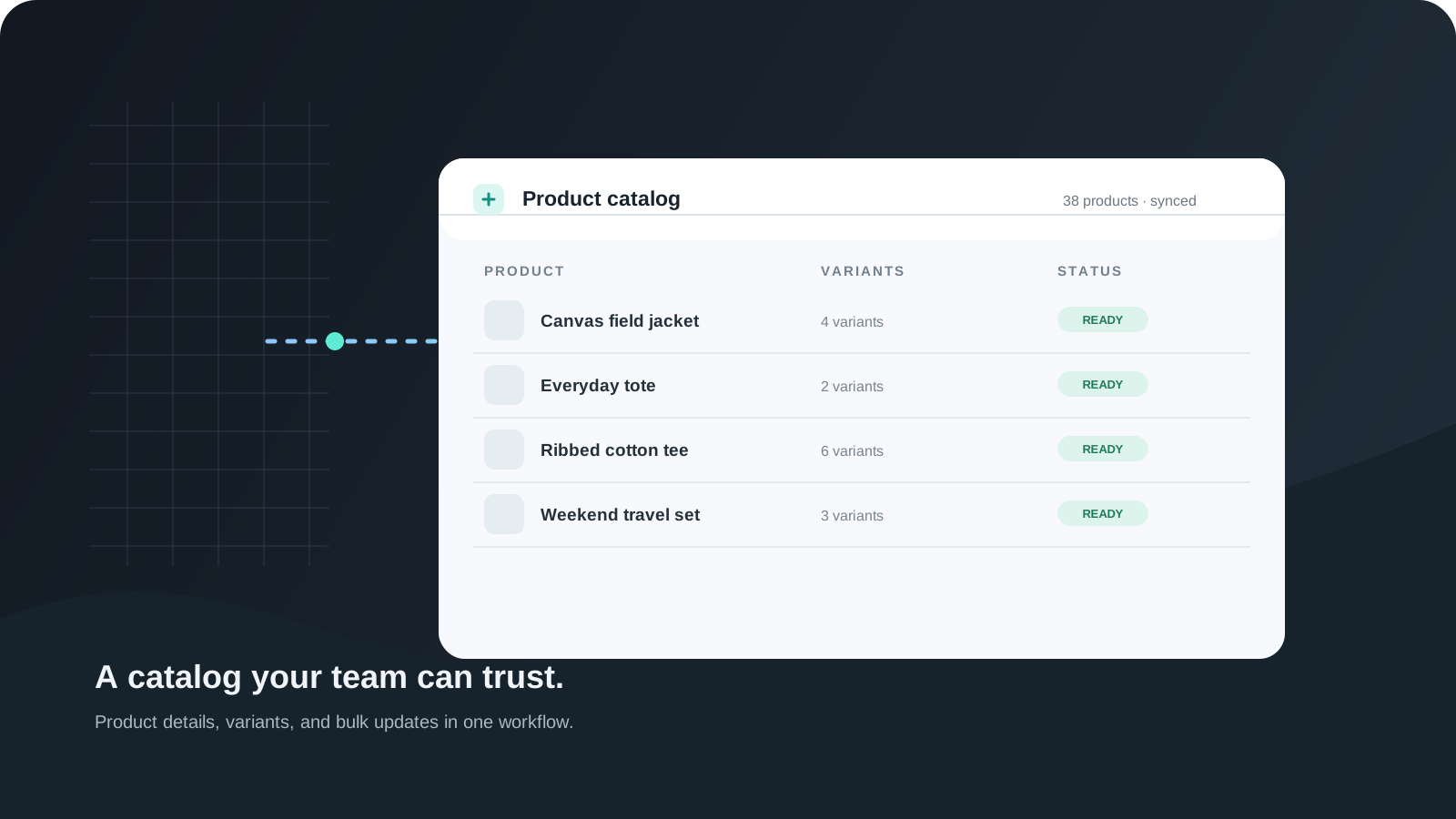
Stoify’s product management workflow keeps those details on the product record. Variants, product and variant media, digital downloads, publication timing, and storefront visibility remain part of the same editing surface.
That structure helps the team answer simple questions quickly: Is this item ready to publish? Are the options clear? Does each variant have the right price and stock? Are customers seeing the right media?
Use spreadsheets for movement, not as a second database
Spreadsheets still make sense for bulk review, migration, and catalog cleanup. The important thing is to have a clear path from the file back into the product system.
Stoify supports CSV and XLSX import and export, with a review step before changes are applied. That gives a team room to prepare a batch update in a familiar format while keeping the final records in one place.
Before importing, agree on a few basics:
- Use stable identifiers such as SKU where available.
- Keep option and variant values consistent.
- Review image URLs and product handles before applying changes.
- Make a test export before a large catalog change.
The file is then a working format. It does not need to become another permanent source of truth.
Give the storefront the same structure
Product data becomes more useful when the storefront can use it directly. Categories and collections help people browse. Variant options clarify what is available. Accurate media helps customers make a decision. Visibility controls help the team prepare a launch before it appears to shoppers.
Connected catalog work also makes collaboration easier. A merchandiser can prepare the item, an operator can check stock, and the person responsible for the storefront can review how it appears without re-entering the same details elsewhere.
A better catalog workflow
The goal is not to ban spreadsheets or add process for its own sake. It is to make everyday product changes reliable as the catalog grows. Keep the product record complete, use bulk files when they help, and review changes before they reach the storefront.
That gives the team more time to improve the range and less time reconciling competing versions of the same product.
Continue exploring
Related Stoify articles and feature pages connected to this topic.

Catalog
Product management that stays fast as your catalog grows
Manage product details, variants, media, digital downloads, categories, collections, pricing, and visibility from one focused workflow.

Catalog
Product import and export for calmer catalog operations
Move product data in and out with CSV or XLSX, review duplicates before save, and keep bulk catalog changes close to the Stoify product workflow.