
- Growth
- Search visibility
- Estimated reading time:1 min read
Technical SEO crawls for Stoify storefronts
Crawl public storefront pages for metadata, indexing, redirect, and sitemap issues from the SEO workspace.
Share this page
Find storefront issues alongside page metadata
Stoify's SEO workspace already holds page titles, descriptions, canonical URLs, indexability, sitemap status, and PageSpeed results. A technical crawl adds a bounded inspection of the public pages those settings describe.
Open SEO → Technical audits to queue a crawl. Each run visits up to 100 pages, follows links up to four levels deep, and stops after two minutes. Pages must be publicly reachable; password-protected storefronts are not crawled.
Review findings with their evidence
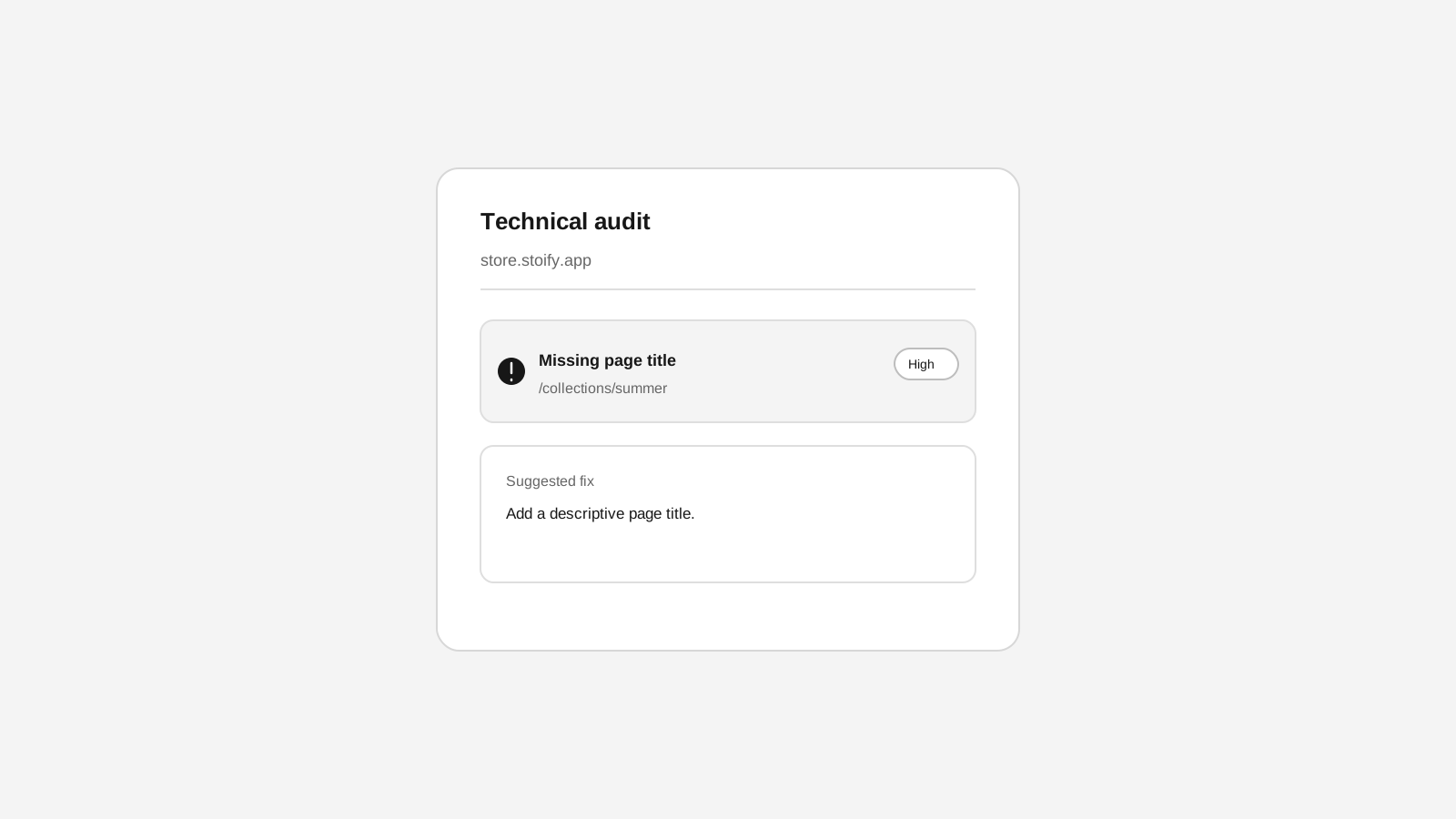
The crawl records HTTP errors, missing or repeated titles and descriptions, noindex directives, canonical differences, redirects, missing headings, image alt gaps, JSON-LD presence, and pages missing from the available sitemaps. Missing canonical and JSON-LD checks are suggestions rather than confirmed errors. Every finding links to its page and includes a suggested next step.
Stoify does not edit storefront pages from crawl findings. Review the evidence, make changes in the page editor, then run another crawl to check the result.
Keep requests and history bounded
The crawler requests HTTPS pages on the store's resolved domain and verified
storefront domains. It checks public DNS addresses, pins connections to those
addresses, validates redirects, and respects robots.txt. Responses and total
run time are capped, one crawl can run at a time per store, and a six-hour
cooldown applies. Run and finding data is removed after 30 days, including
when the store is deleted.
Technical crawls complement the mobile and desktop Google PageSpeed Insights audits; the two results measure different things. See the SEO workspace launch post for a practical overview, or read about SEO controls across the storefront.
More features
Explore the rest of the Stoify feature library.
Inventory
Multi-location inventory built for calmer operations
Track stock across locations without splitting your team across extra tools. Stoify keeps on-hand, reserved, and available inventory easier to understand from day one.

Catalog
Product management that stays fast as your catalog grows
Manage product details, variants, media, digital downloads, categories, collections, pricing, and visibility from one focused workflow.