
- Storefront experience
- Developer Mode
- Shipped
Custom React blocks for the storefront builder
Create reusable TypeScript React sections in Code mode, declare content controls, and edit block props from the visual inspector.
Shipped and available in Stoify
Share this page
Build reusable sections in TypeScript
The visual storefront builder handles common layouts. Custom React blocks give
Developer Mode users a place to build a reusable section when a page needs a
more specific composition. Each block is a TSX file in the theme source and
appears in Add section after it has a valid default component, a display
name, and a declared stoifyProps object.
Give content teams named fields
Declare fields beside the component source, then Stoify creates the Content
inspector controls when someone adds the block to a page. Fields can use text,
multiline text, number, toggle, color, media, or link controls. A field can
provide a readable label such as Heading colour, while the component keeps a
concise prop name such as headingColour.
Each page section stores its own serializable prop values. The source remains reusable, and merchants can customize its content from the visual editor without editing TSX.
Keep authoring connected to the storefront
Blocks use the same theme source and page configuration as the visual builder. They can render within Stoify's site container and read public site details such as the site name and URL. Valid saved blocks can be added from Add section, and their declared props appear in the Content tab.
Developer Mode access is required to create, save, add, or edit custom blocks. Existing sections remain available to storefront visitors if the site later loses access. Code is compiled and checked during save; storefront rendering uses short-lived, network-isolated Vercel Sandboxes when the configured renderer image is available.
Read the custom React blocks launch story for the authoring and runtime details.
Related reading
Read the Stoify writing connected to this shipped workflow.
Explore more shipped features
Search visibility
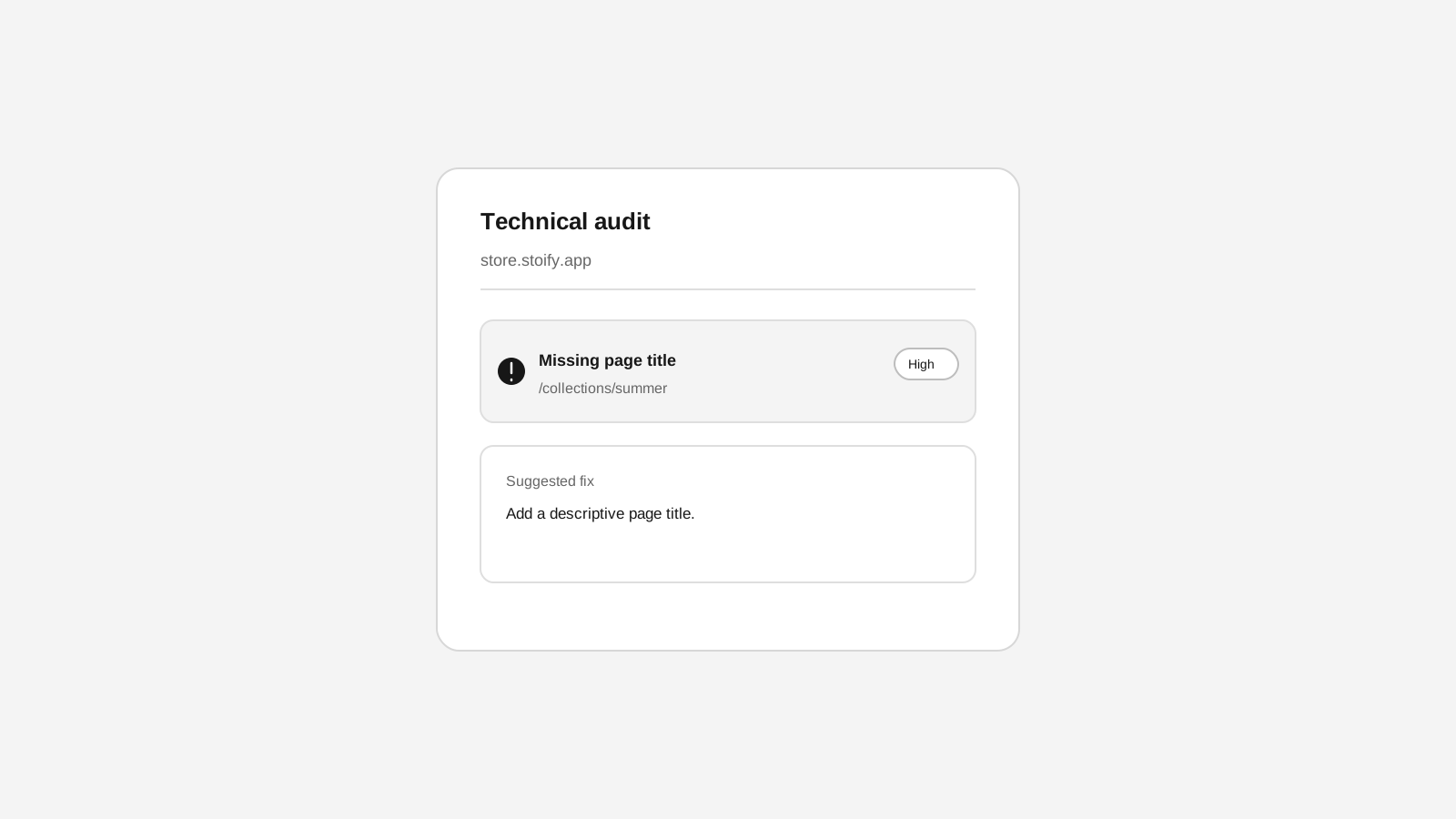
Technical SEO crawls for Stoify storefronts
Crawl public storefront pages for metadata, indexing, redirect, and sitemap issues from the SEO workspace.
Your store address
Custom domains for your storefront
Connect a domain you own to your Stoify storefront, follow clear DNS instructions, and check connection status from your dashboard. Included on Pro and above.