
- Payments
- International commerce
- Shipped
Multi-currency storefronts with one clear base price
Let customers browse and pay in supported currencies while Stoify keeps catalog pricing and reporting anchored to your store base currency.
Shipped and available in Stoify
Share this page
Price the catalog once
Multi-currency does not create a second pricing spreadsheet. Merchants keep entering product, delivery, bundle, and ticket prices in the store base currency. Stoify shows live converted previews for enabled shopper currencies so the merchant can understand the presentation without maintaining per-currency price fields.
Let shoppers choose with confidence
Customers can select one of the store's enabled currencies from the storefront. The preference is remembered for that store, and the cart is repriced from the current cached exchange-rate snapshot. If a selected currency cannot be priced safely, checkout will not quietly fall back to another currency.
Preserve the checkout record
Stoify records the shopper currency, the exchange rate, the presentment totals, and base-currency reporting values when checkout is created. Orders, invoices, returns, refunds, and customer-facing receipts therefore retain the amount the customer actually saw and paid.
Report in the store currency
Mixed-currency sales remain comparable in the dashboard because revenue and trend reporting use the stored base-currency value for each order. Individual operational records keep their own checkout-currency labels, making both finance and customer support views clearer.
Read the multi-currency launch announcement for the release overview.
Related reading
Read the Stoify writing connected to this shipped workflow.
Explore more shipped features
Storefront experience
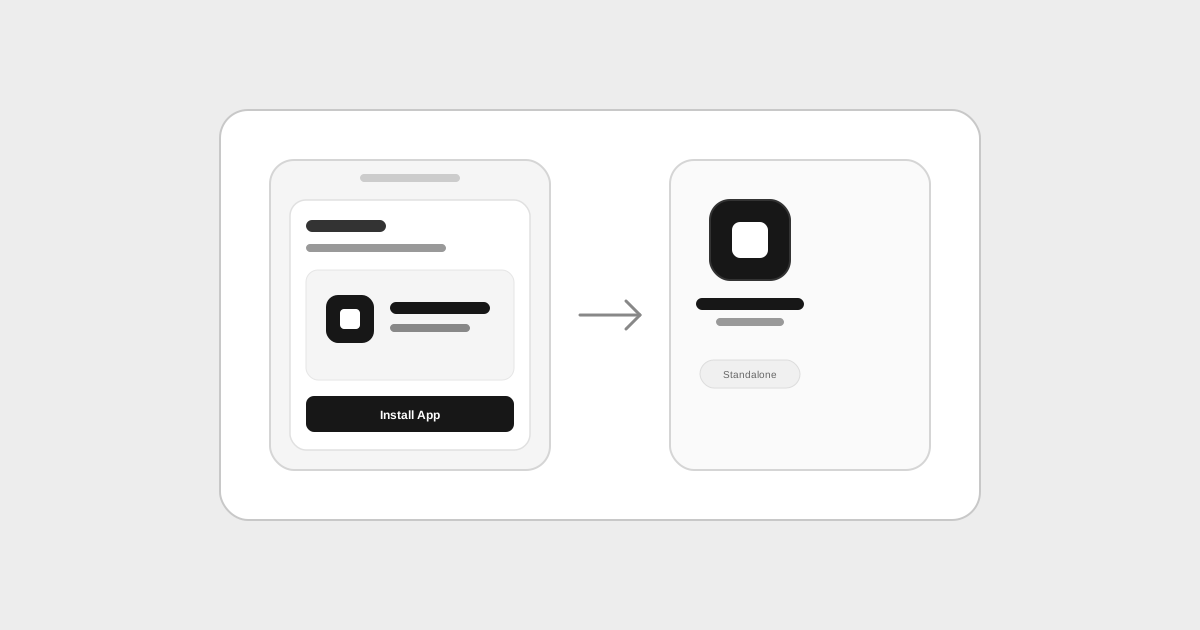
Storefront Progressive Web Apps with offline caching
Turn your storefront into an installable mobile app with automatic metadata inference from store settings, home-screen installation, and offline fallback caching.
Developer Mode
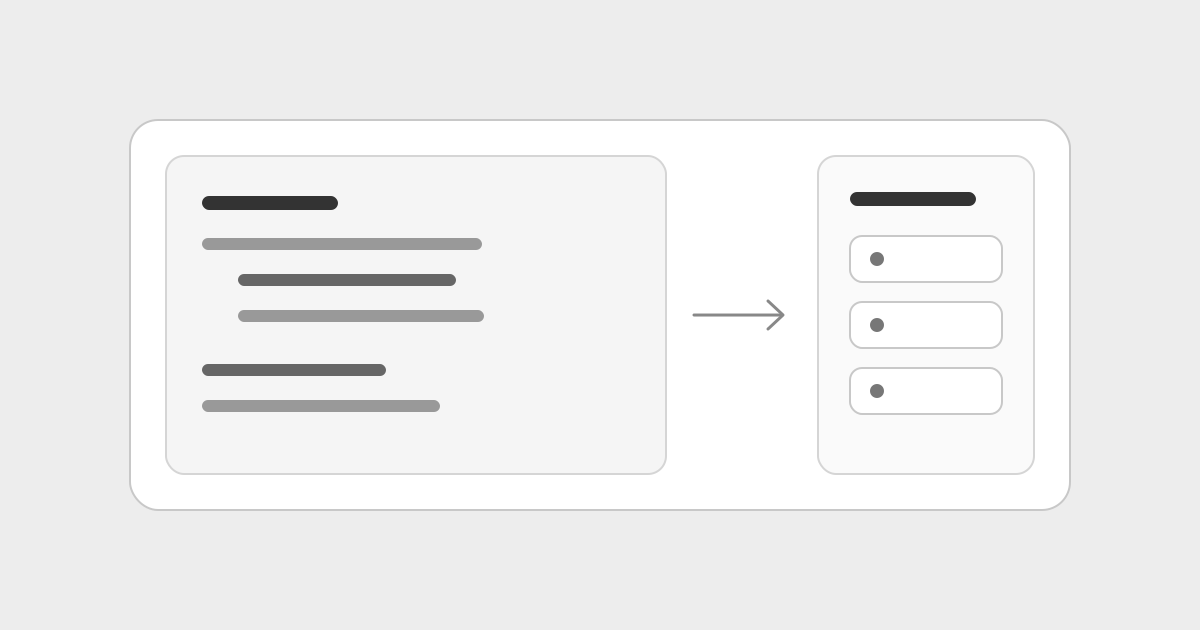
Custom React blocks for the storefront builder
Create reusable TypeScript React sections in Code mode, declare content controls, and edit block props from the visual inspector.