
- News · Product
- Estimated reading time:1 min read
Announcing Stoify redirect management
- By Stoify
Stoify now gives merchants a safe, site-scoped workflow for 301 and 302 storefront redirects with scheduling, expiry, and query preservation.

Share this page
Storefront changes should not turn yesterday’s links into today’s dead ends. Today we’re introducing Redirect Management for Stoify: a site-scoped way to move old paths to new destinations while keeping the rule, timing, and intent visible to the team operating the store.
A clear home for every move
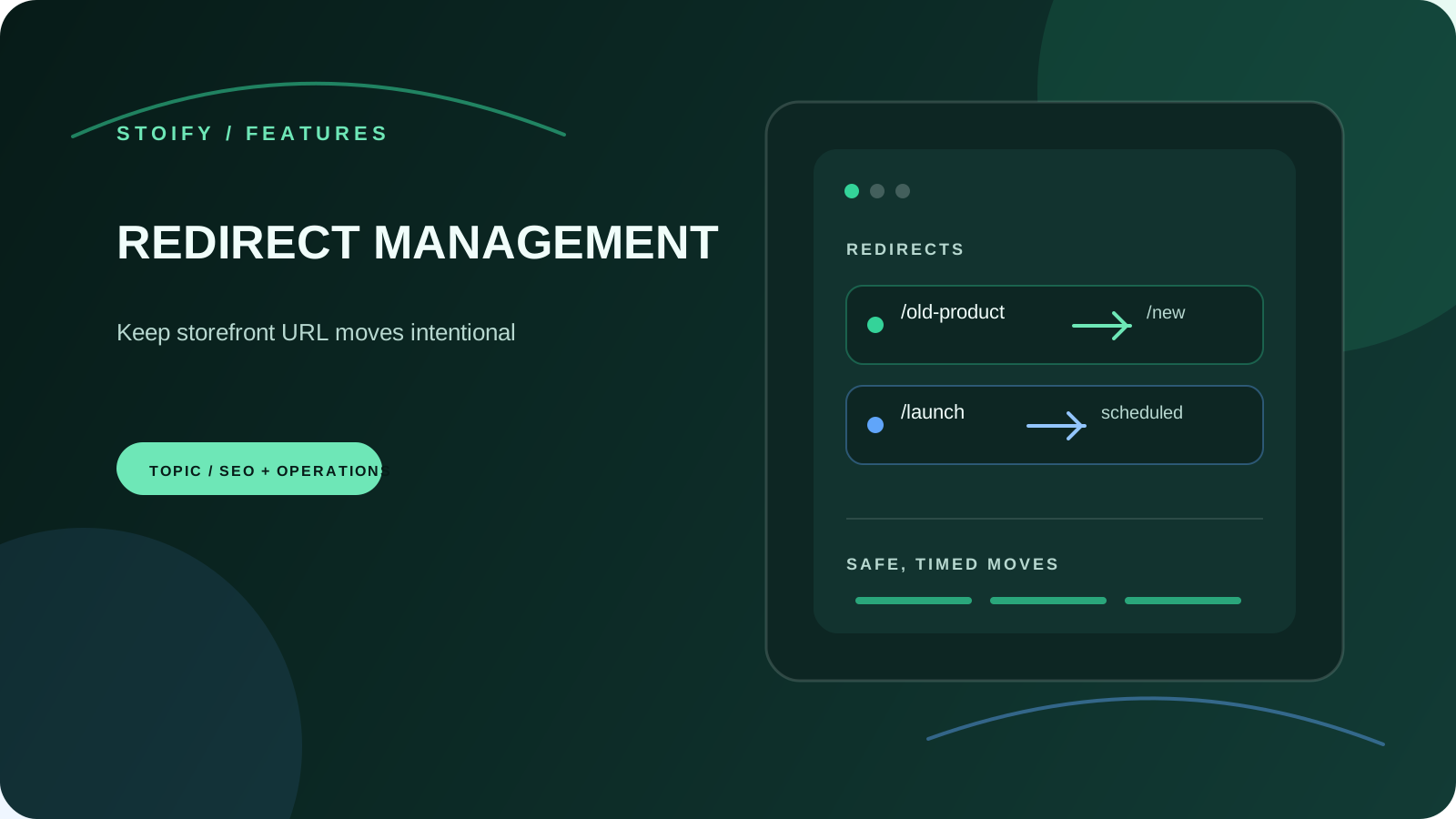
Create exact path rules from the dashboard and choose a permanent 301 or temporary 302 response. Internal storefront paths and validated HTTP(S) destinations are supported, so a rule can move a product to a collection or send a retired campaign to an external resource.
The module checks duplicate sources, self-redirects, unsafe schemes, malformed URLs, credentials in destinations, and simple direct loops before saving. Every rule is scoped to the current site, which keeps one storefront’s URL history separate from another’s.
Schedule campaigns without deployment changes
Some redirects are part of a launch checklist rather than an immediate fix. Scheduled rules use an explicit UTC start time and can stop at an optional expiry. A daily cron transitions due rules, while the storefront also checks the current time on each request so a late scheduled run does not make a rule effective too early or leave an expired rule active.
Preserve the context that arrived with the link
Query-string preservation is on by default. Campaign tags and referral parameters can travel to the new destination when they still matter; disable the option when the destination should receive a clean URL.
The result is a small operational tool with a useful boundary: merchants can handle ordinary URL changes in Stoify, and developers still have a clear place to investigate unusual routing behaviour.
Explore the Redirect Management feature page or enable the module from Settings → Modules.
Continue exploring
Related Stoify articles and feature pages connected to this topic.
Storefront operations
Redirect management for cleaner storefront migrations
Move storefront URLs with site-scoped 301 and 302 rules, scheduled activation, expiry windows, query preservation, and safe internal or external destinations.

Visibility
Storefront SEO controls and audits in one workspace
Manage page metadata, canonicals, sitemap coverage, and mobile or desktop PageSpeed audits from the same Stoify workflow that publishes your store.