
- SEO & operations
- Storefront operations
- Estimated reading time:1 min read
Redirect management for cleaner storefront migrations
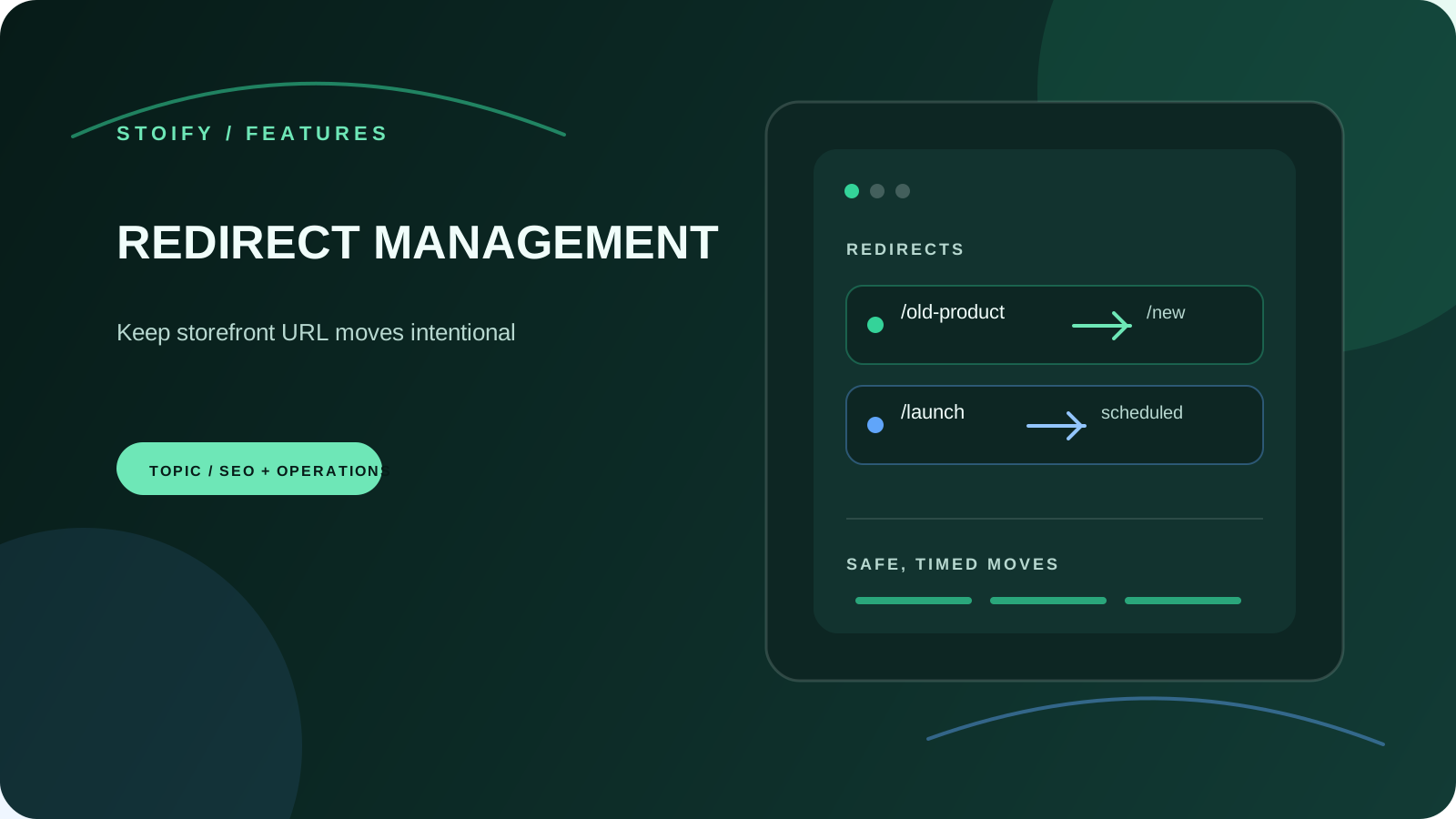
Move storefront URLs with site-scoped 301 and 302 rules, scheduled activation, expiry windows, query preservation, and safe internal or external destinations.
Share this page
Move a storefront URL without losing the next click
Storefront URLs change for good reasons: a product gets a clearer name, a collection is reorganised, or an old campaign needs a reliable home. Redirect management gives that change a deliberate place in Stoify instead of leaving shoppers with a dead link or asking a developer to edit deployment config.
Each rule belongs to one site and matches an exact normalised path. Choose a permanent 301 when search engines and bookmarks should follow the move, or a temporary 302 when the original route may return later.
Point to the right destination
Destinations can be another storefront path such as /collections/summer or
an absolute http or https URL. Unsafe schemes, credentials in URLs,
malformed values, self-redirects, duplicate sources, and direct two-rule loops
are rejected before a rule is saved.
That keeps the redirect list useful as an operational record. A merchant can search the old path or destination, understand where it goes, and update the rule without guessing which site it belongs to.
Schedule the move and its end
Scheduled rules wait for a future UTC start time before they handle requests. Active and scheduled rules can also have an optional expiry, which is useful for campaign paths and short-lived launch routes. The daily maintenance job transitions due rules, while request-time checks keep a late job from making a redirect effective too early or active beyond its expiry.
Keep useful query context
Query-string preservation is enabled by default. Incoming parameters can be carried to the destination so campaign tags, referral context, or a shopper’s selected filters do not disappear during the move. Turn it off when the target should receive only its clean path.
Redirect management is available from Settings → Modules. Read the redirect management launch post for the workflow behind the module.
Related reading
Deeper Stoify writing connected to this workflow.

More features
Explore the rest of the Stoify feature library.

Inventory
Multi-location inventory built for calmer operations
Track stock across locations without splitting your team across extra tools. Stoify keeps on-hand, reserved, and available inventory easier to understand from day one.

Catalog
Product management that stays fast as your catalog grows
Manage product details, variants, media, digital downloads, categories, collections, pricing, and visibility from one focused workflow.