
- News
- Estimated reading time:1 min read
Introducing form page templates and overrides
- By Stoify
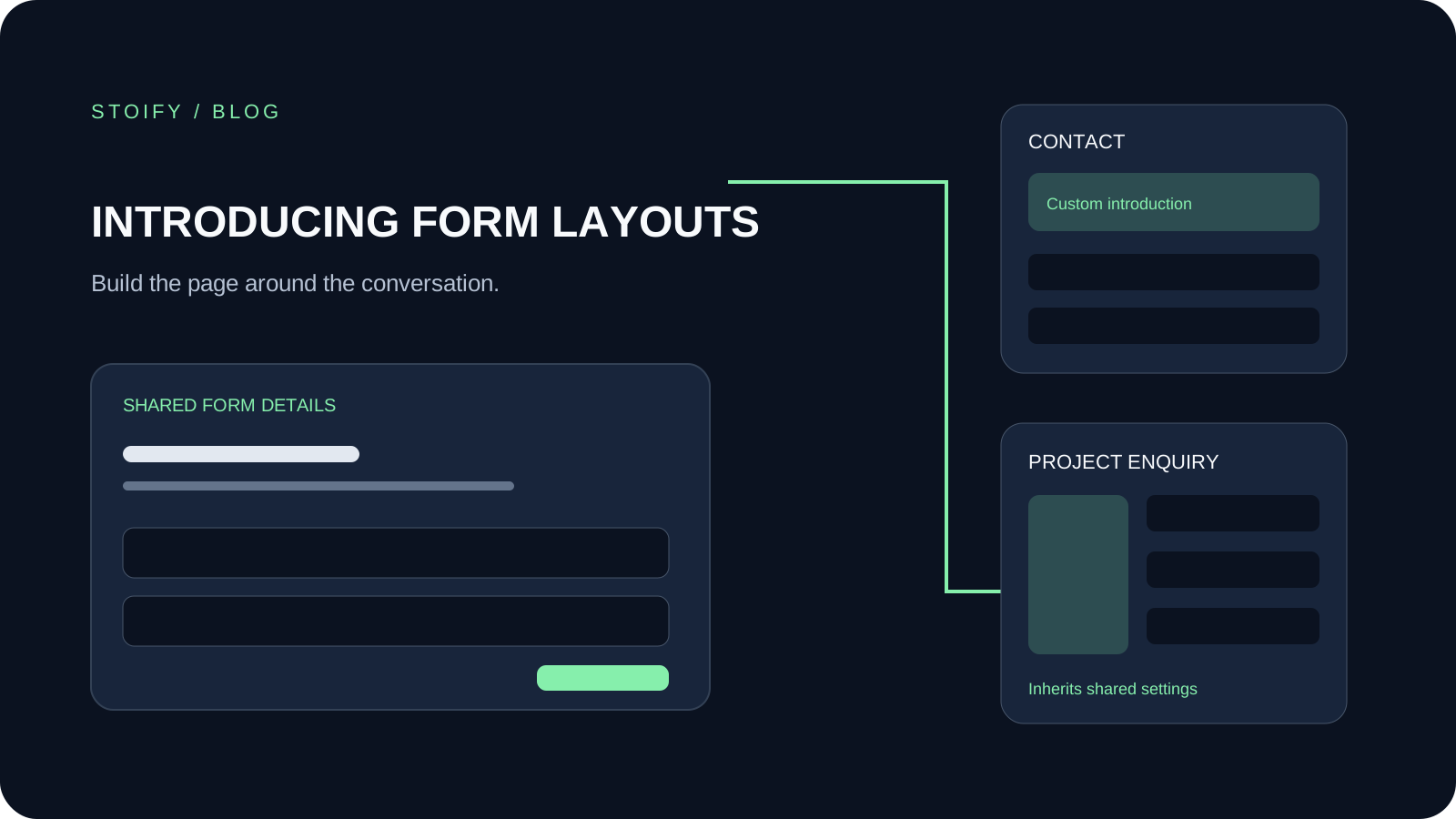
Give standalone Stoify forms a shared storefront layout, with title controls, split layouts, and custom content for individual forms.
Share this page
Standalone form pages can now use the storefront builder. Enable the Forms module to see Form template and Form overrides in the builder menu.
One template, individual layouts
The shared template gives contact, enquiry, and application forms a consistent starting point. The Form details section uses each form's own title, description, and fields. Choose which copy to show, place it above or beside the fields, and adjust alignment and styling.
For a form that needs more context, select it under Form overrides and add sections such as introductory copy, imagery, or frequently asked questions. The form continues to inherit shared sections that have not been overridden.
Keep submission behavior familiar
Fields, validation, and workflows remain in the form editor. Existing embedded forms keep their own layouts. Private builder previews do not create submissions, and Draft or Hidden forms do not gain public standalone pages through layout editing.
Saved templates and overrides remain available after disabling and re-enabling the Forms module.
Explore form page templates and overrides and the existing Forms workflow tools.
Continue exploring
Related Stoify articles and feature pages connected to this topic.
Forms module
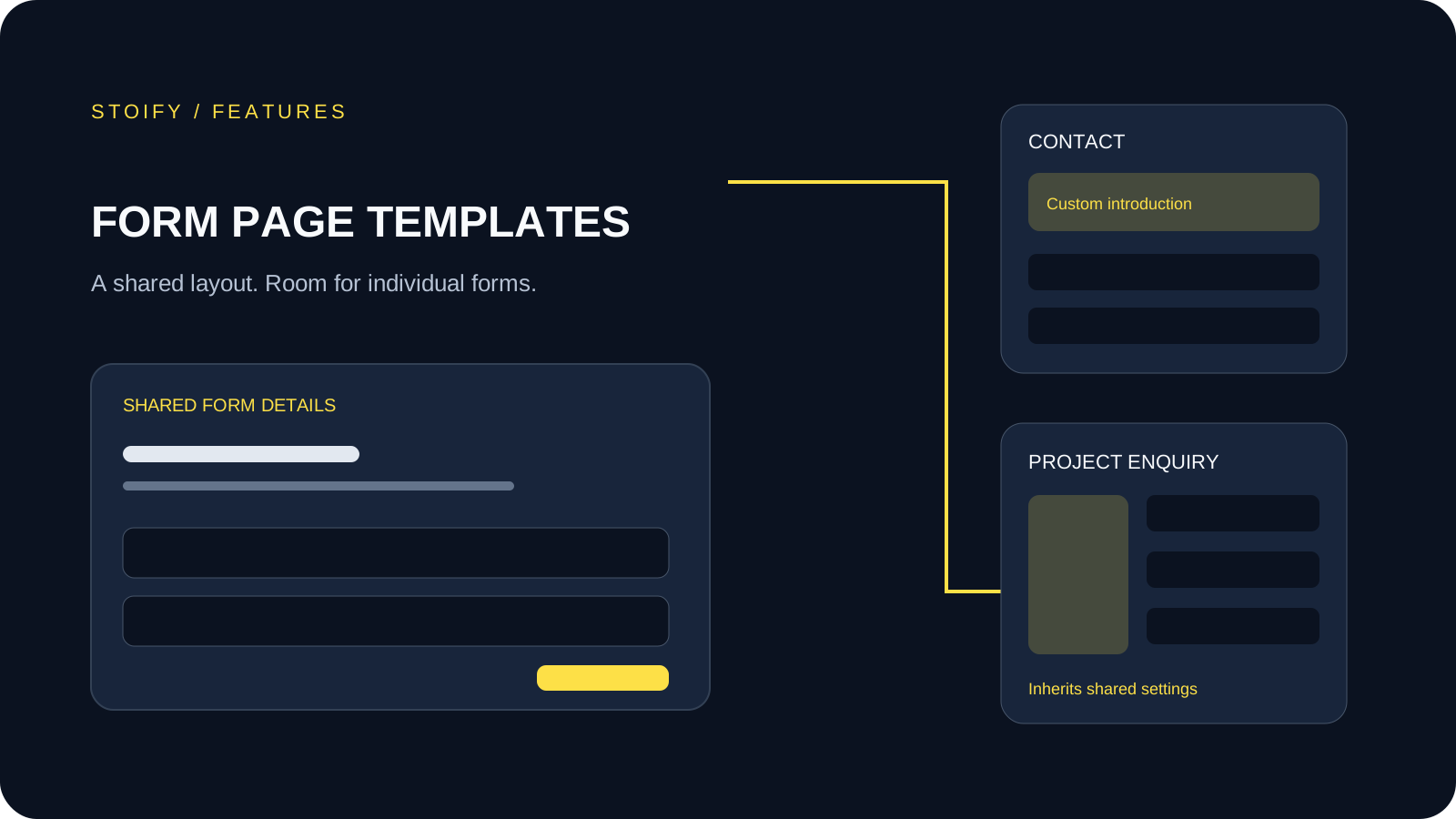
Form page templates and overrides
Design a shared layout for standalone storefront forms, then customize individual form pages with content sections and theme overrides.
Optional module
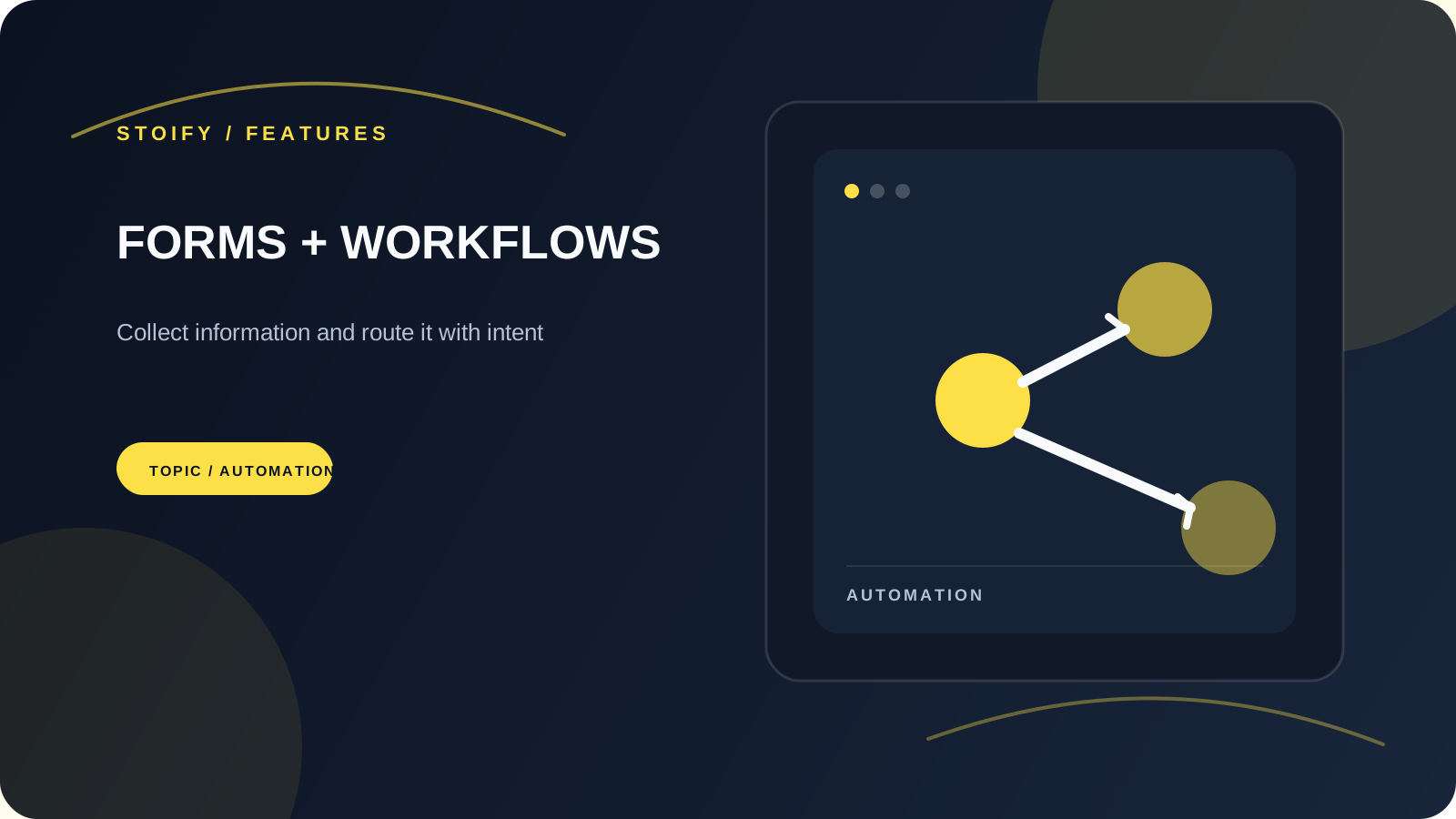
Custom forms and visual submission workflows
Build site-specific forms, publish them at a clean storefront URL, inspect every submission, and automate follow-up with a visual email workflow.