
- Storefront experience
- Forms module
- Estimated reading time:1 min read
Form page templates and overrides
Design a shared layout for standalone storefront forms, then customize individual form pages with content sections and theme overrides.
Share this page
Design a consistent form experience
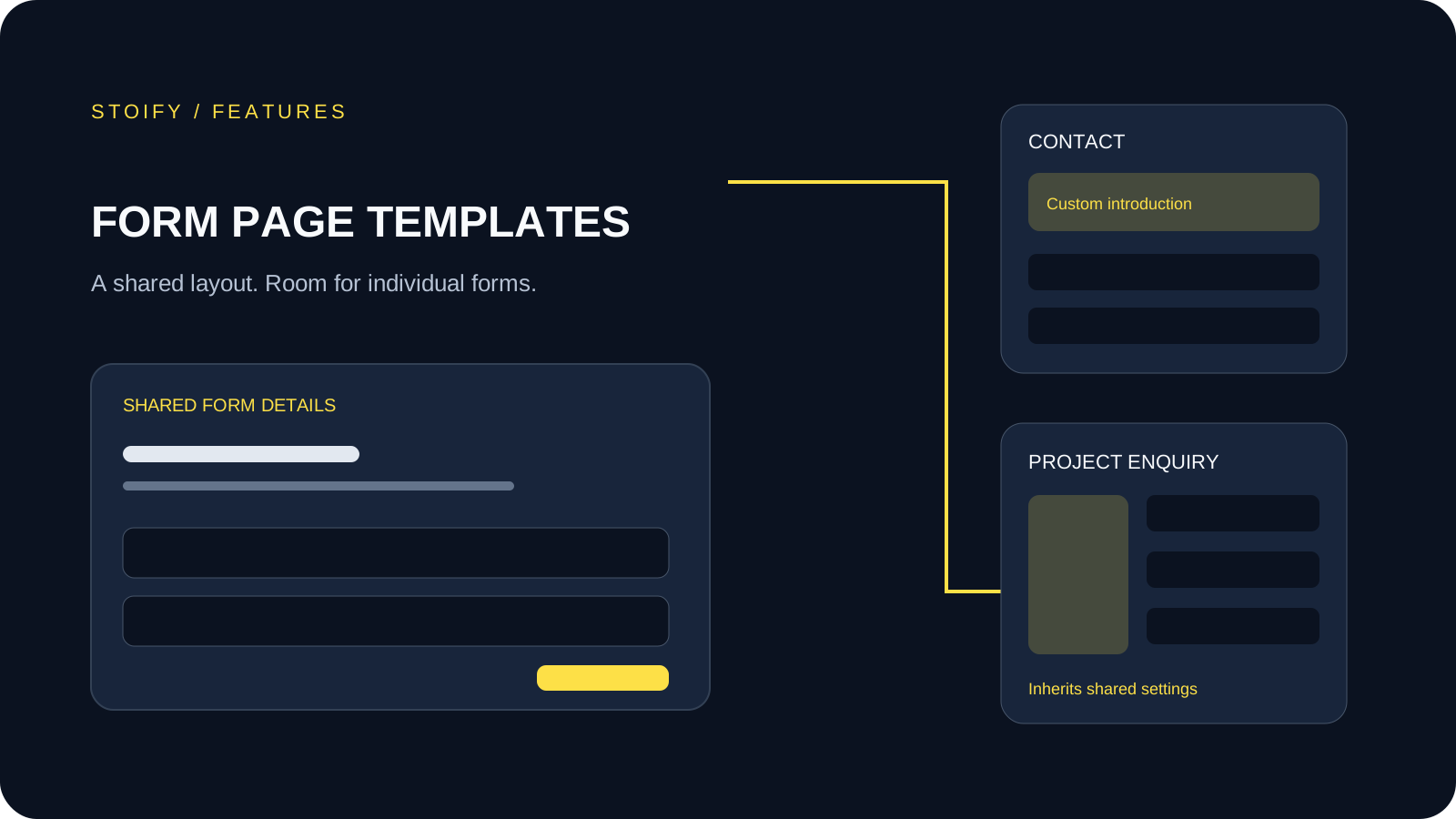
Enable Forms in Settings → Modules, then open Form template in the storefront builder. The shared template controls standalone /form/[slug] pages, including contact forms, enquiries, and applications.
The Form details section automatically uses the current form. Show or hide its title and description, choose a stacked or split layout, and adjust copy alignment with the same styling controls used by other builder sections.
Customize individual form pages
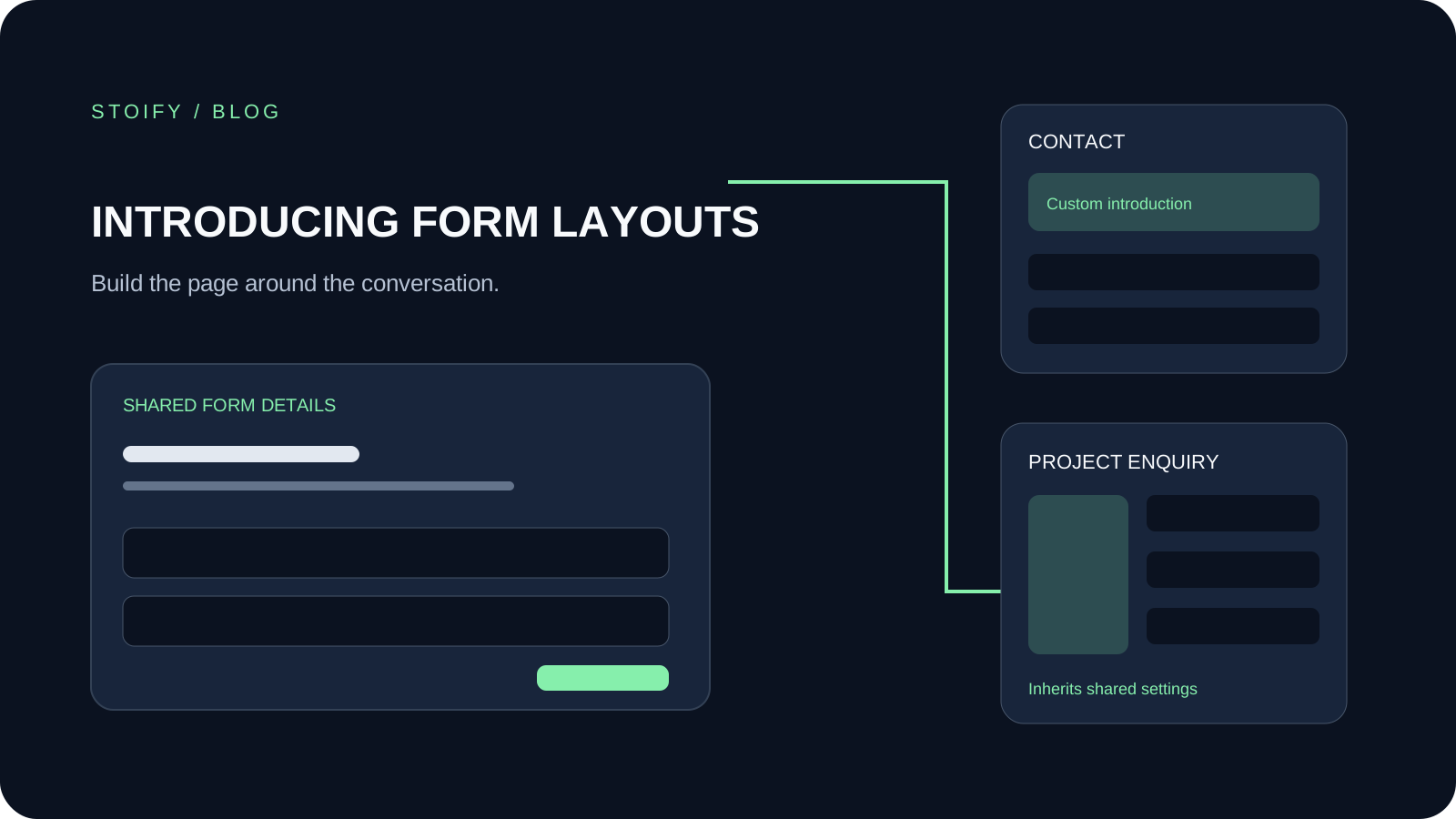
Choose Form overrides and select a form to add content above or below it, change its layout, or apply a local theme. Individual overrides retain template inheritance, so shared changes continue to apply where a form has not customized a section.
Form fields and submission workflows remain in the form editor. Forms embedded in other pages keep their own section settings.
Preview before saving
Preview Draft, Hidden, or Published forms in the authorized builder without creating real submissions. Public form pages retain their existing publication rules. Disabling the Forms module hides form editing options and preserves saved layouts for when it is enabled again.
Read the launch announcement or explore Forms and submission workflows.
Related reading
Deeper Stoify writing connected to this workflow.
More features
Explore the rest of the Stoify feature library.
Inventory
Multi-location inventory built for calmer operations
Track stock across locations without splitting your team across extra tools. Stoify keeps on-hand, reserved, and available inventory easier to understand from day one.

Catalog
Product management that stays fast as your catalog grows
Manage product details, variants, media, digital downloads, categories, collections, pricing, and visibility from one focused workflow.