
- API
- Developer access
- Shipped
API key management for safer ecommerce integrations
Create named Stoify API keys, store secrets only once, regenerate credentials when needed, and revoke access from one dashboard workflow.
Shipped and available in Stoify
Share this page
Give every integration a clear identity
An API key should not be an unexplained string in a settings page. Stoify lets teams name each key after the integration, environment, or workflow it supports so access stays easier to audit over time.
Keep full secrets visible only when they matter
The full API secret is shown once after creation or regeneration. The dashboard stores only a hash for authentication and keeps an abbreviated preview for identification. That gives teams a safer place to manage credentials without making the complete secret part of everyday dashboard visibility.
Rotate credentials without rebuilding the integration
When a credential needs to change, the key can be regenerated from the API page. Stoify requires the user to type the key name before replacing it, then shows the new secret once so it can be copied into the integration's secret manager.
The previous secret stops working immediately. Site owners receive an email with the key name and abbreviated preview when a key is created, regenerated, or revoked.
Built for the rest of the API workflow
API key management works alongside public API endpoints, the dashboard API reference, and plan-aware API rate limiting. Together they give developers a more controlled path from credential creation to production requests.
Related reading
Read the Stoify writing connected to this shipped workflow.
- News
- Product
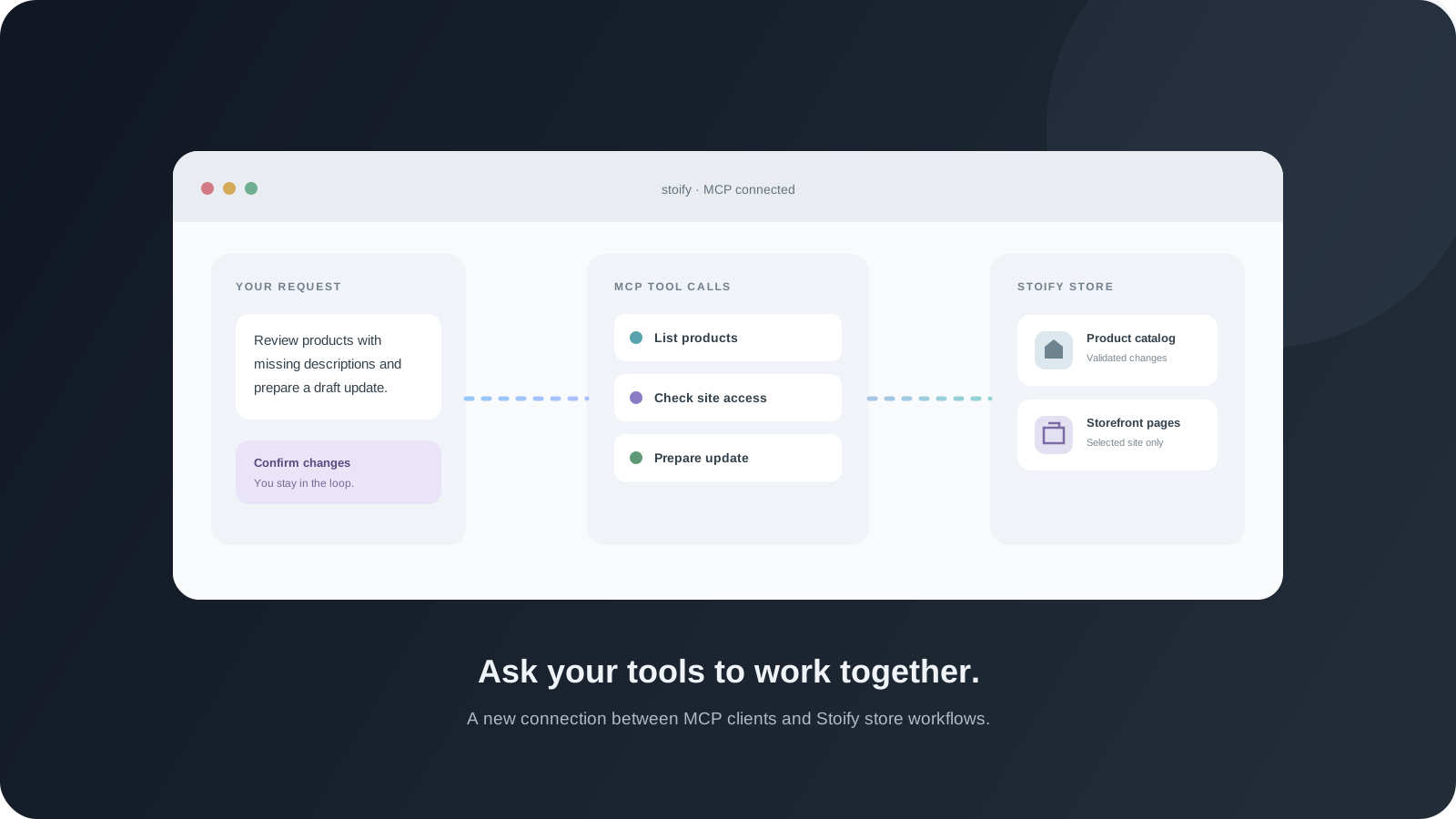
Introducing the Stoify MCP Server
Connect an MCP-compatible AI client to Stoify and work with site-scoped tools for catalog, storefront builder, settings, media, and SEO tasks.
- News
- Education
How Stoify's API Tools Keep Integrations Moving
Stoify's API release brings secure API key management, public catalog endpoints, a practical reference surface, and plan-aware rate limits into one calmer integration workflow.
Explore more shipped features
Your store address
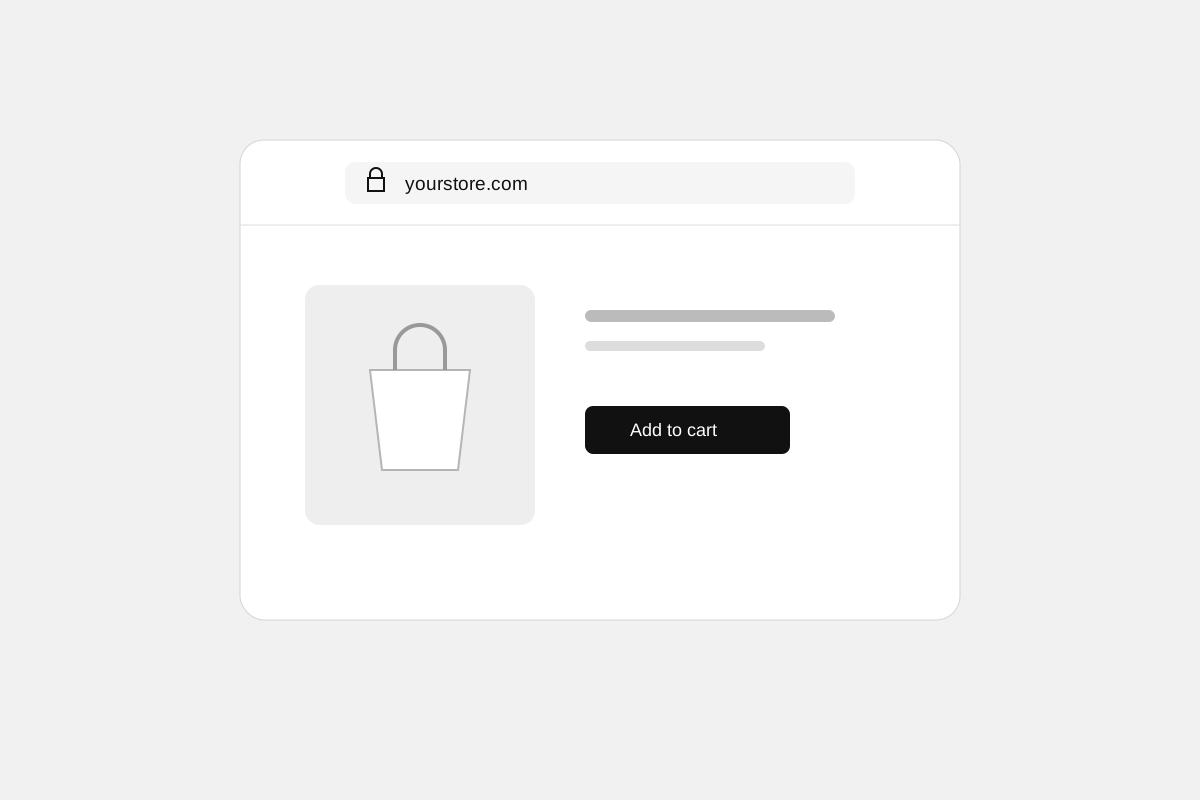
Custom domains for your storefront
Connect a domain you own to your Stoify storefront, follow clear DNS instructions, and check connection status from your dashboard. Included on Pro and above.
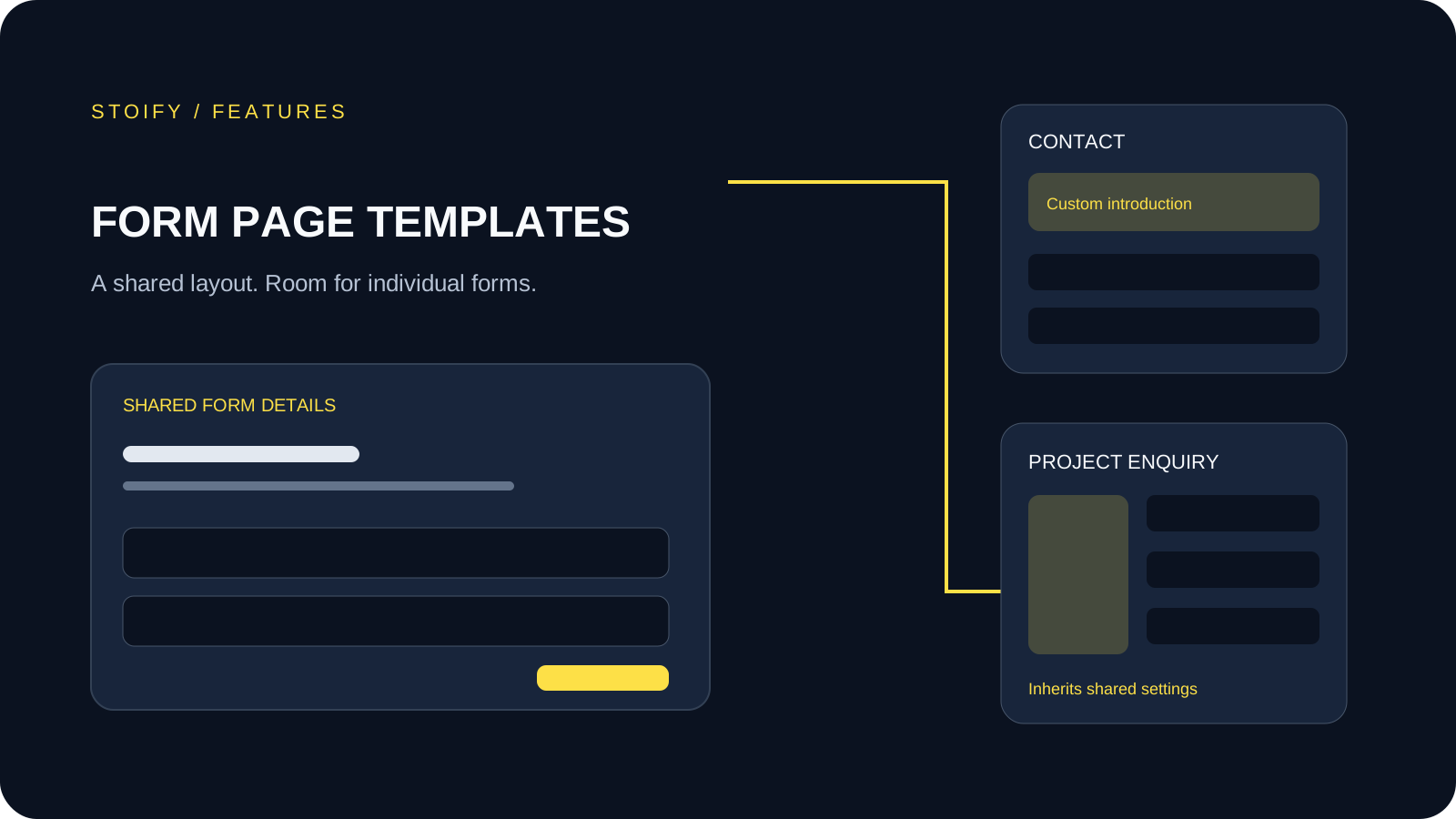
Forms module
Form page templates and overrides
Design a shared layout for standalone storefront forms, then customize individual form pages with content sections and theme overrides.