
- Storefront experience
- Optional module
- Shipped
Events and ticketing for storefront gatherings
Create publishable events with free or paid ticket tiers, capacity tracking, attendee management, checkout, and customer reminders in Stoify.
Shipped and available in Stoify
Share this page
Turn the date into part of the storefront
Some businesses sell a physical product. Others sell a place in the room, a seat at the table, or a reason to gather. Stoify Events gives those businesses a native workflow for creating and publishing that experience alongside the rest of the storefront.
Events are optional and off by default. Enable the module from Settings → Modules, then create an event from the dashboard.
Create the event around the details guests actually need
Each event can include:
- A title and description
- Start and end times with an explicit timezone
- A venue name and address
- An online event link
- A cover image
- Draft, published, and archived states
The storefront gets a dedicated events index and SEO-friendly detail page, while the dashboard keeps planning work close to a monthly calendar.
Free entry or paid ticket tiers
Ticket tiers keep the offer clear. Add general admission, early access, member entry, or any other tier with its own name, description, price, and optional capacity. A zero-price tier becomes free entry without needing a separate checkout experience.
Paid tickets use a dedicated event checkout connected to the site’s Stripe account. Event registrations stay separate from merchandise orders, so ticket checkout does not ask guests for shipping details they do not need.
Keep attendee work visible
After an event is published, the dashboard shows registrations, ticket types, quantities, payment states, revenue, and capacity usage. The calendar makes it easy to open an event on the date it happens and move from planning to attendee detail without hunting through a table.
Confirmation now, reminder tomorrow
Customers receive a confirmation email after a free registration or successful payment. Stoify also sends one automatic reminder 24 hours before the event, with the event time, location, ticket tier, and a link back to the event page.
For the full launch story, read Introducing Stoify Events and ticketing.
Related reading
Read the Stoify writing connected to this shipped workflow.
Explore more shipped features
Your store address
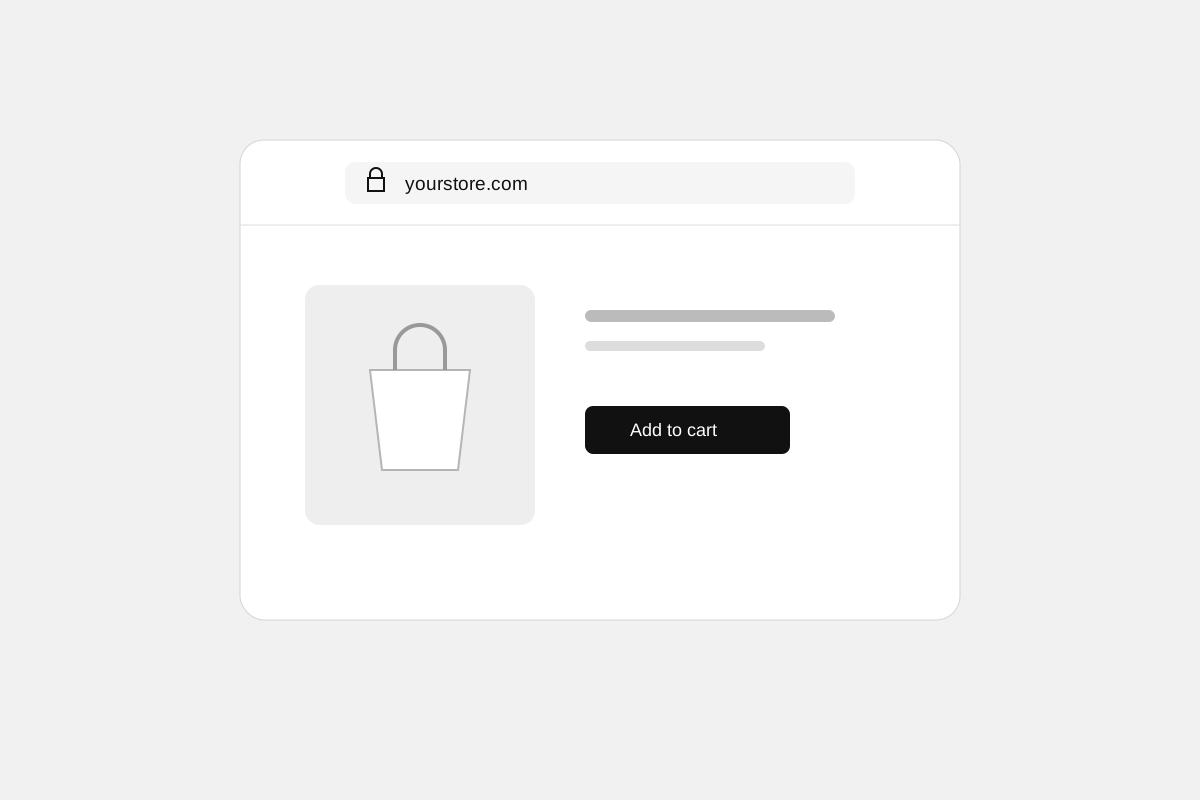
Custom domains for your storefront
Connect a domain you own to your Stoify storefront, follow clear DNS instructions, and check connection status from your dashboard. Included on Pro and above.
Forms module
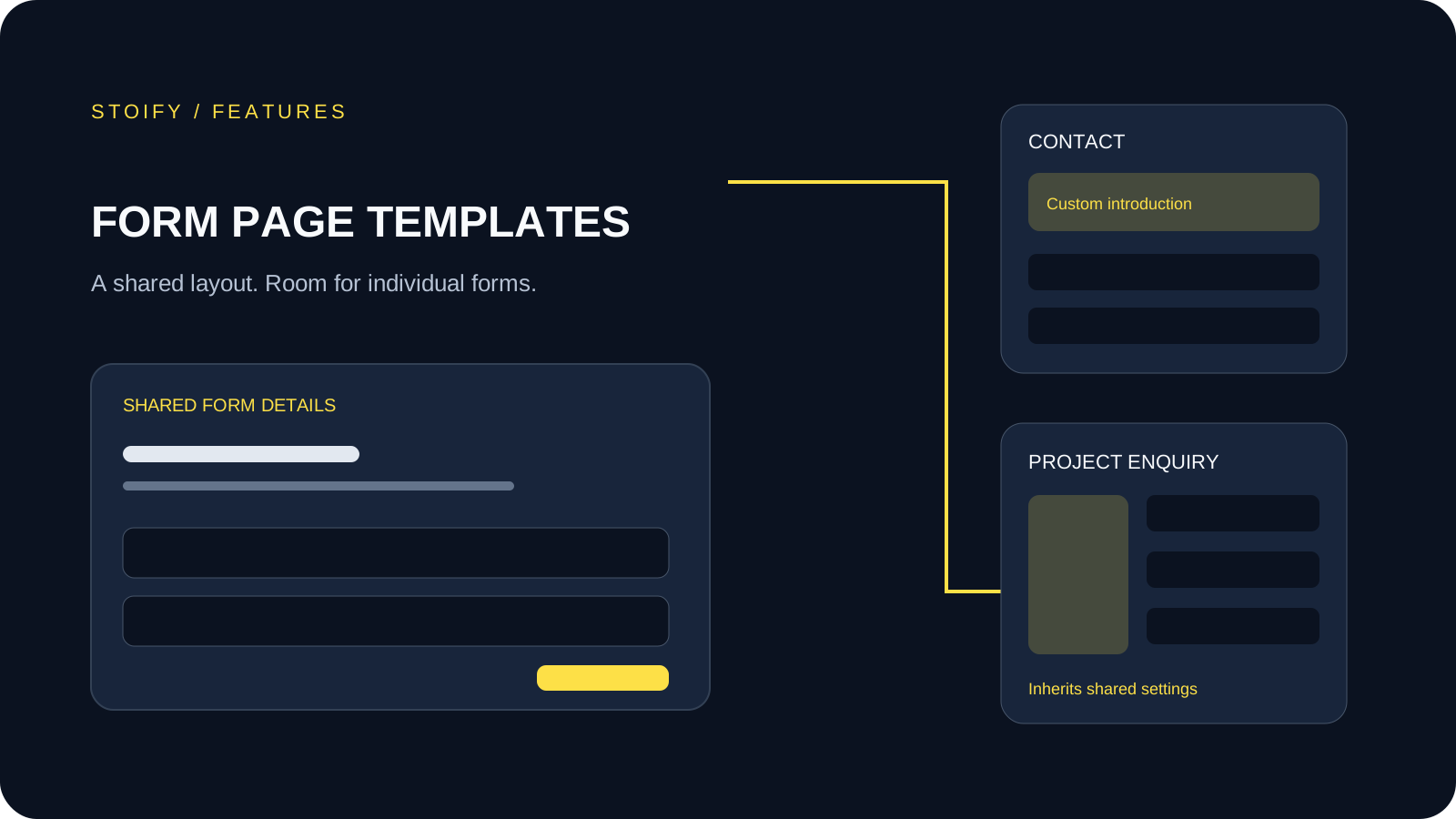
Form page templates and overrides
Design a shared layout for standalone storefront forms, then customize individual form pages with content sections and theme overrides.