
- Conversion
- Growth & retention
- Shipped
Live cart tracking that shows intent before checkout
Monitor active and abandoned carts, understand shopper intent before checkout, and follow up with reminder emails when buying momentum fades.
Shipped and available in Stoify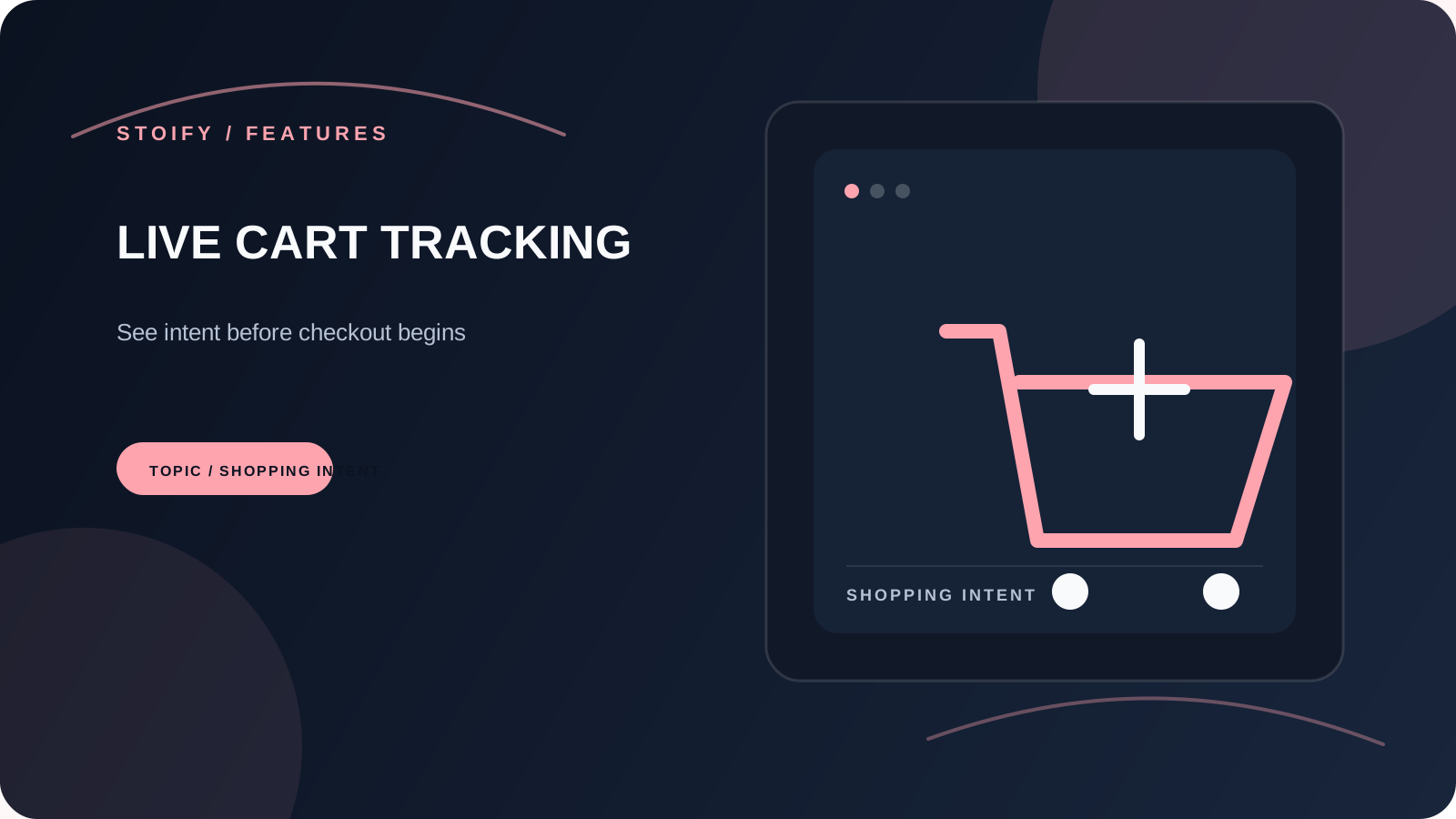
Share this page
Why live cart visibility matters
Abandoned cart recovery is an optional Stoify module and stays off by default. Open Settings → Modules when you are ready to enable dashboard cart visibility and manual reminder emails for your store.
Most storefronts only tell the story after the sale or after the abandonment. That means the moment of intent stays hidden. Stoify gives the dashboard a live view of cart activity, so your team can understand what customers are doing before the window closes.
What you can learn from it
- Which products are creating momentum.
- Where customers hesitate before checkout.
- When reminder emails are worth sending.
- How cart behavior connects to merchandising decisions.
The cart view keeps the important state visible: carts can be ongoing, completed, or abandoned, with the products and customer context needed to understand what happened next.
More than a dashboard number
Live cart tracking is useful because it connects customer behavior to action. It is not just about seeing active sessions. It is about having enough context to improve recovery, refine product presentation, and understand what demand looks like while it is forming.
Built into the same system
Because Stoify keeps this close to product and storefront workflows, you do not need to export behavior into a different app just to act on it. That keeps the feedback loop shorter and easier to trust.
From free setup to deeper recovery workflows
Free is a good place to understand the storefront basics. As you grow, the paid plans give you more room to lean into cart visibility and recovery without switching platforms or rebuilding your reporting habits.
If you want the broader conversion case behind this workflow, read Why Abandoned Cart Recovery Should Start Inside the Storefront.
Related reading
Read the Stoify writing connected to this shipped workflow.
- Education
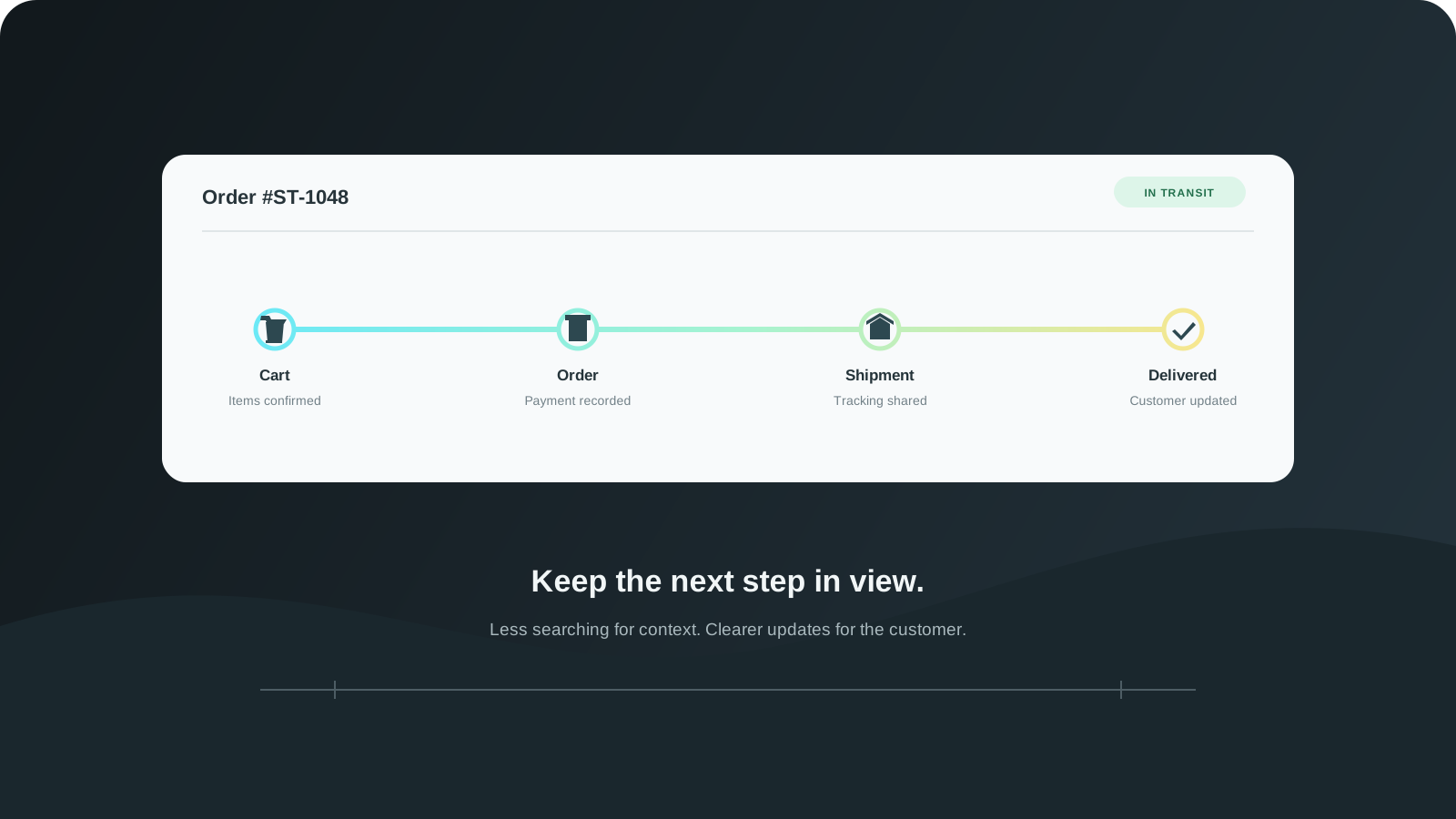
From Cart to Fulfillment With Fewer Gaps
The customer journey does not stop at checkout. Connect cart visibility, order handling, shipment updates, and returns so teams can follow what happens next.
- News
- Education
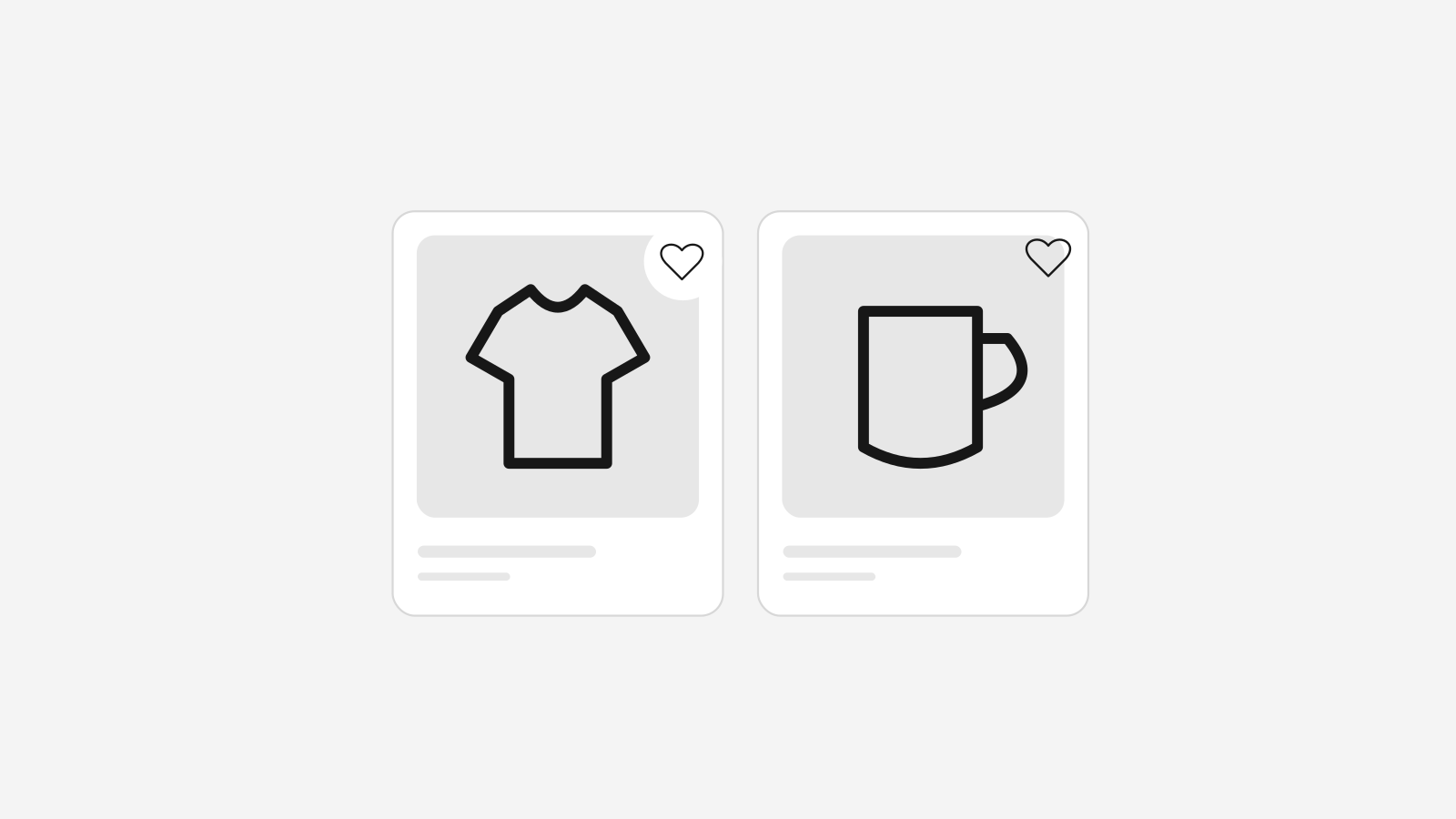
Big Stoify Wishlist Updates Make Saved Products More Useful
Stoify has expanded its wishlist workflow with a dedicated customer account page, storefront header access, and quick add behavior that respects assigned-location stock.
Explore more shipped features
Your store address
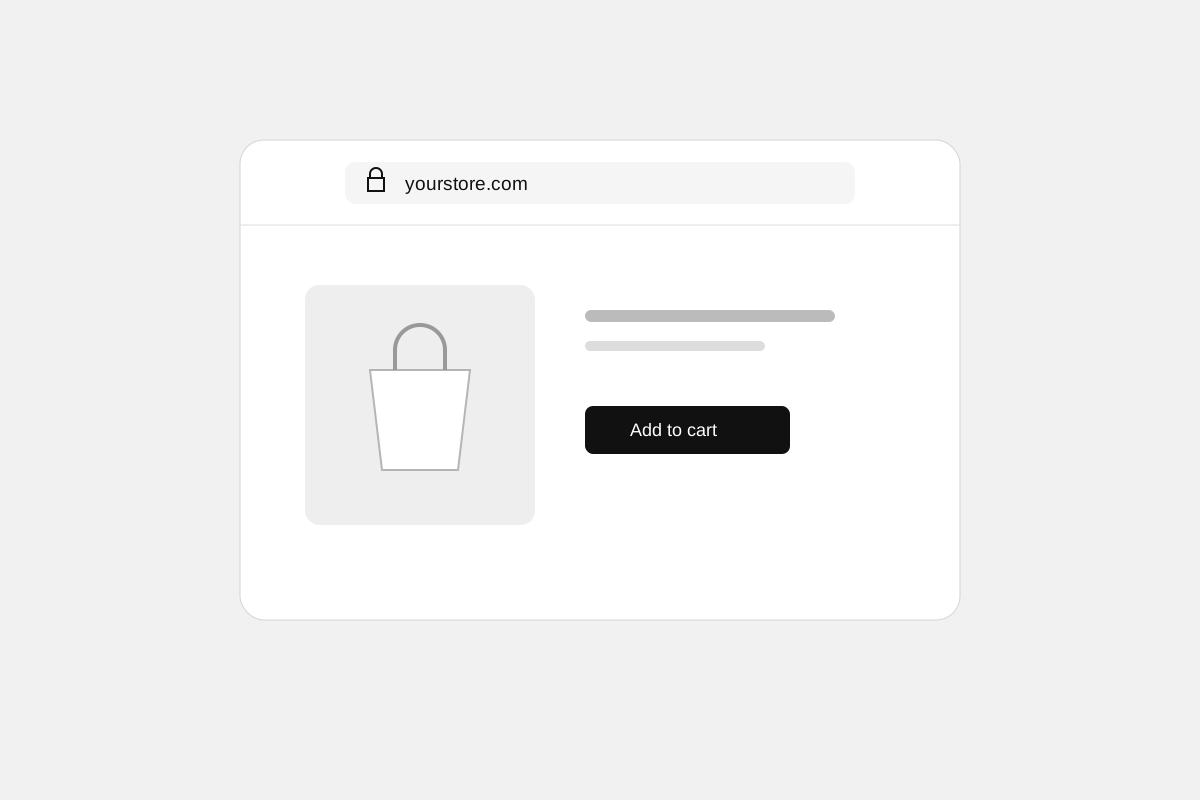
Custom domains for your storefront
Connect a domain you own to your Stoify storefront, follow clear DNS instructions, and check connection status from your dashboard. Included on Pro and above.
Forms module
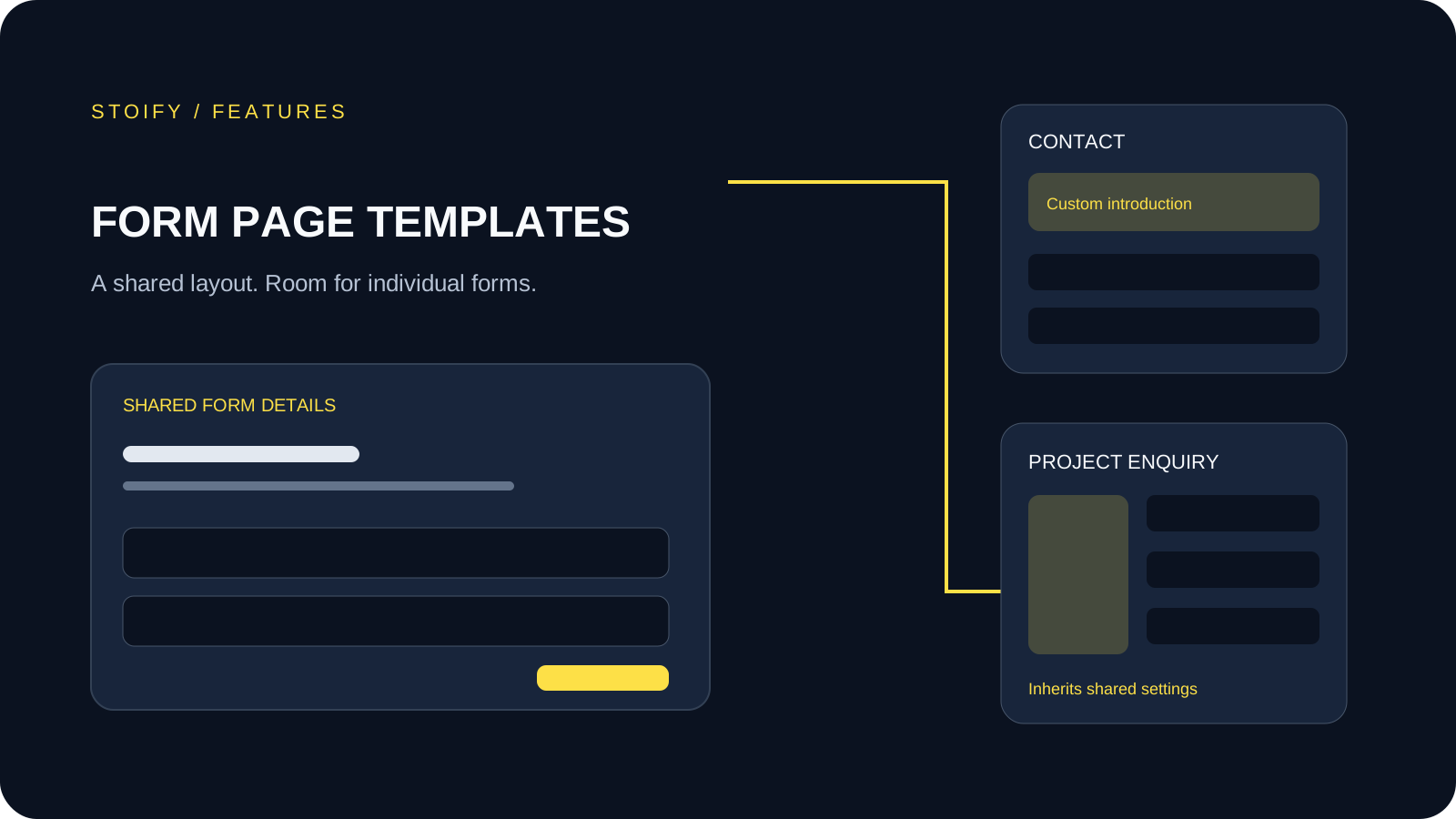
Form page templates and overrides
Design a shared layout for standalone storefront forms, then customize individual form pages with content sections and theme overrides.