
- Product management
- Catalogue operations
- Shipped
Media Reader and smart product catalogue imports
Scan retail barcodes or read media titles, compare provider matches, and import confirmed products with status, stock, images, and source attribution.
Shipped and available in Stoify
Share this page
Go from an item in hand to a useful product
Stoify's Media Reader turns supported retail identifiers into product candidates without starting from a blank form. Scan a product, book, CD, vinyl release, cassette, or DVD and Stoify checks the catalogue providers that fit the identifier. Camera frames and title OCR stay in the browser; only the decoded barcode or title query is sent for catalogue matching.
Every match remains a suggestion. The item is imported only after a user confirms the product, edition, or exact media release.
Route each identifier to the right catalogue
Open Media Reader from Products and point the camera at an EAN, UPC, GTIN, ISBN, or supported GS1 barcode. Stoify checks Open Facts for general products, Open Library for ISBN books, and Discogs for physical media when it is configured. Provider requests run independently, so one unavailable source does not discard valid matches from another.
Candidate cards label both the source and detected product type. General products show brand, category, and quantity. Books show author, publisher, year, and ISBN. Discogs releases retain artist, format, label, country, year, barcode, and pressing details.
Local media-title recognition
When Discogs is configured, the same camera can read prominent media-title text while barcode detection continues. OCR processing is local and staged for responsiveness. It ranks readable title regions, searches the strongest candidates, and keeps Discogs format filters available for Vinyl, CD, Cassette, DVD, File, and Box Set results.
Without Discogs, barcode and ISBN lookup still work and the expensive title reader is not loaded.
Review status, price, and stock before import
After selecting a candidate, review its imported image, description sections, attribution, SKU, category, price, publication status, initial stock, and warehouse. Discogs marketplace pricing is shown when available. Other sources require an explicitly entered price, including an intentional zero.
The imported product preserves its provider, product type, barcode, source URL, attribution, and raw provider metadata. Existing products found by the same provider identifier are updated consistently instead of duplicated.
A useful path when nothing matches
Unknown barcodes do not become dead ends. Media Reader shows the decoded code and offers Scan another item or Create manually, opening the standard product form with the identifier prefilled as the SKU.
Read the Media Reader launch post, then visit the Products dashboard to use it.
Related reading
Read the Stoify writing connected to this shipped workflow.

Explore more shipped features
Your store address
Custom domains for your storefront
Connect a domain you own to your Stoify storefront, follow clear DNS instructions, and check connection status from your dashboard. Included on Pro and above.
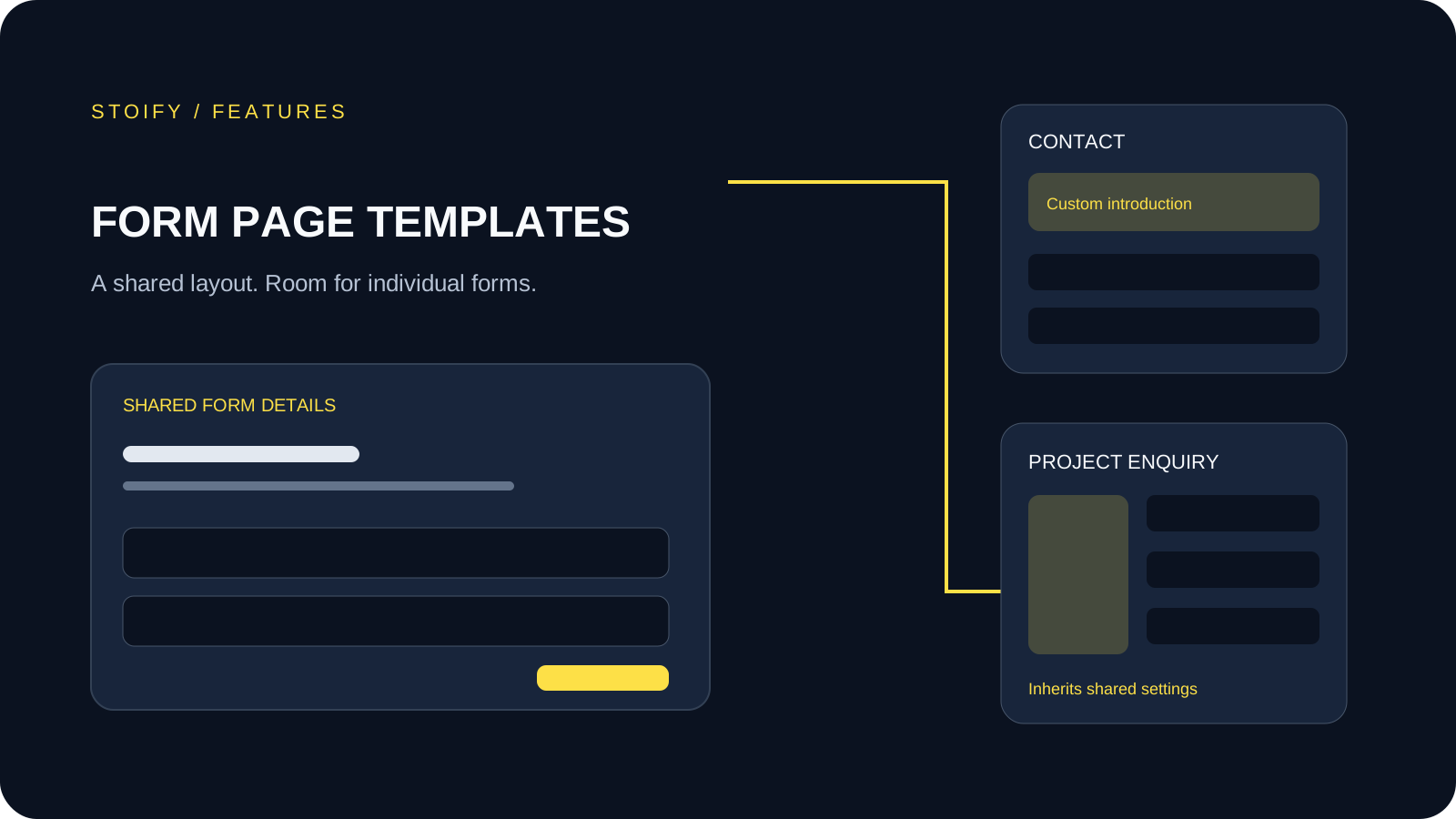
Forms module
Form page templates and overrides
Design a shared layout for standalone storefront forms, then customize individual form pages with content sections and theme overrides.