
- Storefront experience
- Storefront builder
- Shipped
Storefront builder customer preview and temporary cart
Preview customer account journeys, build a temporary cart, and review checkout safely inside the storefront builder without changing production customer or order data.
Shipped and available in Stoify
Share this page
Review the customer journey before you publish
The storefront builder is now a safer place to review the experience beyond the
homepage. Choose a customer from the preview picker, or work as a guest, then
move through the same storefront routes a shopper would use: product pages,
/cart, /checkout, and customer account pages.
Customer options are limited to the active site and are resolved only through a valid builder preview session. The selected identity is clearly labelled in the builder, while the real storefront authentication session remains untouched.
See account details without impersonating production
Customer preview provides read-only identity context for supported account views, including the account overview, orders, returns, reviews, wishlist, downloads, stock alerts, and saved addresses. This makes it practical to check empty states, populated states, customer-specific copy, and account navigation without signing the dashboard user into the storefront as a real customer.
Actions that would change customer data are blocked or marked as unavailable in preview mode. The builder preview banner makes the boundary explicit: it is a review environment, not a second production login.
Build a cart that cannot leak into production
Preview cart state is stored in the browser session under a preview-session- specific key. It starts empty, survives iframe reloads and route changes, and supports the complete review loop:
- Add products from cards, product pages, recommendations, and wishlist views.
- Adjust quantities, remove items, clear the cart, and open the cart sheet.
- Navigate to
/cartand continue into checkout with the same temporary items. - Switch preview customers and automatically clear the cart to avoid mixing customer scenarios.
The preview cart never calls real cart mutations, attaches itself to a customer, or writes a Prisma cart record. It is useful for testing the interface and totals while keeping real shopper activity separate.
Make checkout representative, not risky
Preview checkout uses the storefront's active theme configuration, including surface colors, borders, typography, spacing, checkout layout, delivery summaries, and payment presentation. Split checkout keeps its focused layout without the regular storefront top bar.
The selected customer and temporary cart are visible where they affect the checkout experience, while a clear preview notice explains that no order will be placed. Payment, Stripe, delivery, discount, and order-finalization mutations stay disabled in this mode.
Edit global surfaces where they appear
Header and footer editing now follows the same visual language as section editing. Hover targets receive the builder outline, and clicking anywhere in a header or footer selects that global surface and opens its inspector. Supported text can be edited directly on the canvas, including brand text, footer copy, payment marks, and other editable content.
Read the launch story in Preview the entire customer journey before your storefront launch.
Related reading
Read the Stoify writing connected to this shipped workflow.
- Education
Make Storefront Changes Without a Fragile Handoff
Campaigns and merchandising move quickly. A visual storefront workflow helps teams review pages, update content, and check the customer journey before changes go live.
- News
- Product
Preview the entire customer journey before your storefront launch
Stoify's storefront builder now lets teams review customer account states, temporary carts, checkout layouts, and global storefront surfaces without touching production data.
Explore more shipped features
Your store address
Custom domains for your storefront
Connect a domain you own to your Stoify storefront, follow clear DNS instructions, and check connection status from your dashboard. Included on Pro and above.
Forms module
Form page templates and overrides
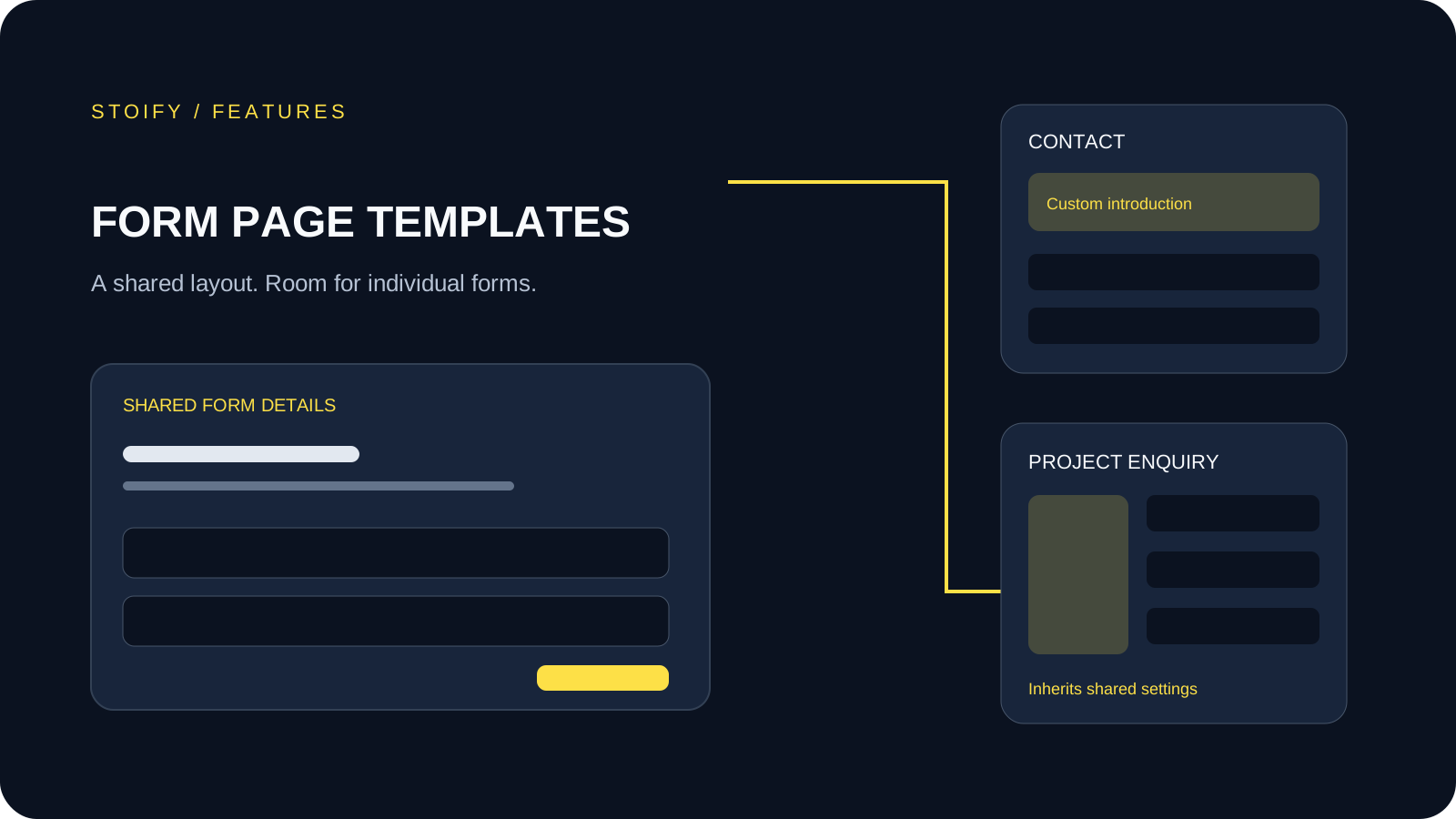
Design a shared layout for standalone storefront forms, then customize individual form pages with content sections and theme overrides.