
- Storefront experience
- Checkout builder
- Shipped
Checkout success page builder
Preview and tailor the order success experience with editable copy, site-aware styling, and a safe example order—without placing a test purchase.
Shipped and available in Stoify
Share this page
Shape the moment after payment
The order success page is where a shopper gets reassurance that everything worked. Stoify’s Checkout page builder now includes that state alongside the checkout form, so merchants can review the complete handoff from payment to confirmation in the same storefront context.
Preview without placing an order
Choose Order success in the Checkout page inspector to see a deterministic paid-order example. The preview uses the three newest published products from the active storefront, including their first available variant, price, image, and product link. It never creates an order, charges Stripe, sends an email, or writes a database record.
The existing preview notice stays visible so the boundary is clear while the page is being edited.
Edit copy where shoppers see it
Click supported success-page text directly in the preview to update headings, confirmation messages, status labels, item metadata, totals, delivery details, payment labels, and action buttons. Typography, alignment, color, and spacing controls use the same inline editing system as the rest of the builder.
Dynamic values such as the order number, customer email, date, prices, address, and payment details remain runtime data. That keeps the editor focused on content while preserving the accuracy of real completed orders.
Keep the site’s visual language
The success screen uses the project’s standard shadcn Card, Badge, Alert, and Separator composition. Checkout surface tokens and semantic success or warning status colors remain the source of truth, while the success icon can be selected from the existing Lucide catalogue.
Read the launch story in Build a better post-purchase moment.
Related reading
Read the Stoify writing connected to this shipped workflow.
- Education
From Cart to Fulfillment With Fewer Gaps
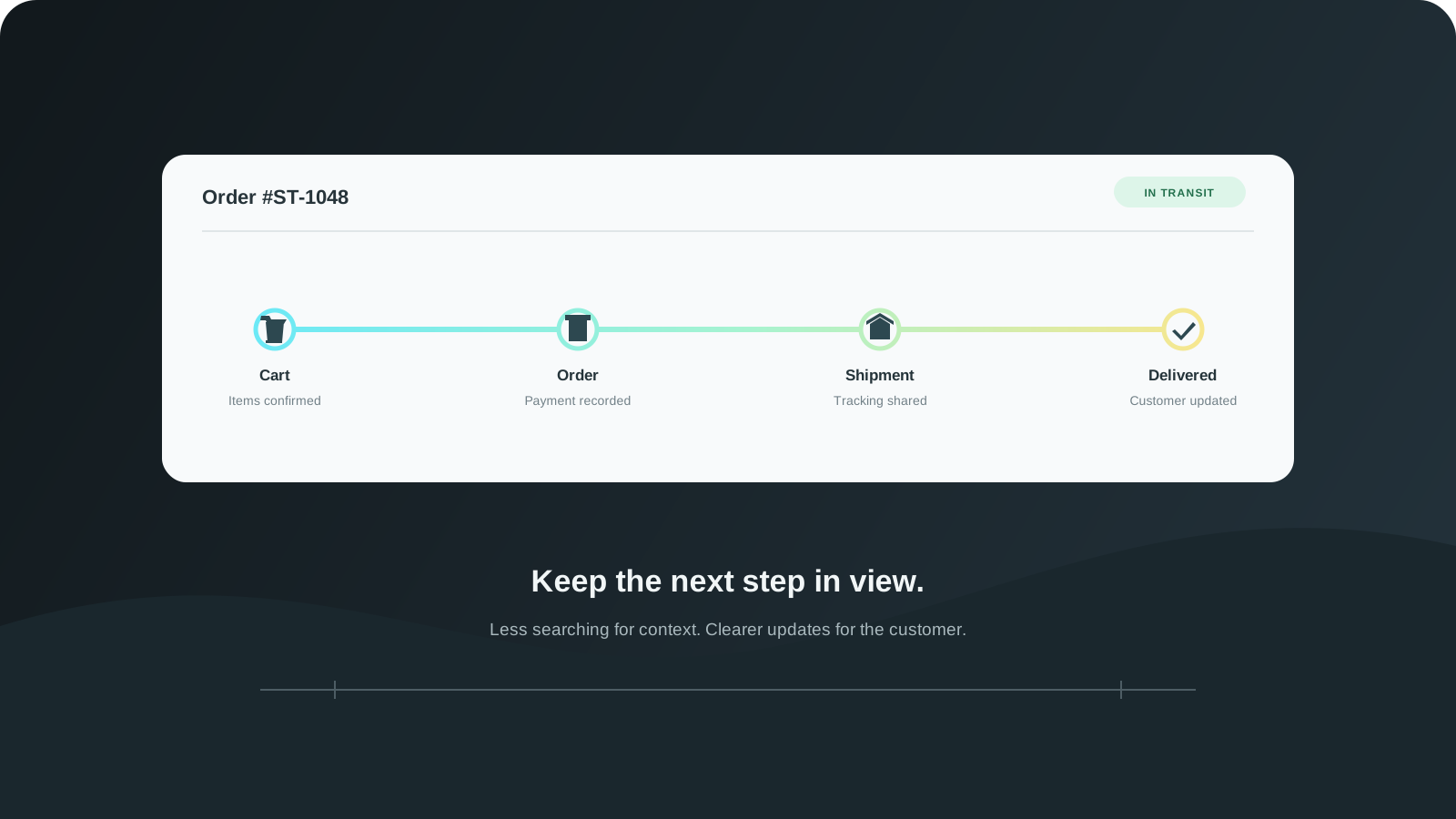
The customer journey does not stop at checkout. Connect cart visibility, order handling, shipment updates, and returns so teams can follow what happens next.
- News
- Product
Build a better post-purchase moment
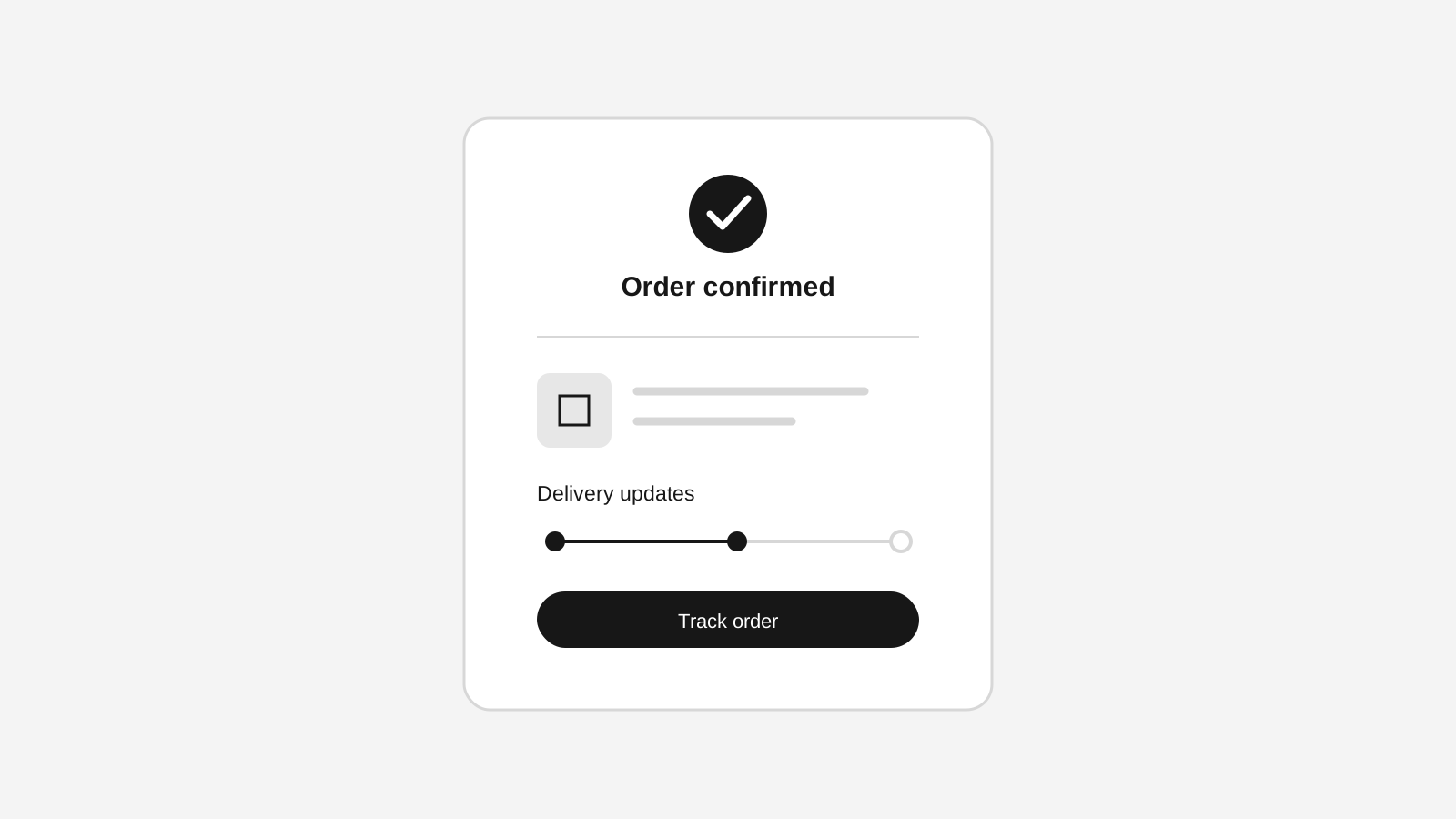
The Stoify storefront builder now lets merchants preview and edit the checkout success state without creating a test order.
Explore more shipped features
Your store address
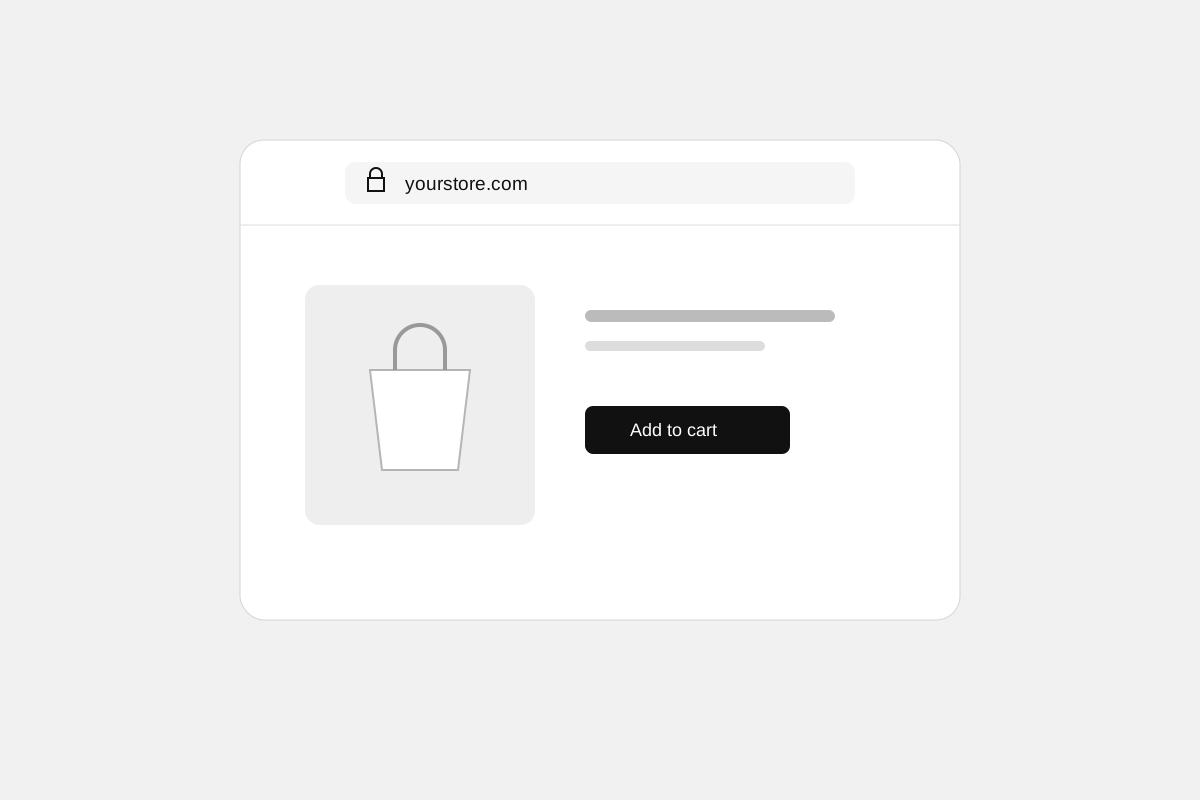
Custom domains for your storefront
Connect a domain you own to your Stoify storefront, follow clear DNS instructions, and check connection status from your dashboard. Included on Pro and above.
Forms module
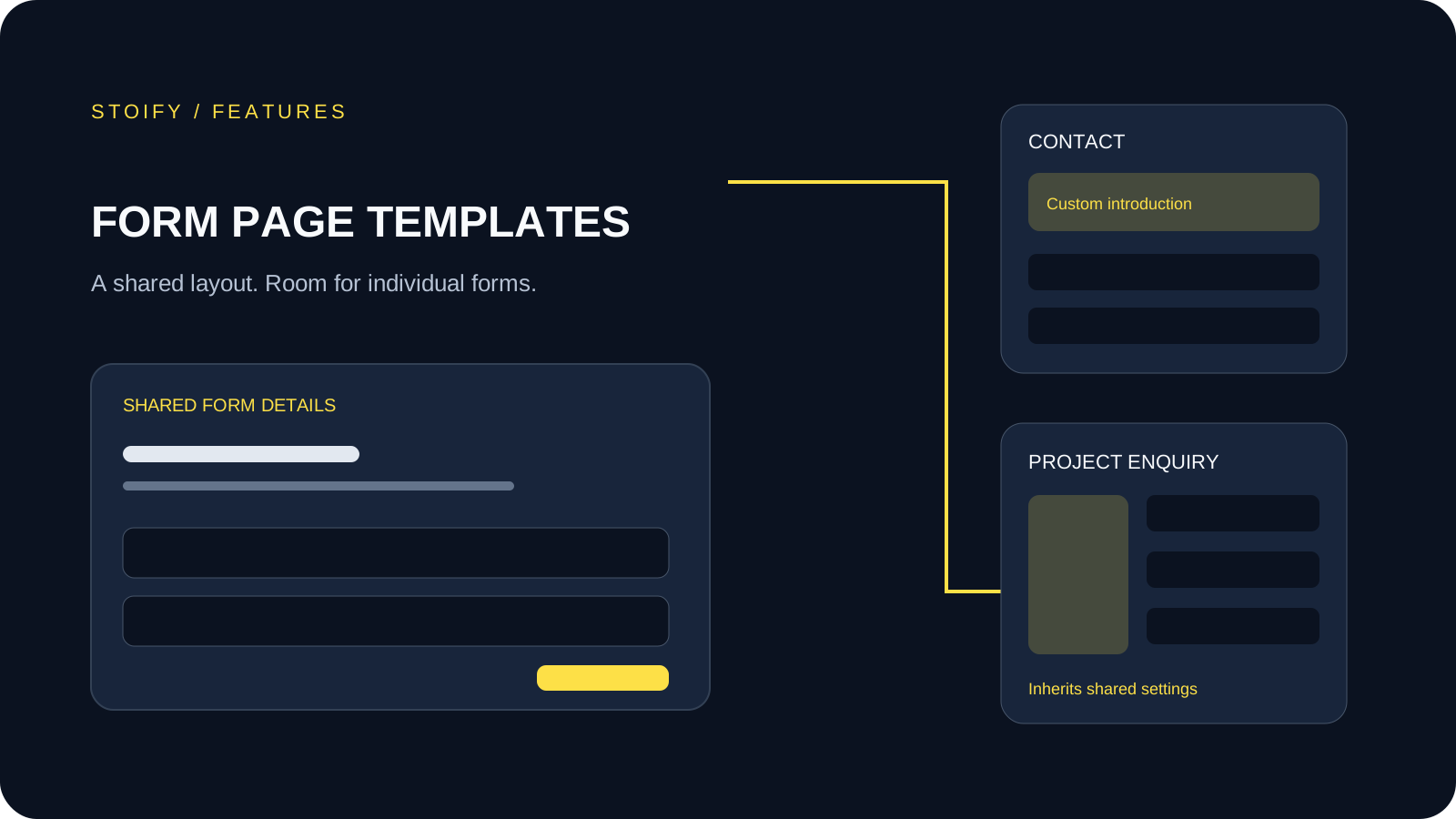
Form page templates and overrides
Design a shared layout for standalone storefront forms, then customize individual form pages with content sections and theme overrides.