
- Operations
- Catalog
- Shipped
Product import and export for calmer catalog operations
Move product data in and out with CSV or XLSX, review duplicates before save, and keep bulk catalog changes close to the Stoify product workflow.
Shipped and available in Stoify
Share this page
Why bulk catalog work needs a safer workflow
Catalog changes are not always one-record-at-a-time work. Sometimes a team needs to migrate products, review pricing in a spreadsheet, or clean up a group of listings all at once. When that process feels detached from the platform, the risk of duplicate records and inconsistent updates rises quickly.
Stoify brings import and export into the product workflow itself so merchants can move faster without losing visibility into what is changing.
What the workflow covers
- Export product data as CSV.
- Export product data as XLSX.
- Export the entire site catalog by default, or search and select individual products.
- Import product data from CSV or XLSX.
- Map data through shared keys and labels.
- Import a brand, ordered image URLs, and image alt text alongside core product fields.
- Review duplicate matches before saving.
- Override existing matching records when that is the intended outcome.
Why the review step matters
The useful part of import is not only file support. It is confidence. Stoify reviews imported rows before save, checks for duplicate matches using SKU first and slug second, validates pipe-separated public image URLs and their matching alt text, and gives the merchant a clearer point to decide whether matching rows should be skipped or used to update existing records.
That reduces the guesswork that often makes bulk catalog work feel risky.
Image galleries without fragile source links
The spreadsheet supports Image URLs and Image alt text columns. Each value is pipe-separated, so image order and accessible descriptions travel together. Stoify securely downloads valid public HTTPS images into the product media store instead of depending on a third-party image URL at storefront render time. If a gallery cannot be safely imported, the whole product row is left unchanged and the spreadsheet review reports the row that needs attention.
Leaving Image URLs blank during an override keeps an existing gallery intact. Supplying valid URLs replaces the gallery only after every new image has been prepared successfully.
Built to support real product operations
This feature works well for everyday catalog maintenance, spreadsheet-driven review cycles, and early migration work where teams need structure more than complexity. The workflow focuses on core product fields, brands, image galleries, and a default variant path, which keeps it practical and easier to trust.
A better way to keep catalog changes moving
Stoify is designed to help teams manage products without unnecessary admin sprawl. Import and export support extends that goal into batch workflows, giving merchants a calmer way to move data in and out while staying close to the same operating surface as product management.
For a broader look at why this matters operationally, read How the New Stoify Import Export System Keeps Catalog Work Moving.
Related reading
Read the Stoify writing connected to this shipped workflow.
- Education
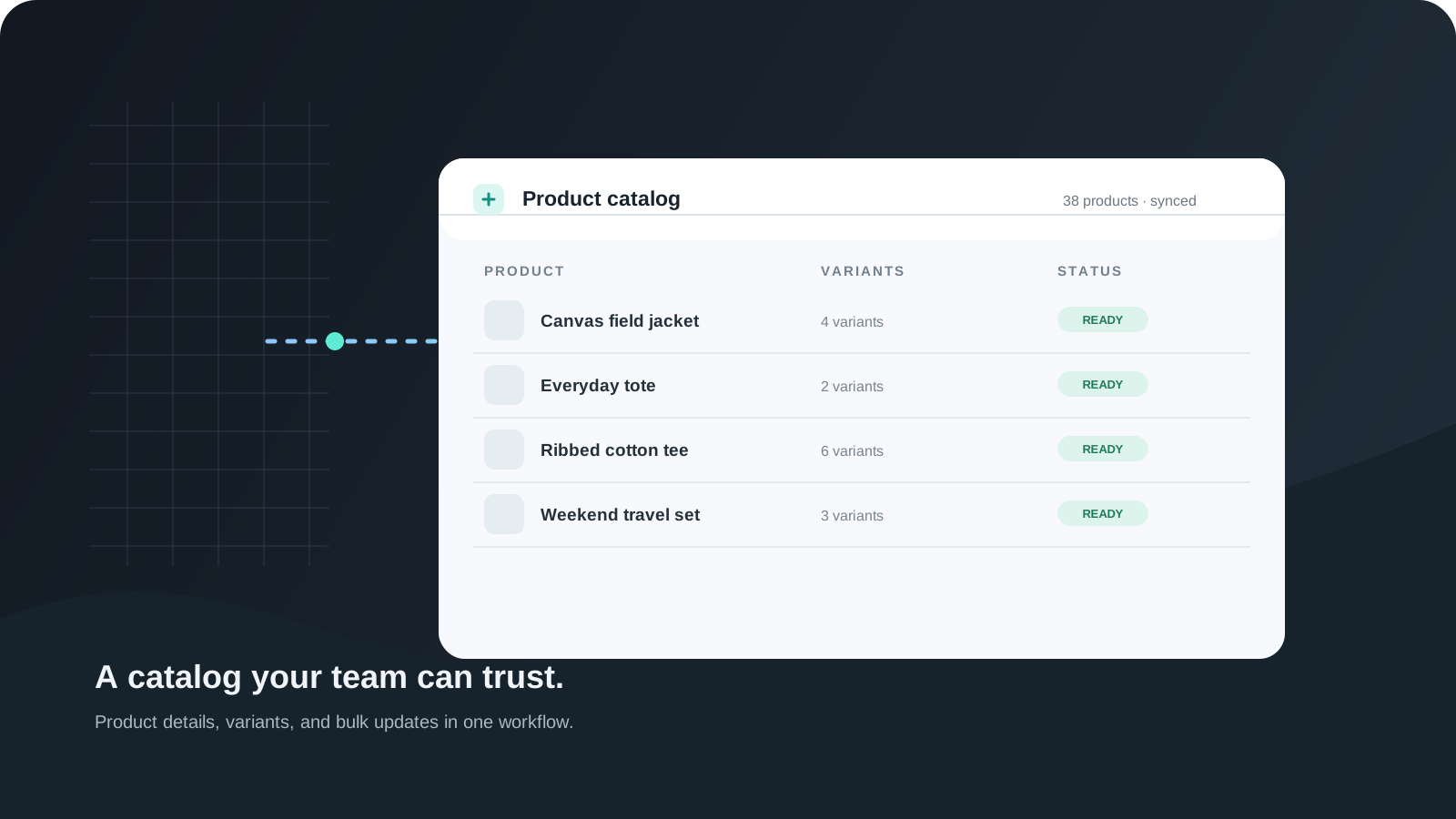
When Your Product Catalog Outgrows Spreadsheets
A growing product catalog needs more than a shared sheet. Learn how connected product, variant, media, and import workflows keep updates easier to manage.
- News
- Education
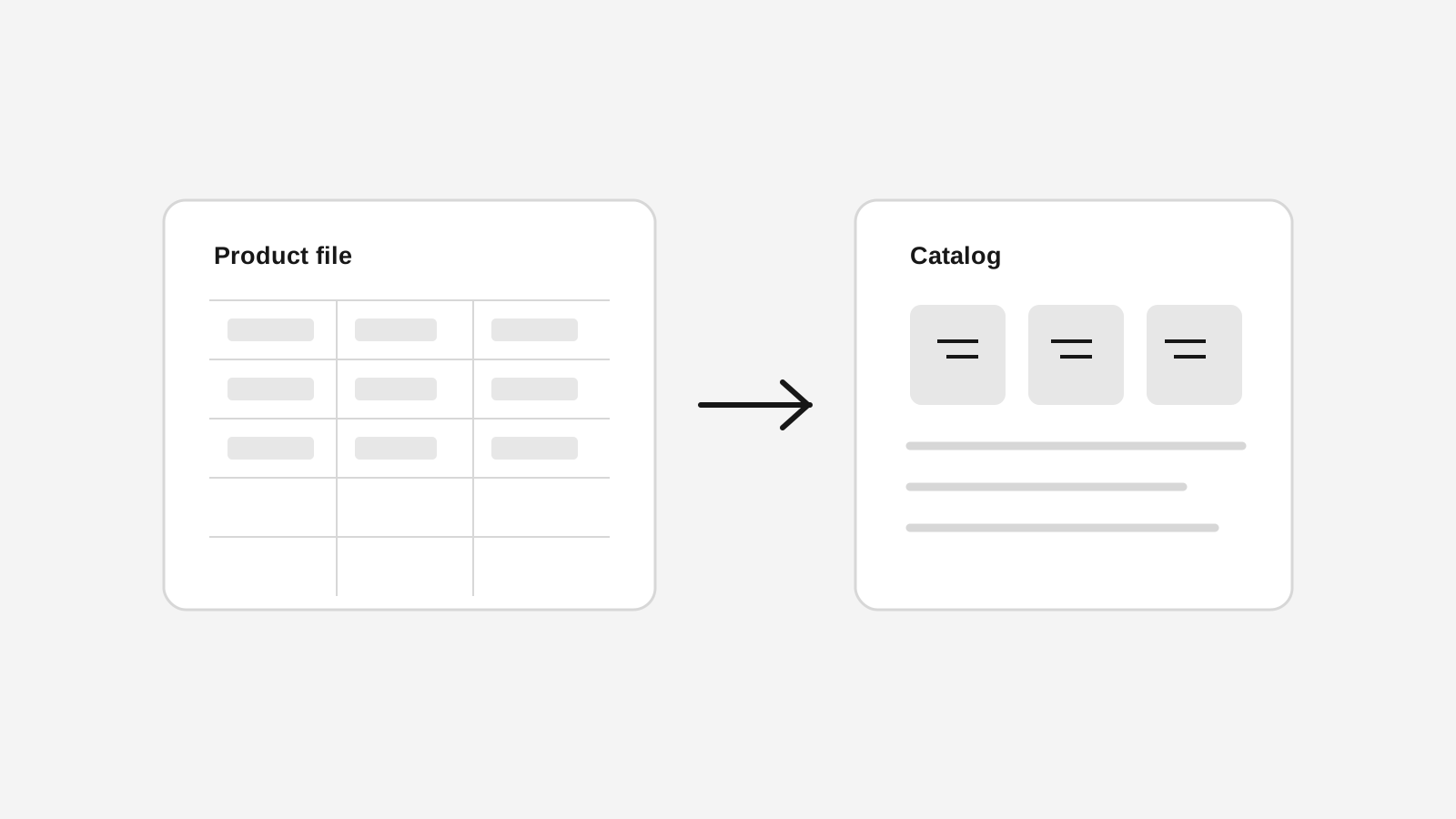
How the New Stoify Import Export System Keeps Catalog Work Moving
Stoify now includes reusable CSV and XLSX import and export controls for products, making it easier to move catalog data in and out without turning day-to-day merchandising into spreadsheet cleanup.
Explore more shipped features
Your store address
Custom domains for your storefront
Connect a domain you own to your Stoify storefront, follow clear DNS instructions, and check connection status from your dashboard. Included on Pro and above.
Forms module
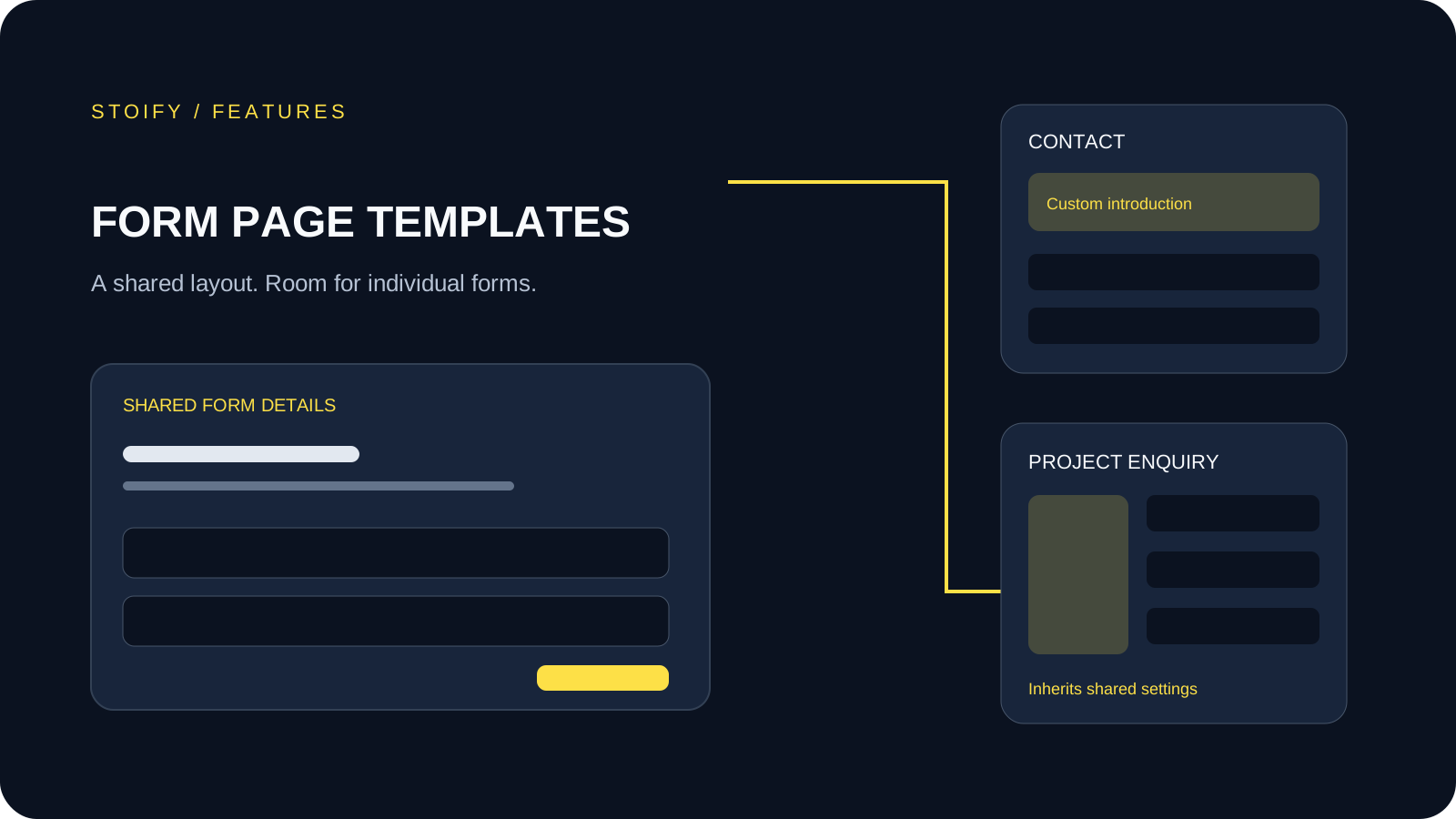
Form page templates and overrides
Design a shared layout for standalone storefront forms, then customize individual form pages with content sections and theme overrides.