
- Operations
- Order operations
- Shipped
Shopify-style returns, refunds, and cancellations
Handle returns, order cancellations, and partial refunds from one accountable order workflow with Stripe-aware status tracking.
Shipped and available in Stoify
Share this page
One order workflow from cancellation to refund
Returns, refunds, and cancellations are connected to the same order record in Stoify. Store teams can see why a return was opened, what was approved and received, how much was refunded, and whether Stripe has confirmed the payment movement.
Customers can request a return from eligible delivered physical items, see its current status in their account, and cancel an unfulfilled order before it is dispatched.
Receive stock without receiving it twice
Every receipt records its item quantities and receiving location. Teams can receive a return in multiple batches, while Stoify only adds the newly received quantity back into on-hand stock. That prevents repeated updates from creating phantom inventory.
Refund the right amount
The shared refund ledger is used for returns, dashboard refunds, and cancellations. Each refund retains its source, item/shipping/tax allocation, provider reference, idempotency key, status, and failure details. Refunds are capped by the captured order total and amounts already successfully refunded.
Keep cancellation safe
Unfulfilled orders can be cancelled by the customer or the store. Stoify releases only the inventory reservation—physical on-hand stock does not increase—and starts a full Stripe refund for captured payments. Orders that already have a shipment stay in the return workflow instead.
Read the launch announcement for the operational details.
Related reading
Read the Stoify writing connected to this shipped workflow.
- Education
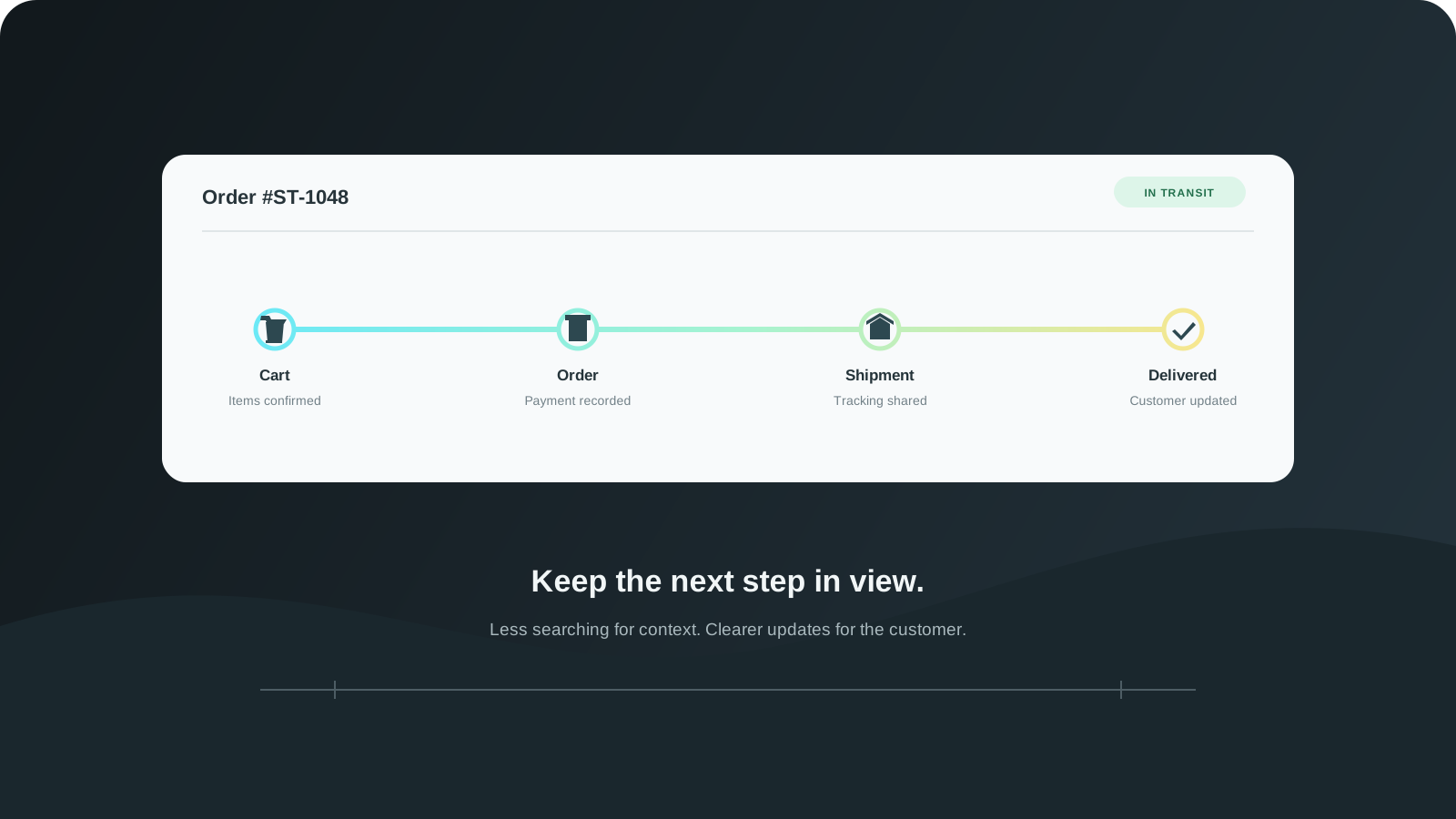
From Cart to Fulfillment With Fewer Gaps
The customer journey does not stop at checkout. Connect cart visibility, order handling, shipment updates, and returns so teams can follow what happens next.
- News
Announcing Shopify-style returns, refunds, and order cancellation
Stoify now connects return receiving, direct refunds, Stripe reconciliation, and pre-fulfillment order cancellation in one order workflow.
Explore more shipped features
Search visibility
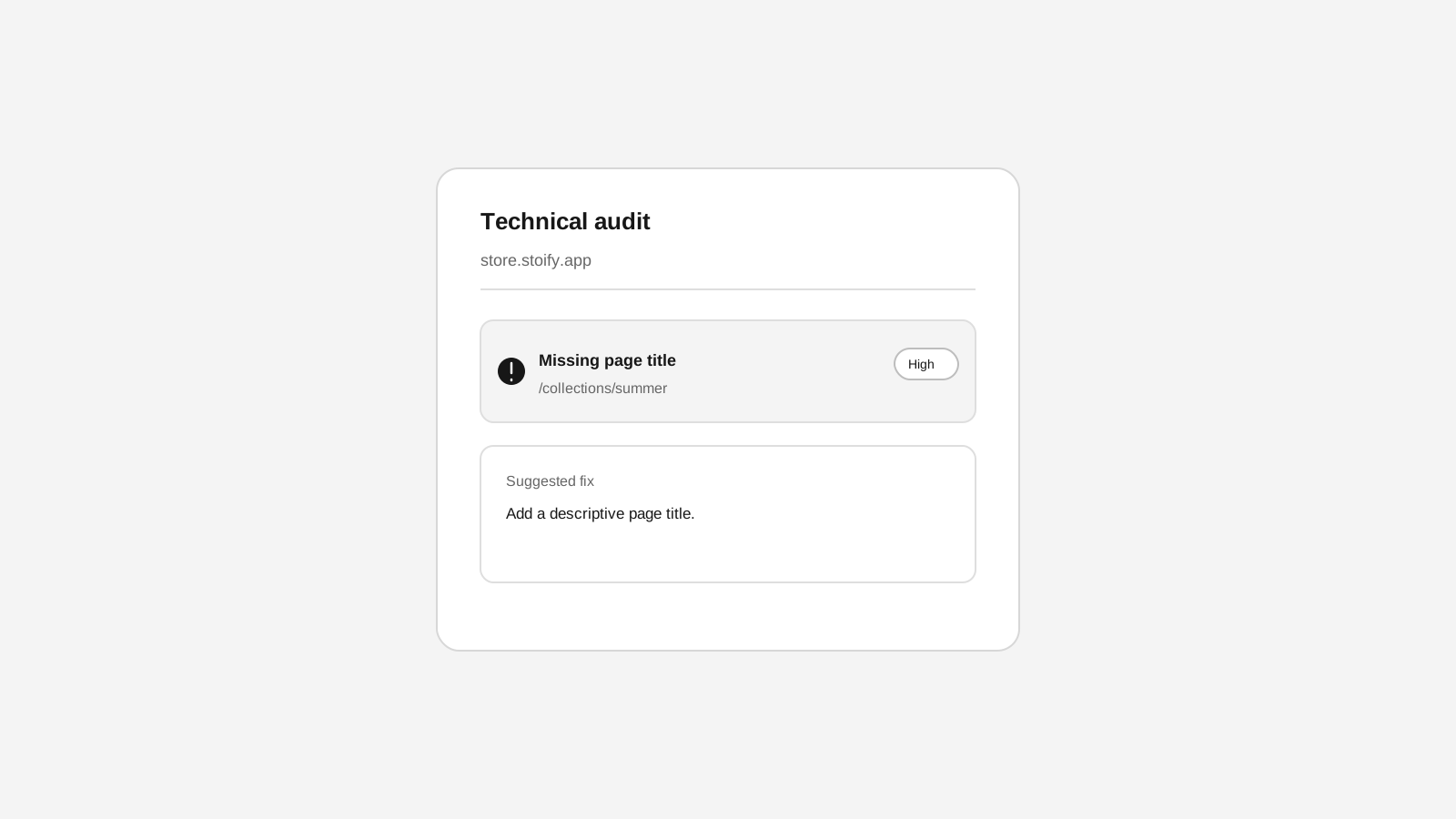
Technical SEO crawls for Stoify storefronts
Crawl public storefront pages for metadata, indexing, redirect, and sitemap issues from the SEO workspace.
Your store address
Custom domains for your storefront
Connect a domain you own to your Stoify storefront, follow clear DNS instructions, and check connection status from your dashboard. Included on Pro and above.