
- Storefront experience
- Storefront builder
- Shipped
Extensible storefront footer layouts
Keep the classic footer or switch to Editorial, Minimal Utility, and Split Showcase layouts with configurable wordmarks, link groups, and legal rails.
Shipped and available in Stoify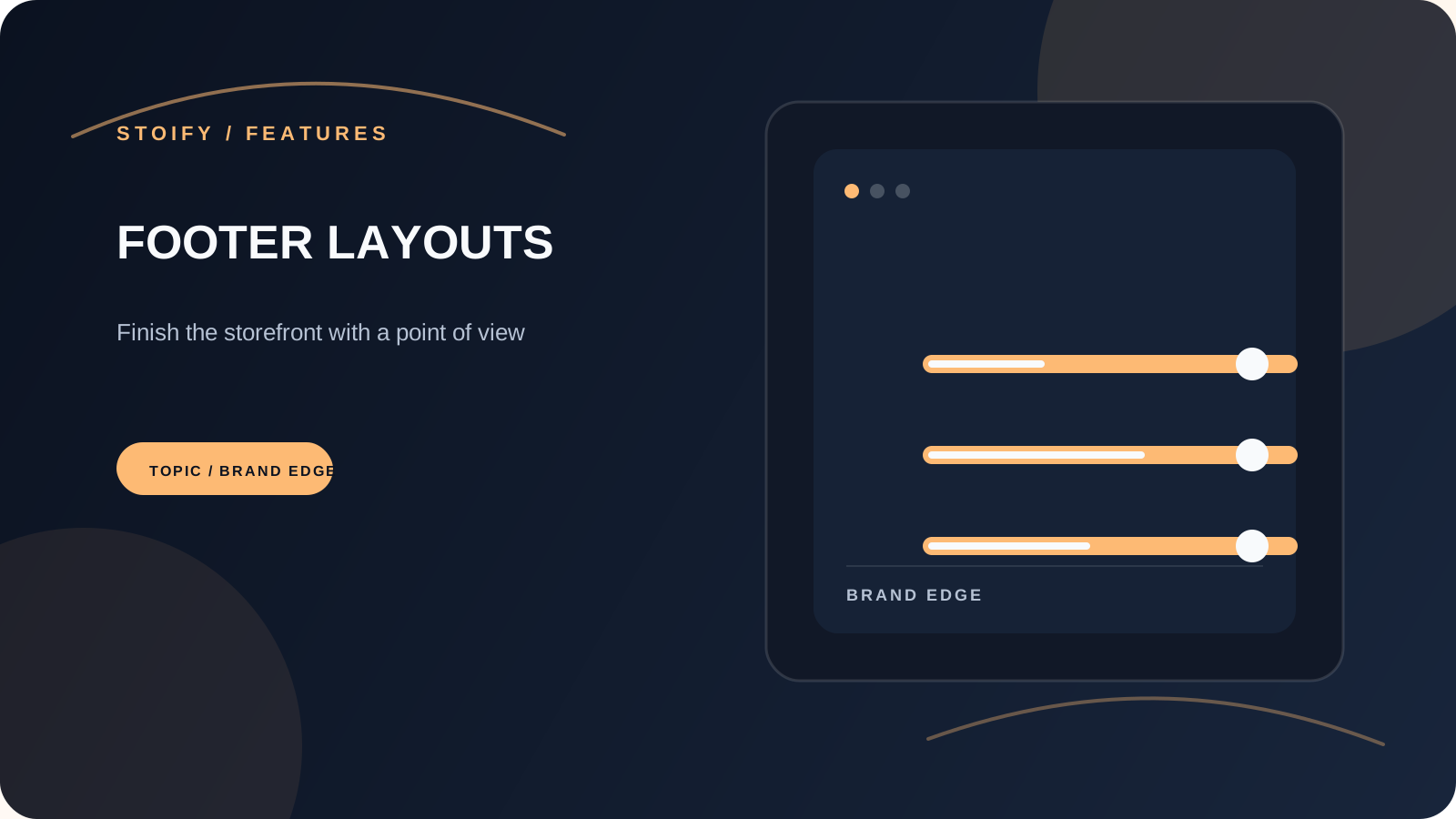
Share this page
A footer that can match the storefront
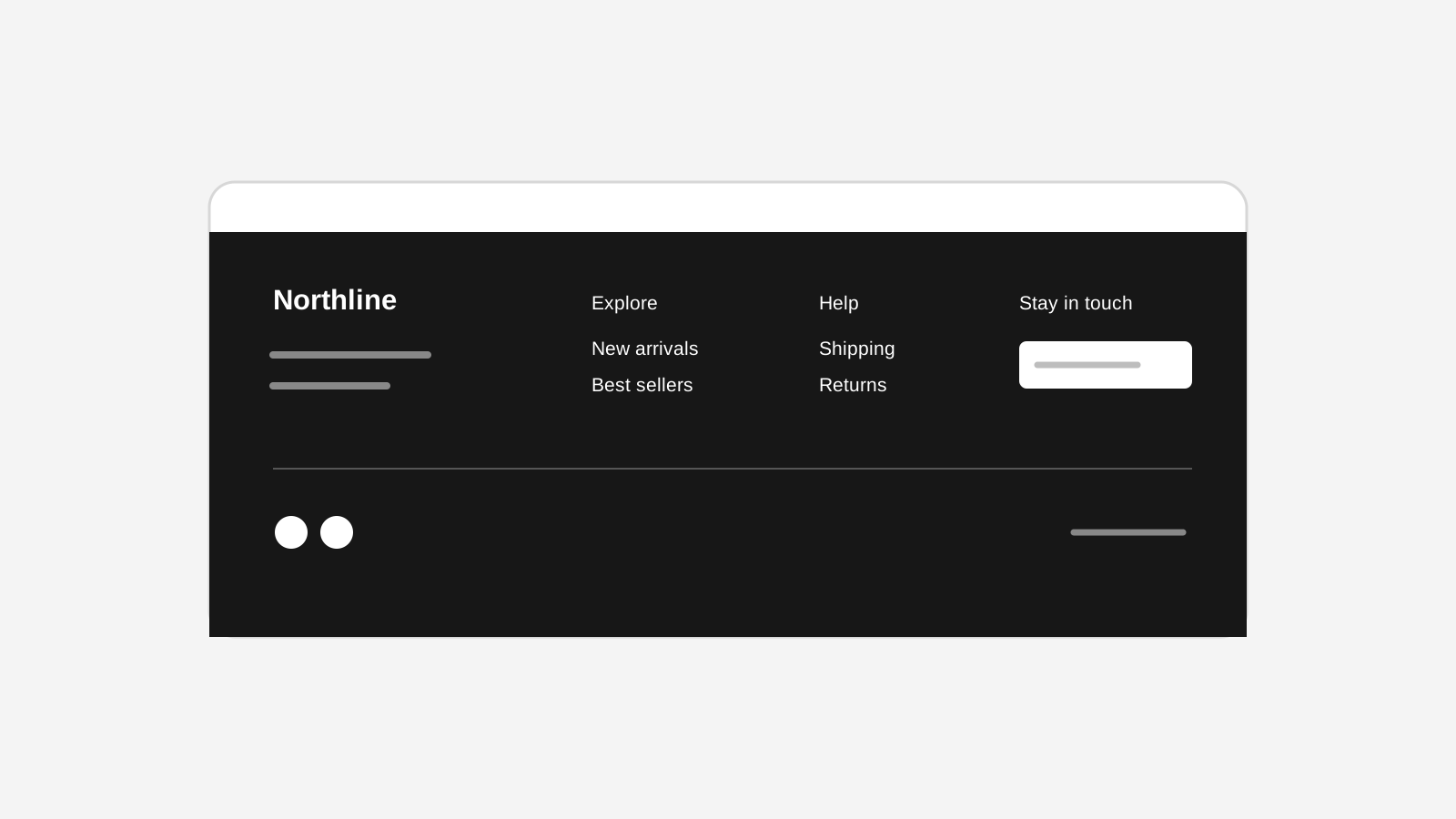
The footer is often the last piece of a storefront to get serious design attention. Stoify now lets merchants keep the dependable Classic footer or choose a layout with a stronger editorial point of view.
Editorial gives the footer room to breathe: a statement, grouped navigation, an optional legal rail, and an oversized wordmark that can be text or an uploaded image. Minimal Utility keeps the same information close to the edge of the page, while Split Showcase gives the brand statement and navigation equal visual weight.
Configurable, not locked to a template
Every layout uses the same editable footer content. Choose the store branding, tagline, social links, payment marks, legal links, address, and link groups from the builder inspector. Layout-specific controls cover wordmark source, size, alignment, visibility, and optional statement content.
Safe across preview and storefront
The dashboard preview and published storefront share the same footer layout renderer, so a layout change can be reviewed at desktop and mobile widths before publishing. Uploaded wordmarks use the existing site-scoped builder media lifecycle and are removed when they are no longer referenced.
Read the launch story in Give your storefront footer a point of view.
Related reading
Read the Stoify writing connected to this shipped workflow.
Explore more shipped features
Your store address
Custom domains for your storefront
Connect a domain you own to your Stoify storefront, follow clear DNS instructions, and check connection status from your dashboard. Included on Pro and above.
Forms module
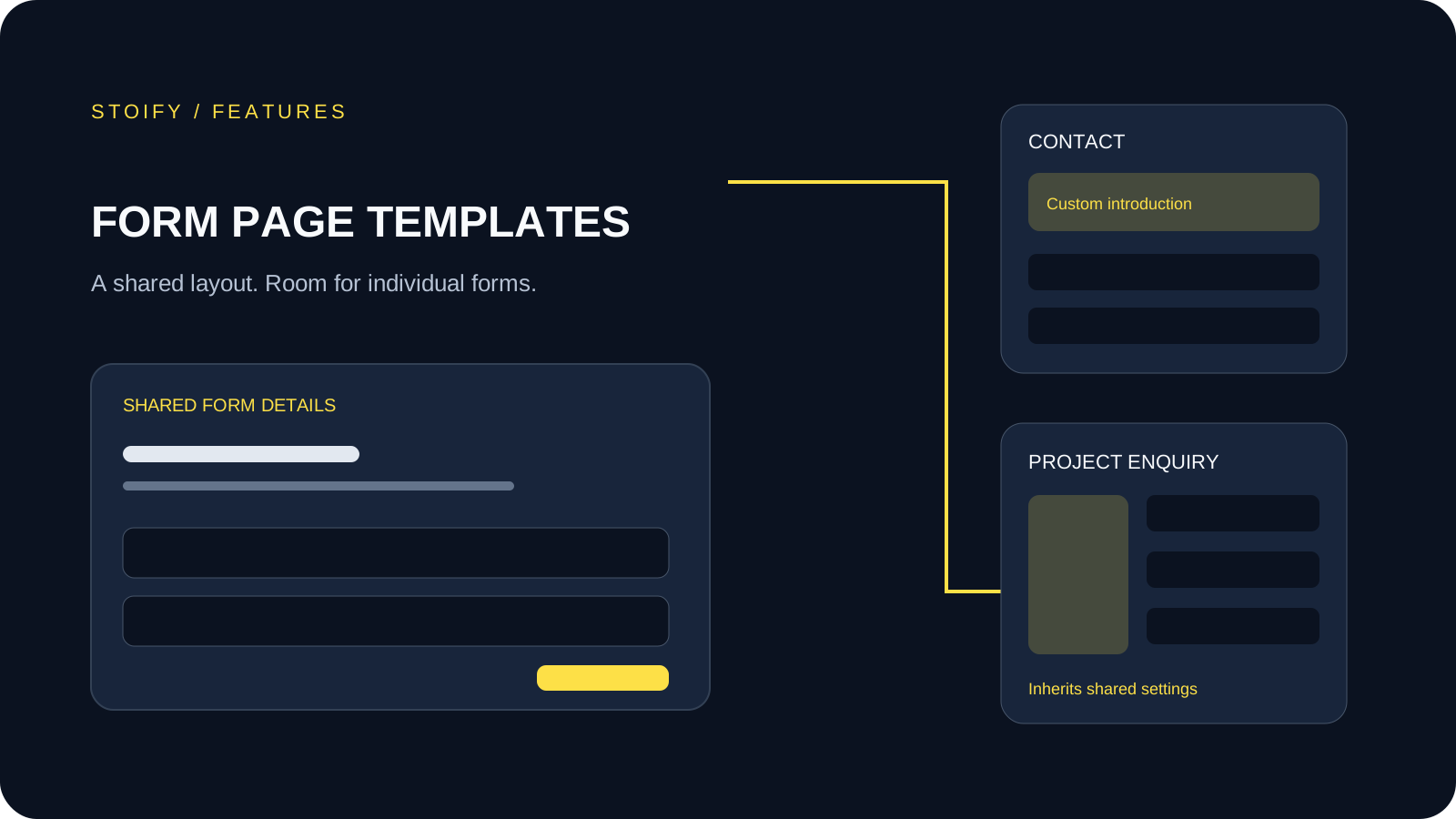
Form page templates and overrides
Design a shared layout for standalone storefront forms, then customize individual form pages with content sections and theme overrides.