
- Growth
- Visibility
- Shipped
Storefront SEO controls and audits in one workspace
Manage page metadata, canonicals, sitemap coverage, and mobile or desktop PageSpeed audits from the same Stoify workflow that publishes your store.
Shipped and available in Stoify
Share this page
SEO works better when it stays close to the work
Search visibility often becomes a last-minute cleanup task. That usually leads to inconsistent metadata, rushed decisions, and one more tool that the team has to keep in sync.
Stoify handles SEO differently. The goal is to place the essentials inside the day-to-day storefront workflow so optimization feels like part of publishing, not a separate project.
Page-level controls without losing automatic defaults
Enable SEO in Settings → Modules to add optional meta title, meta description, and canonical URL controls to products, collections, categories, brands, custom pages, blog posts, events, forms, and legal pages. Leave any field blank and Stoify keeps using its existing automatic metadata.
Canonical values can be storefront-relative paths or absolute HTTPS URLs. Stoify warns when a canonical points to another domain and removes that source page from the local sitemap so crawl signals stay consistent.
A PageSpeed workspace for the whole storefront
The new SEO dashboard inventories published and draft pages in one table. Switch between mobile and desktop results, filter by resource or index state, and audit one page or up to ten selected pages at a time. Summary cards keep Google Lighthouse SEO, Performance, and Accessibility scores separately. The day-to-day resource tables also show a compact SEO score that averages the available completed Mobile and Desktop SEO results, while the detailed workspace preserves each device result independently.
For sites with the module enabled, Stoify also refreshes both mobile and desktop audits daily. Only published, public, indexable pages enter that scheduled queue, with PageSpeed requests kept to two at a time.
Each page detail view includes Core Web Vitals lab measurements, grouped findings, metadata readiness, an approximate search-result preview, and links back to the owning editor and live storefront page.
Draft, hidden, password-protected, and maintenance-mode pages still receive metadata checks, but Stoify waits until a public URL is auditable before calling PageSpeed Insights.
Why teams benefit from this
When SEO controls live inside the same workspace as products and storefront setup, more of the team can understand what is changing and why. That improves consistency and lowers the cost of keeping things healthy over time.
Good foundations from the start
Automatic storefront metadata, robots rules, and sitemap output remain part of the platform foundation. The optional SEO module adds deeper control and reporting without making baseline search correctness dependent on it.
Read the SEO workspace launch post for the release overview. If you want the technical search-performance angle, Why Next.js SEO Optimizations Matter for Ecommerce Sales goes deeper on how faster rendering and cleaner metadata turn into revenue. For product-level discoverability, pair these controls with product management and clear category or collection structure.
Related reading
Read the Stoify writing connected to this shipped workflow.
- News
- Product
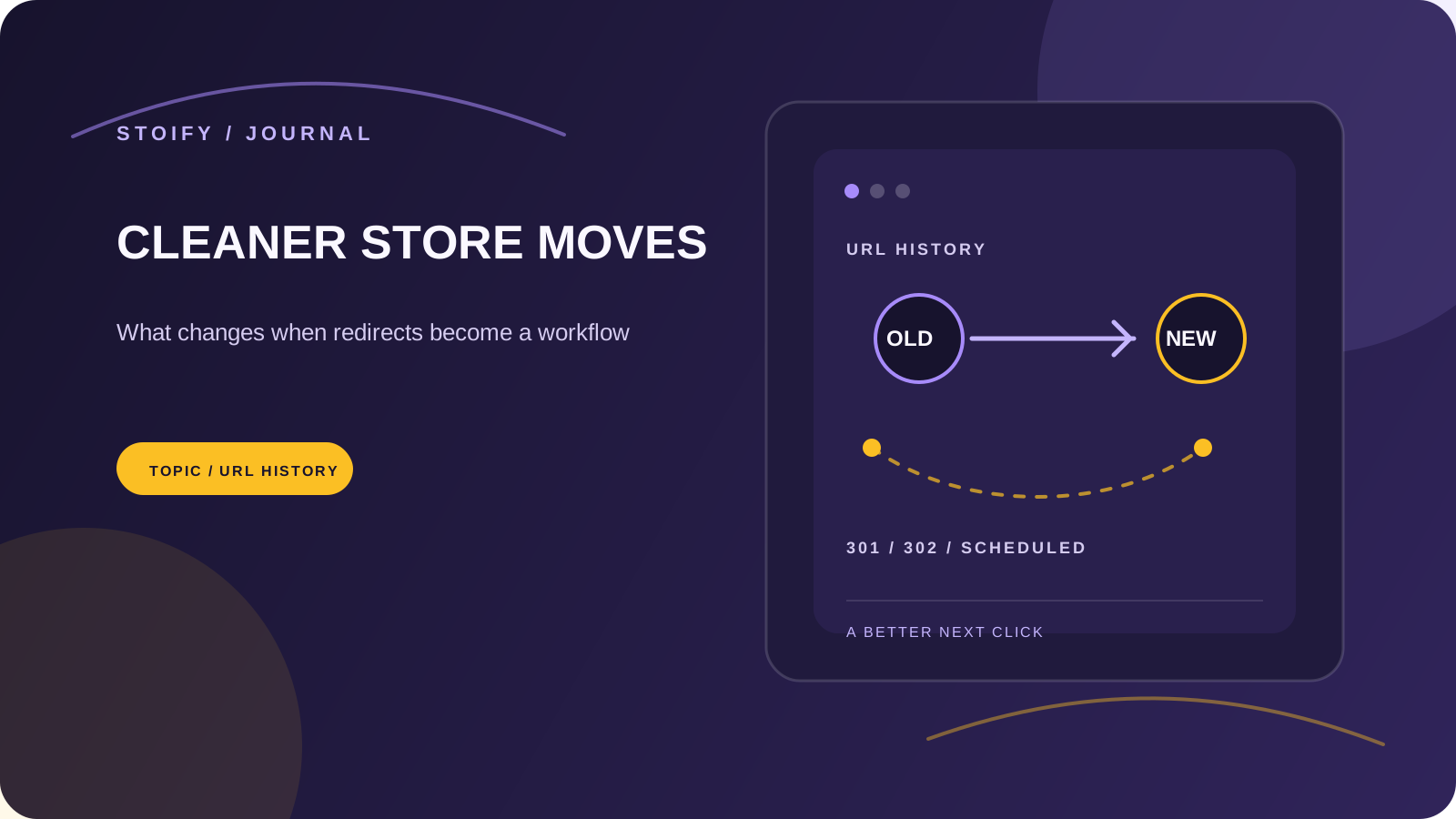
Announcing Stoify redirect management
Stoify now gives merchants a safe, site-scoped workflow for 301 and 302 storefront redirects with scheduling, expiry, and query preservation.
- News
- Education
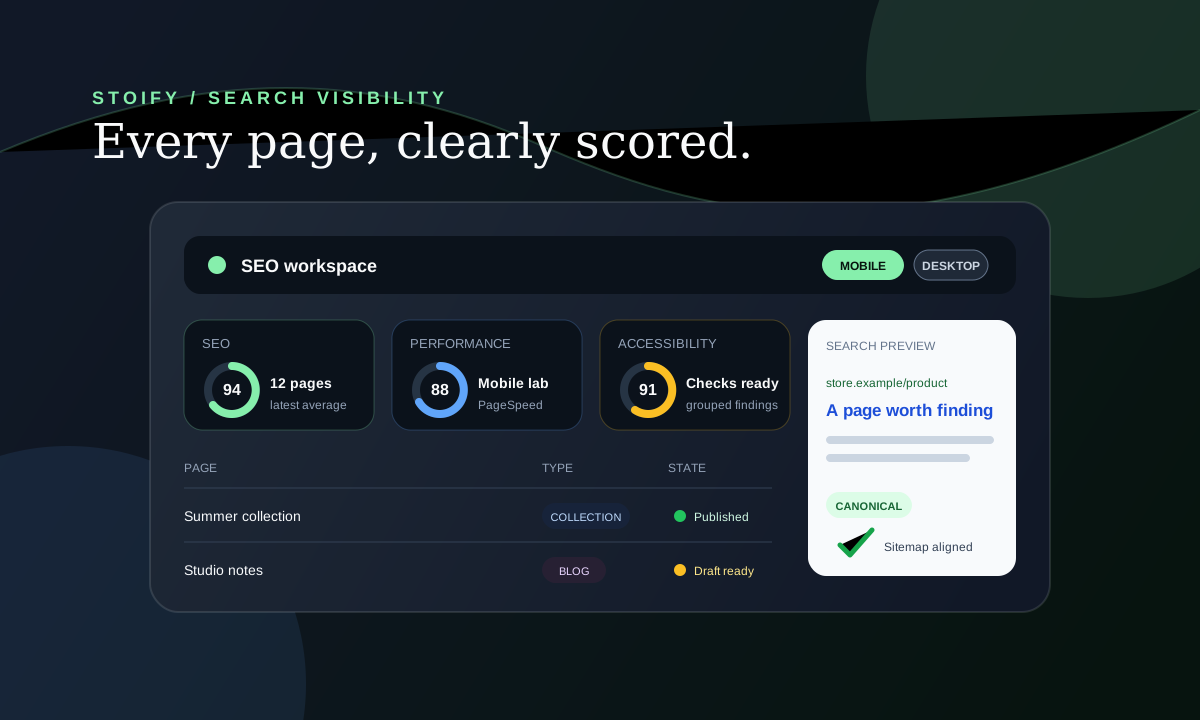
Introducing the Stoify SEO workspace
Stoify now brings page-level metadata, canonical control, sitemap readiness, and Google PageSpeed audits into one module-aware storefront workflow.
Explore more shipped features
Your store address
Custom domains for your storefront
Connect a domain you own to your Stoify storefront, follow clear DNS instructions, and check connection status from your dashboard. Included on Pro and above.
Forms module
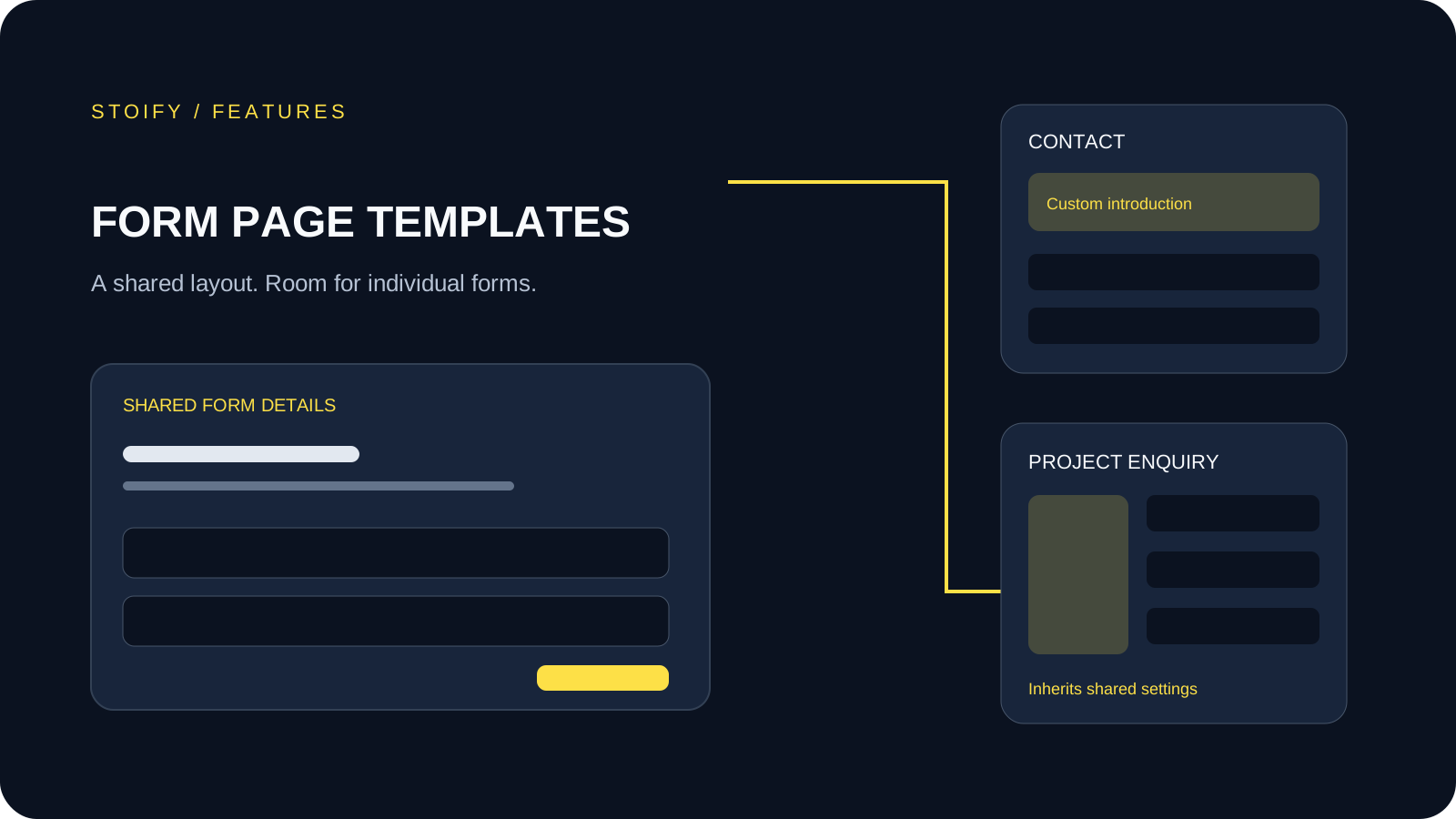
Form page templates and overrides
Design a shared layout for standalone storefront forms, then customize individual form pages with content sections and theme overrides.