
- Storefront experience
- Your work and your story
- Shipped
Portfolio page builder
Build a personal site with editable introductions, skills, contact links, story timelines, and project details in the Stoify page builder.
Shipped and available in Stoify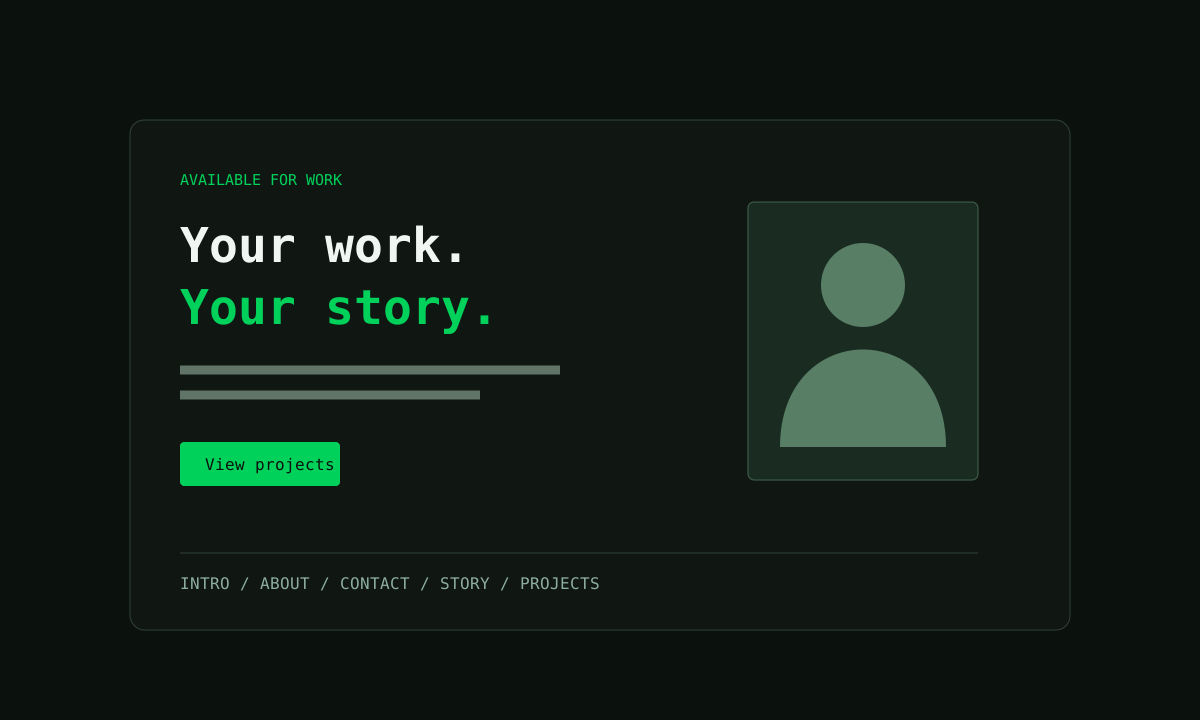
Share this page
A personal site in your existing builder
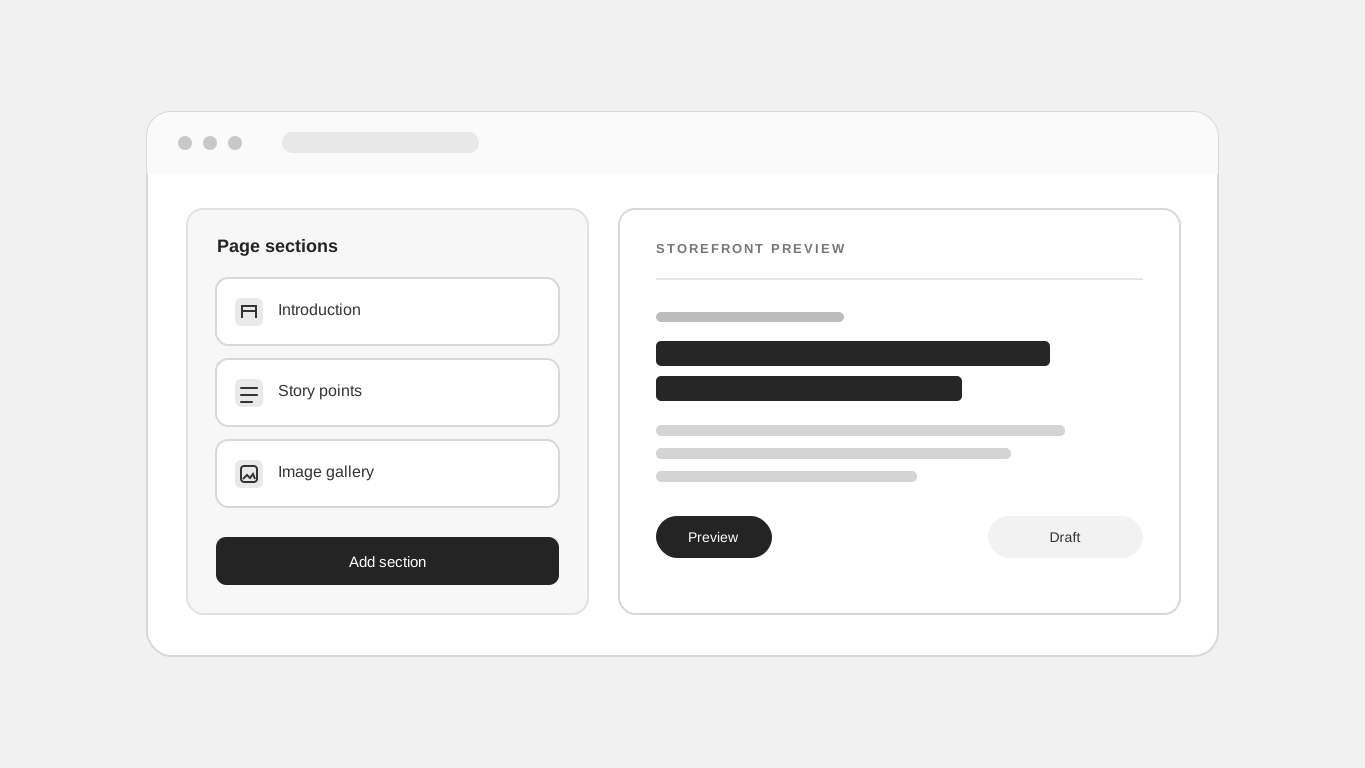
Portfolio layouts give your work and story their own space. Open the page builder, choose Add section, and find the five Portfolio entries under Content. Add them to the home page or a custom page.
Five layouts, editable content
Intro combines a portrait, availability label, highlighted name, subtitle, description, action buttons, and social links. About & Skills pairs a biography with profile facts and comma-separated skill tags. Contact displays labelled links for email, social profiles, telephone numbers, or another page.
Story Timeline alternates dated milestones and optional images on desktop, then stacks them on mobile. Each milestone has editable dates, descriptions, and tags. Project Detail adds a cover image, technology tags, and numbered descriptions with optional images and project links. Repeat it for each case study.
Use your site’s existing style
The layouts inherit your site’s fonts, colors, buttons, and corner radius. Use the existing theme and section styling controls to adjust their appearance. Upload your own photography through the existing media picker. Add, remove, or reorder facts, links, milestones, and project details in the inspector.
Publish through the same workflow
Use the existing custom pages and navigation to connect Home, Story, Projects,
and Contact. Match anchor buttons such as #contact to the section's HTML ID.
Set the site's address through its existing site settings; adding a portfolio
block does not reserve a subdomain or change domain configuration.
Read the portfolio blocks launch post.
Related reading
Read the Stoify writing connected to this shipped workflow.
- Education
Let Commerce Teams Build Their Own Storefront Workflows, Safely
Give the people closest to your customers more room to shape storefront pages and workflows, while keeping access, review, and publishing under control.
- Education
Use Stoify Free to build a portfolio site
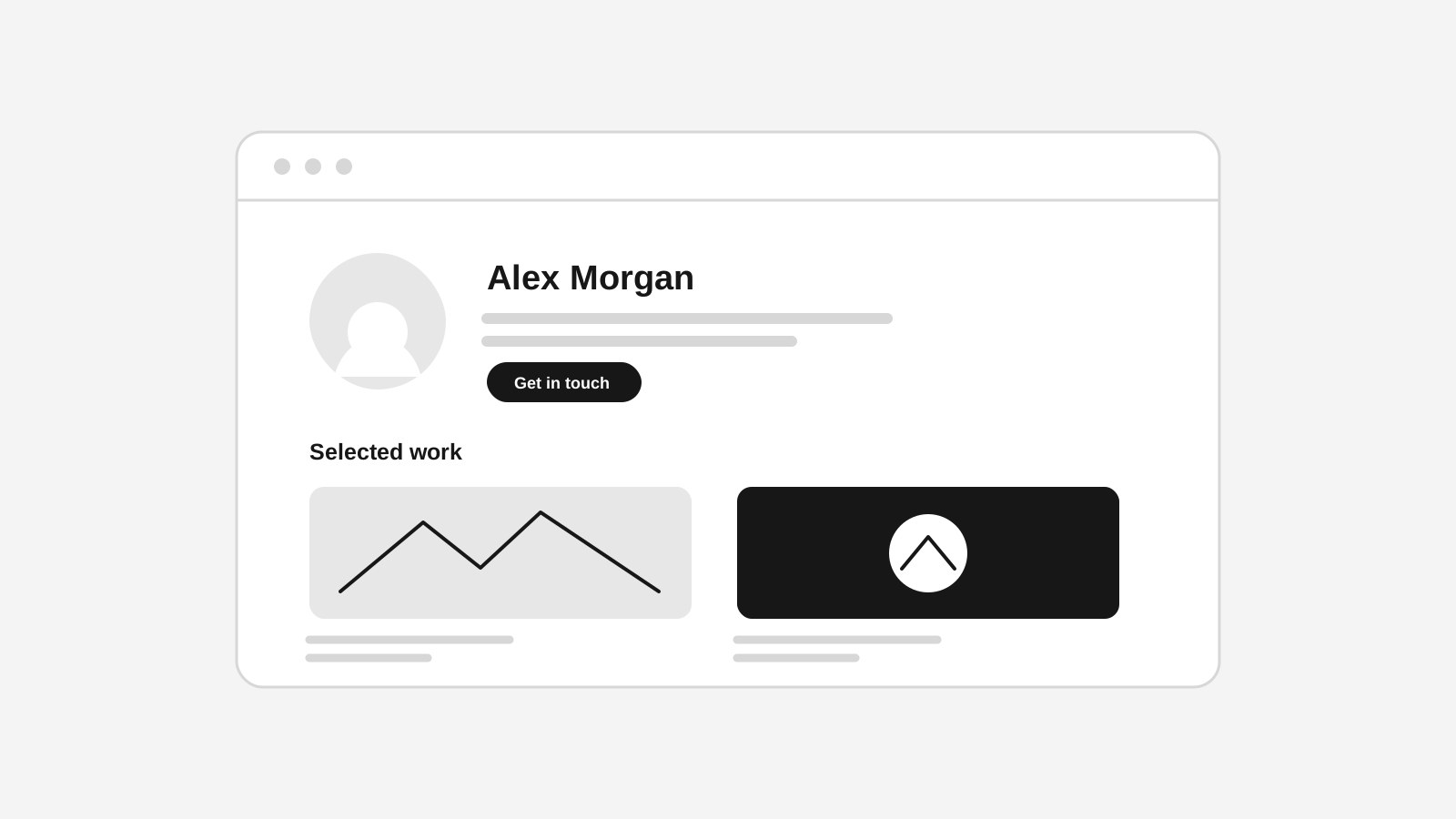
Turn one Stoify site into a clear home for your introduction, selected work, project stories, and contact details without starting with a custom domain.
Explore more shipped features
Storefront experience
Storefront Progressive Web Apps with offline caching
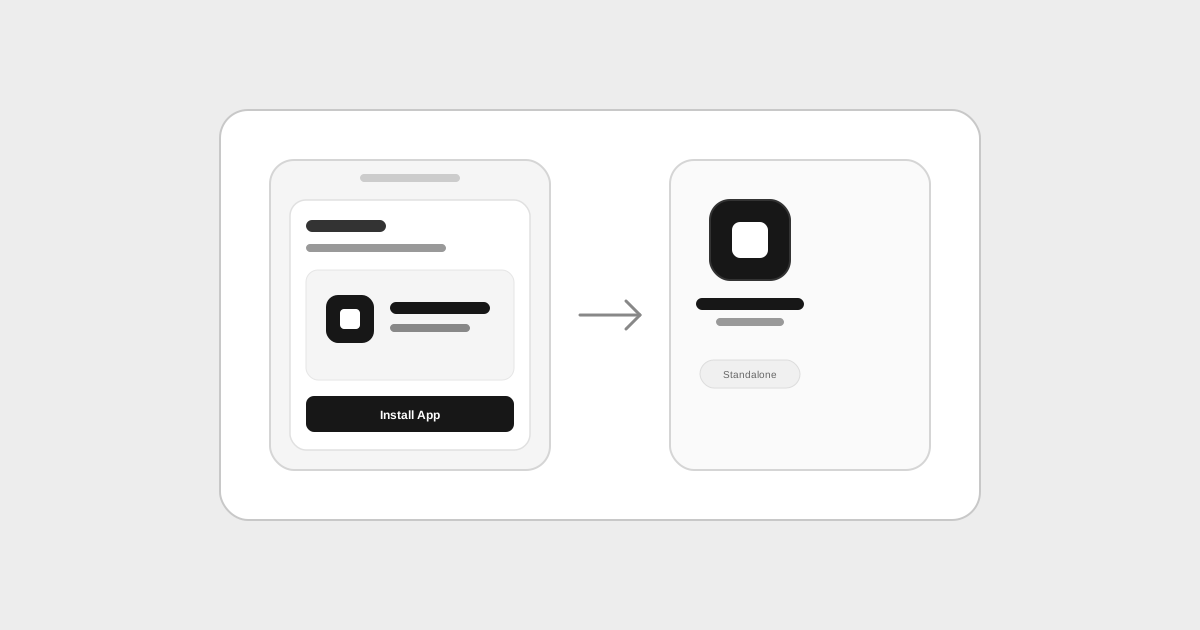
Turn your storefront into an installable mobile app with automatic metadata inference from store settings, home-screen installation, and offline fallback caching.
Developer Mode
Custom React blocks for the storefront builder
Create reusable TypeScript React sections in Code mode, declare content controls, and edit block props from the visual inspector.