
- Merchandising
- Catalog
- Shipped
Product management that stays fast as your catalog grows
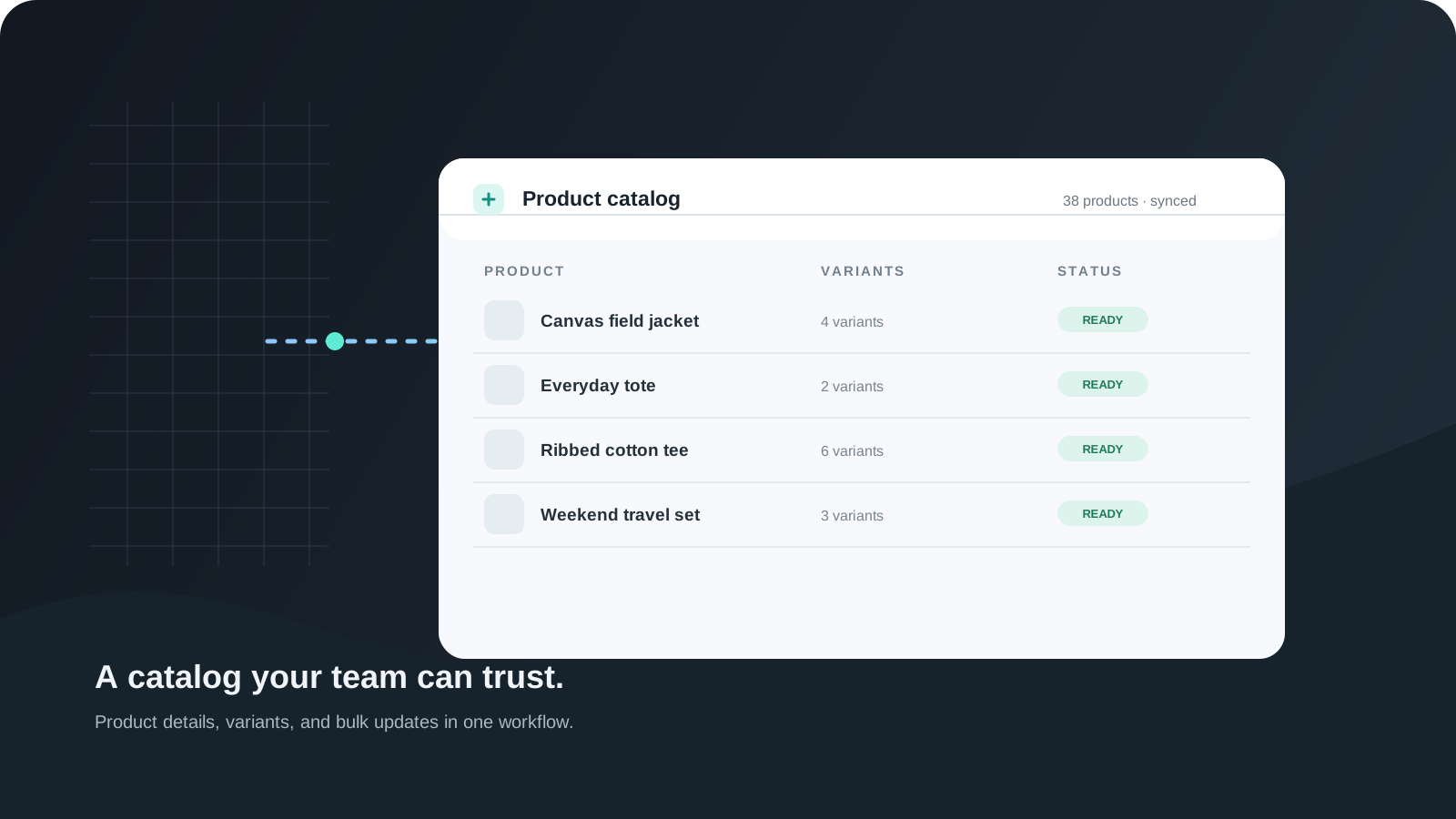
Manage product details, variants, media, digital downloads, categories, collections, pricing, and visibility from one focused workflow.
Shipped and available in Stoify
Share this page
The core idea
Catalog management should not feel like platform maintenance. It should feel like shaping the storefront your customers are about to see.
Stoify keeps that focus by making product editing direct, structured, and easier to scan. You are not pushed through a maze just to update a title, reorganize media, or prepare a new item for launch.
What the workflow covers
- Product names, descriptions, slugs, pricing, and variant options.
- Product and variant media, including visual swatches where a product needs them.
- Digital download files for products and variants.
- Categories, collections, and structure that supports a growing catalog.
- Visibility, publication timing, and publishing readiness.
For larger catalog changes, the same workflow connects to catalog import and export, so spreadsheet work can be reviewed before it changes existing products.
Why this matters operationally
Catalog quality affects more than merchandising. It changes how quickly your team can launch, how clearly customers understand what they are buying, and how much friction appears when inventory and storefront content need to stay aligned.
That is why Stoify treats product management as a core operating surface, not a side panel somewhere inside the platform. Product structure also feeds the storefront, inventory, search visibility, carts, and the public catalog API.
What changes as you scale
When your catalog is small, speed matters most. When your catalog grows, consistency matters more. Stoify is designed to handle both phases without forcing a different workflow every time your store gets more complex.
A better starting point
The free tier gives you a lightweight place to launch and test your structure. Paid plans open up more room, but the basic workflow stays familiar. That keeps the transition from early setup to active selling much smoother.
This becomes even more useful when it stays connected to storefront SEO controls and the everyday workflow decisions covered in Best Ecommerce Platform for Small Teams: Why Operating Clarity Matters.
Related reading
Read the Stoify writing connected to this shipped workflow.
- Education
When Your Product Catalog Outgrows Spreadsheets
A growing product catalog needs more than a shared sheet. Learn how connected product, variant, media, and import workflows keep updates easier to manage.

- News
- Education
Announcing Stoify selective product duplication
Stoify now lets merchants create Draft product copies with selectable catalog data, direct collection references, and independent digital downloads.
Explore more shipped features
Your store address
Custom domains for your storefront
Connect a domain you own to your Stoify storefront, follow clear DNS instructions, and check connection status from your dashboard. Included on Pro and above.
Forms module
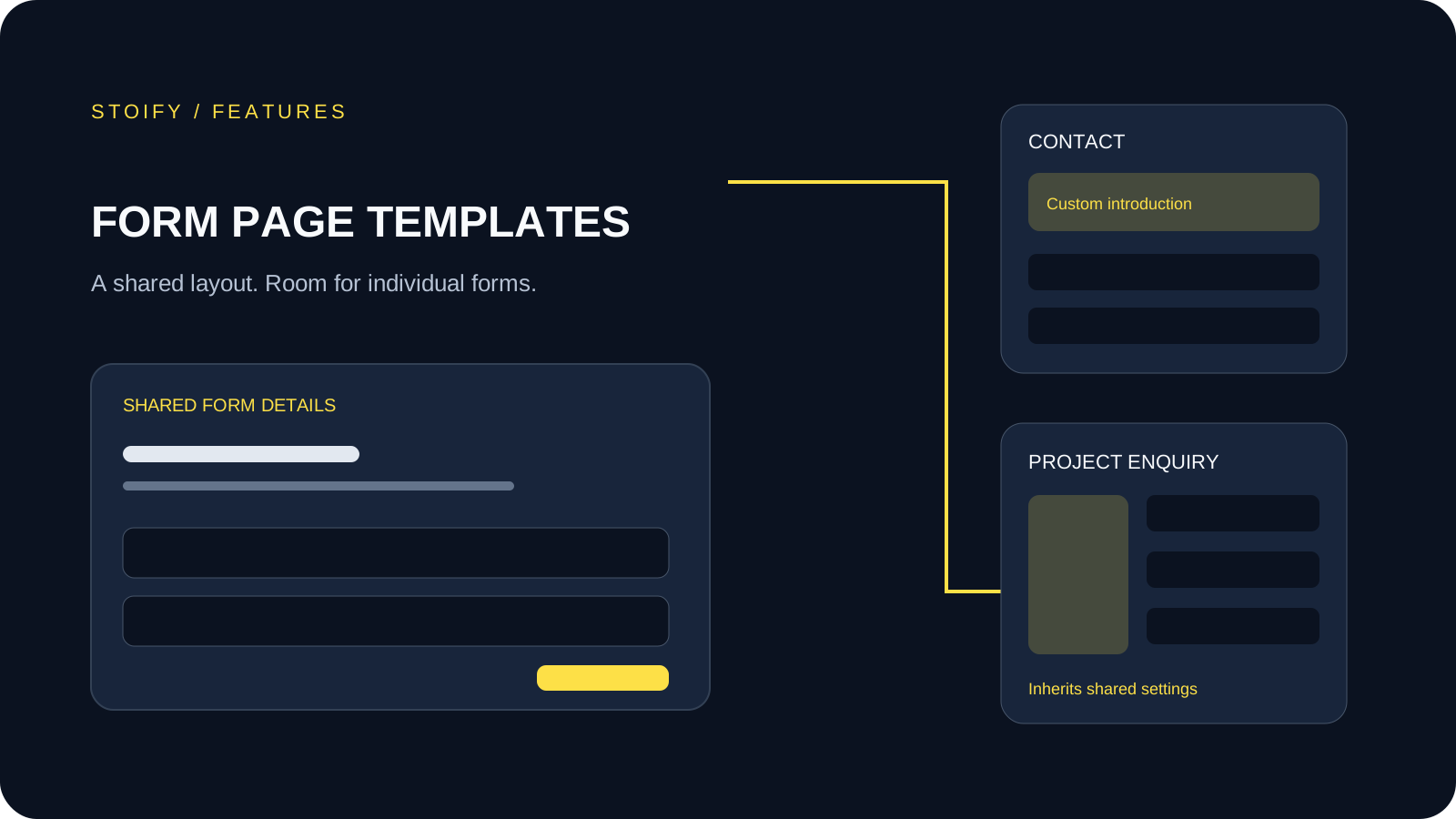
Form page templates and overrides
Design a shared layout for standalone storefront forms, then customize individual form pages with content sections and theme overrides.